Vigor2760 Series User’s Guide
195
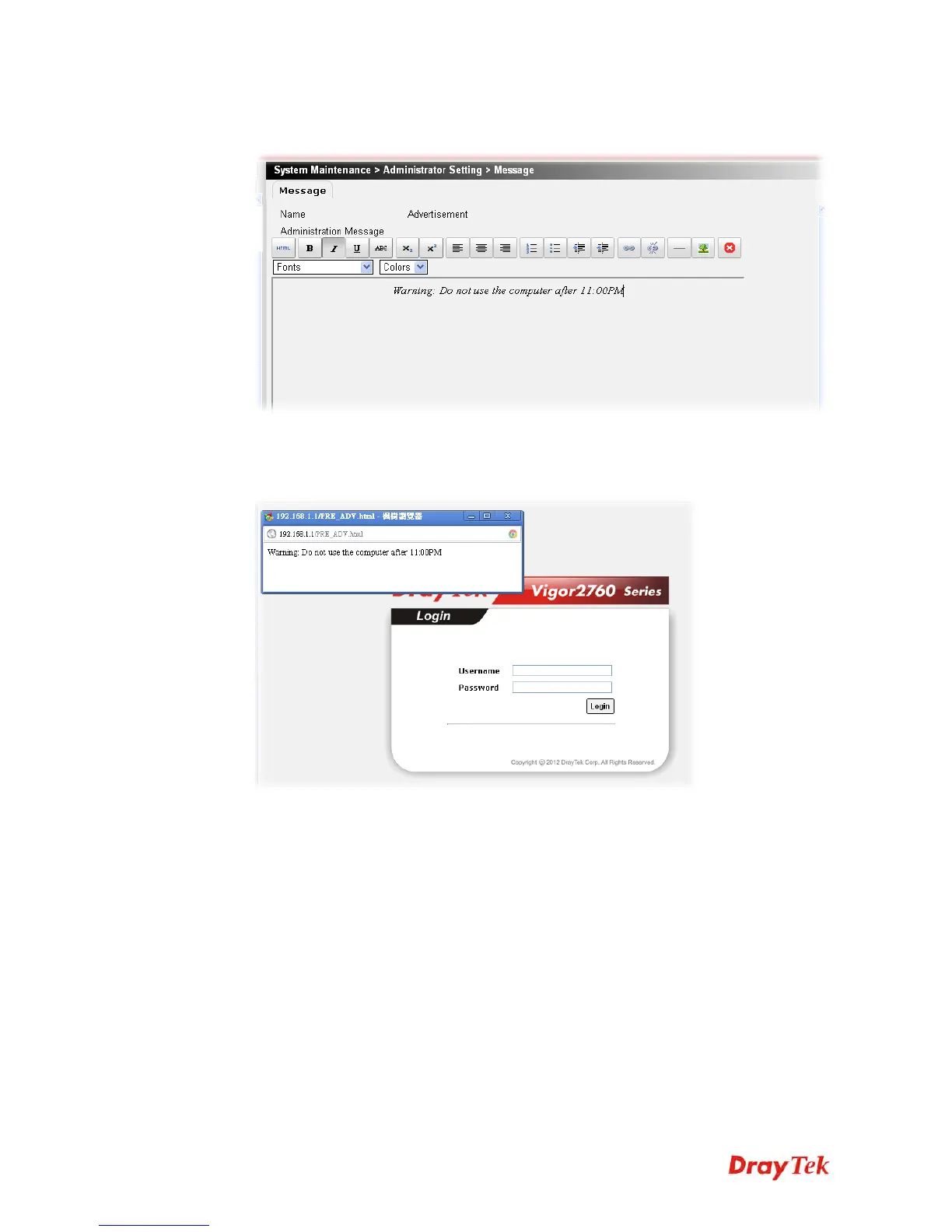
5. In the Administration Message box, type the message that you want to display on the
screen (e.g., Warning: Do not use the computer after 11:00PM).
6. After finishing the writing, click Apply to save the setting.
7. Log out Vigor router and re-log into the web user interface of Vigor2760. You will see a
pop-up window with the sentence – “Warning: Do not use the computer after 11:00PM”.











 To Next Page