Vigor2760 Series User’s Guide
258
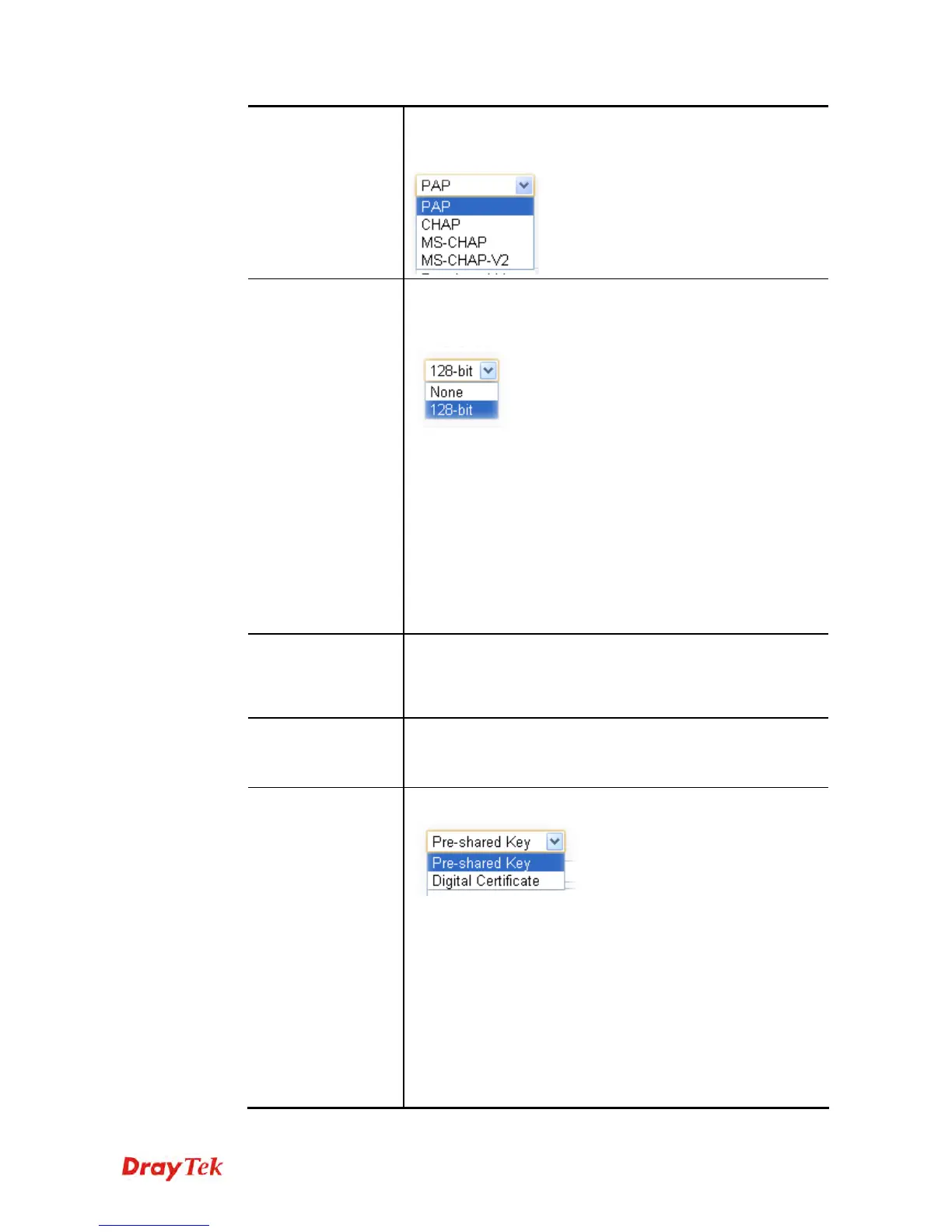
PPP Authentication
This field is applicable when you select PPTP or L2TP above.
PAP/CHAP is the most common selection due to wild
compatibility.
MPPE Encryption
This field is applicable when you select PPTP as server type
and choose MS-CHAP or MS-CHAP-V2 as PPP
Authentication.
None – It means the MPPE encryption is disabled. That
is, if the remote end chooses Required as MPPE
encryption with 128-bit enabled on the remote host, the
VPN tunnel between both ends cannot be established.
128-bit – It means the MPPE encryption selected by the
local end only accepts 128-bit mechanism. If the remote
end chooses Required as MPPE encryption without
enabling 128-bit, the VPN tunnel between both ends
cannot be established. It is very important to set both
ends with the same MPPE Encryption.
VJ Compression
This field is applicable when you select PPTP or L2TP above.
VJ Compression is used for TCP/IP protocol header
compression. Normally, check it to improve bandwidth
utilization.
Security Mode
This field is applicable when you select L2TP (with L2TP over
IPsec enabled) or IPsec above.
Currently, the default setting is ESP.
Authentication
Method
This group of fields is applicable for IPsec and L2TP.
If you choose Pre-shared Key, you have to configure,
Pre-shared Key - Type 1-63 characters as pre-shared key.
Confirm Pre-shared Key - Type the pre-shared key again for
confirmation.
If you choose Digital Certificate, you have to configure the
following settings for both local end and remote end.
Local Certificate – Choose a certificate profile used for Vigor
router. The certificate profile is defined in Certificate
Management>>Local Certificate.
Peer Certificate – Choose a certificate profile used for remote











 To Next Page