Vigor2760 Series User’s Guide
272
remote CA. It is similar to a password but generally it is
longer for security.
Confirm Passphrase
This item will be available when Certificate or PKCS12 is
chosen as the Type.
Type the string again for confirmation.
Apply
Click it to save the settings.
Clear
Click it to remove the modification of the web page.
Cancel
Click it to exit the web page without saving the
configuration.
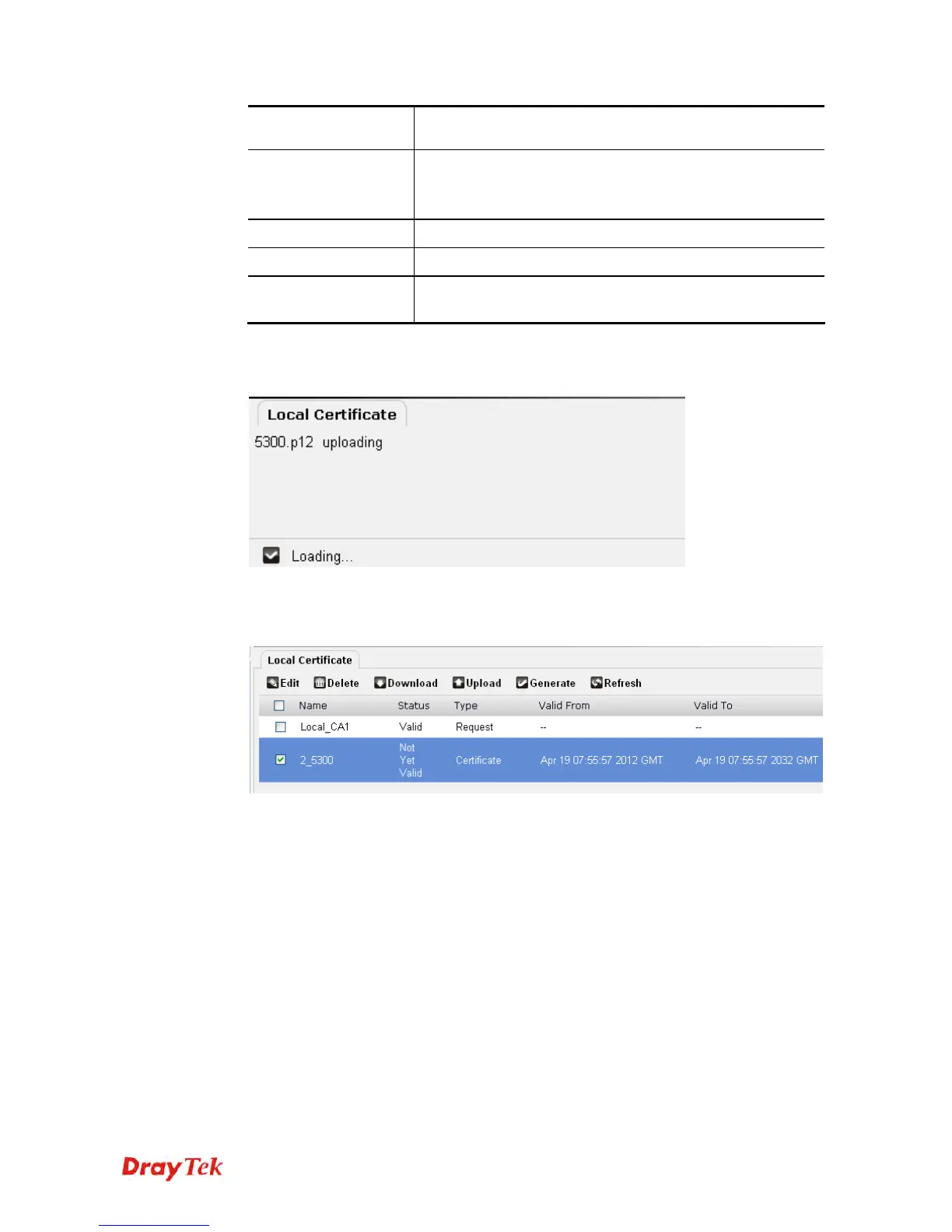
3. After finished the settings above, click Apply to save the file and wait for the messages
“Loading” and then “Done” appear.
4. The Certificate has been uploaded to Vigor router and displayed on this page.











 To Next Page