Vigor2760 Series User’s Guide
276
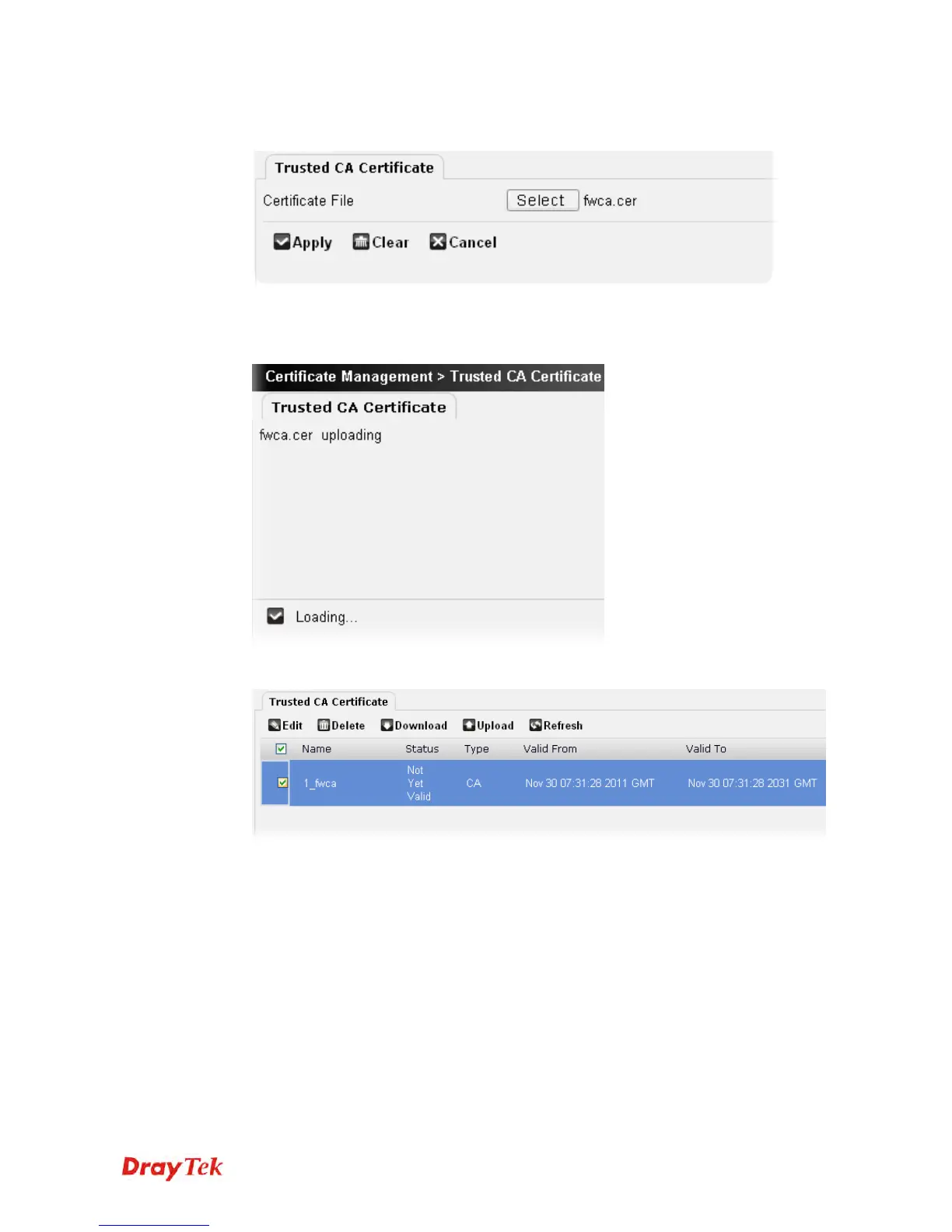
2. The following setting page will appear. To specify a file, click the Select File button to
locate the one you want.
3. After finished the settings above, click Apply to save the file and wait for the messages
“Loading” and “Done” appear.
4. A trusted CA certificate has been uploaded to Vigor router and displayed on this page.











 To Next Page