Vigor2760 Series User’s Guide
38
7 Now, you have finished the product registration.
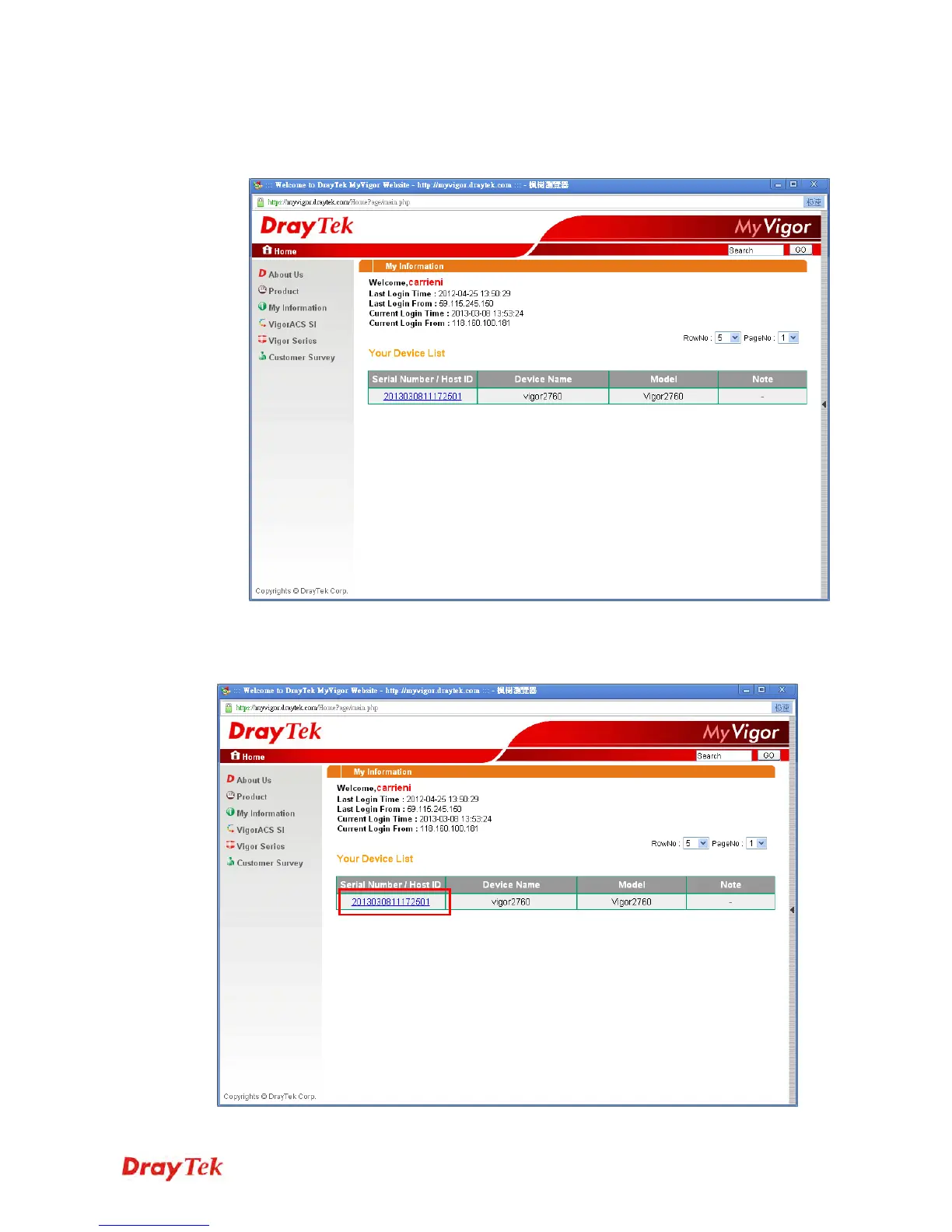
8 After clicking OK, you will see the following page. Your router has been registered to
myvigor website successfully.
2.4.1 Supplementation
If you have not activated web content filter service by using Activation Wizard, you can
activate the service from this section. Please click the serial number link.











 To Next Page