Vigor2760 Series User’s Guide
71
number. The range is form 1 to 4000.
Priority (802.1p) - Type the packet priority
number for such VLAN. The range is from 0 to 7.
IPv4 Setting – It is available when IPv4 is selected as IP
Version.
IP Address – Type an IP address for the protocol.
Subnet Mask –Type a subnet mask value for the
protocol.
Gateway – Type an IP address to the gateway for
the protocol.
Default Route - Check the box to enable the
default route for such WAN profile.
IPv6 Setting – It is available when IPv6 is selected as IP
Version.
IP Address – Type an IP address for the protocol.
Gateway – Type an IP address to the gateway for
the protocol.
Default Route - Check the box to enable the
default route for such WAN profile.
Detect Setting - Such function allows you to verify whether
network connection is alive or not through or Ping detection
or Auto detection.
Connection Detection - Check the box of
Connection Detection to enable such function.
Connection Detection Mode - Choose the
detection mode.
Always On - If you want to connect to Internet all the time,
check the Always On box.
Advanced Settings
Available settings on this part will change according to the
Profile Type (ADSL/VDSL2) selection.
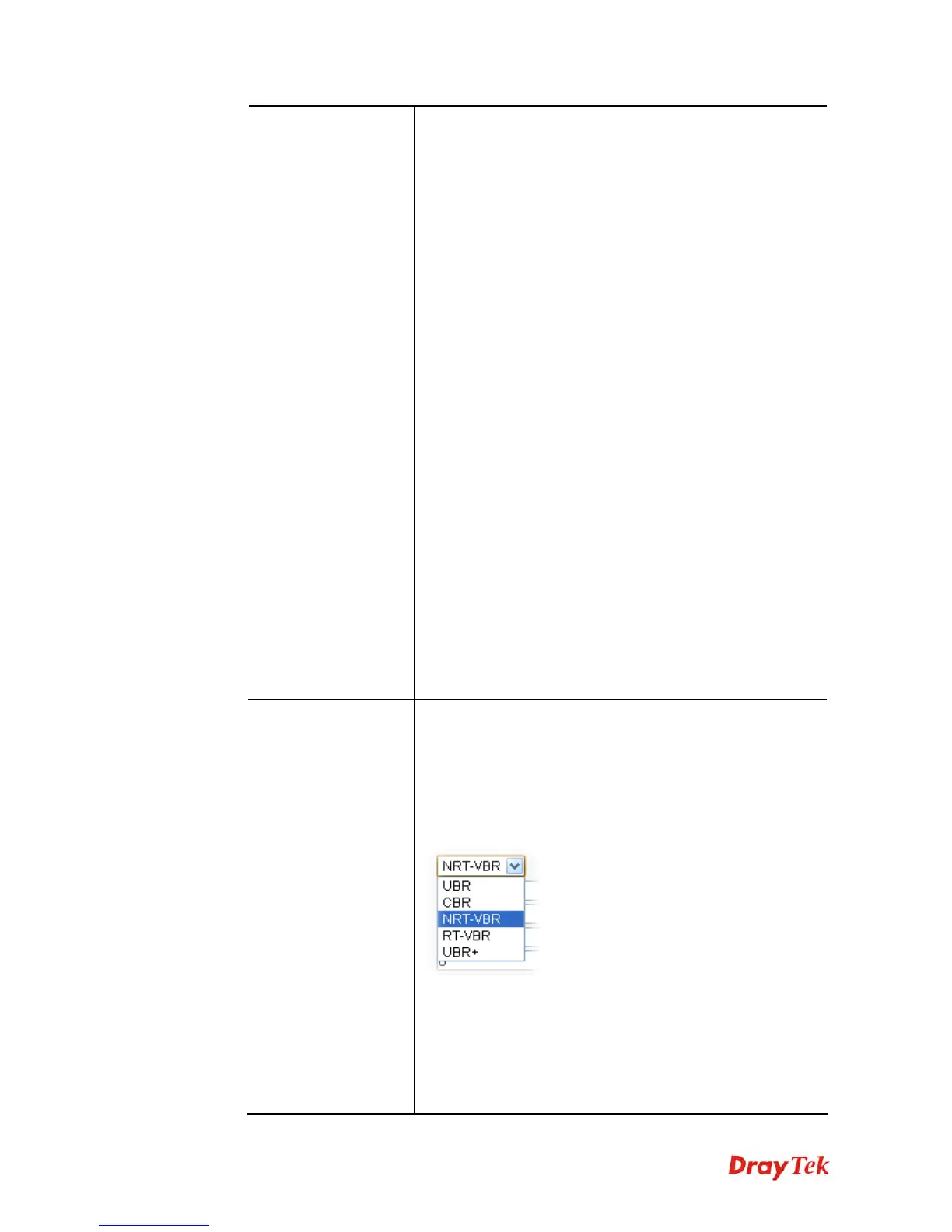
ATM QoS – Such configuration is applied to upstream
packets. Such information will be provided by ISP. Please
contact with your ISP for detailed information. Select a
proper QoS type for the channel according to the information
that your ISP provides.
Peak Cell Rate –
The default setting is “0”.
Cell Delay Variation –
The default setting is “0”.
MAC Address – Check to box to display the MAC address
field and type the MAC address here.
Schedule – If you have several schedule profiles, you can
select one of the profiles or select several profiles here. The











 To Next Page