Vigor2760 Series User’s Guide
77
field inside ATM cell’s header that indicates the cell’s next
destination as it travels through the network. A virtual
channel is a logical connection between two end devices on
the network.
Encapsulation - Choose a proper type for this channel. The
types will be different according to the protocol setting that
you choose.
Protocol Settings
Pure Bridge Mode – If it is checked, the router will be
treated as a modem.
VLAN Encapsulation - Enable the function of VLAN with
tag. The router will add specific VLAN number to all
packets while sending them out. Please type the tag value
and specify the priority for the packets sending by the router.
VLAN ID –Type the value as the VLAN ID number. The
range is form 0 to 4095.
Priority (802.11)
Type the packet priority number for such VLAN. The range
is from 0 to 7.
Port Interface Note: In default, there is no item displayed here.
All the Ethernet Port Members (from port1 to port4) are
dedicated to the default LAN profile. Before configuring the
settings for new LAN profiles, please reconfigure the
default LAN profile (named LAN) by entering Ethernet tab
located in the Network >> LAN page) to release some port
members first. Otherwise, you may not be able to complete
the profile configurations for the new interface.
Note that the LAN Port (port1 to port4) selected here can not
be used in other profiles.
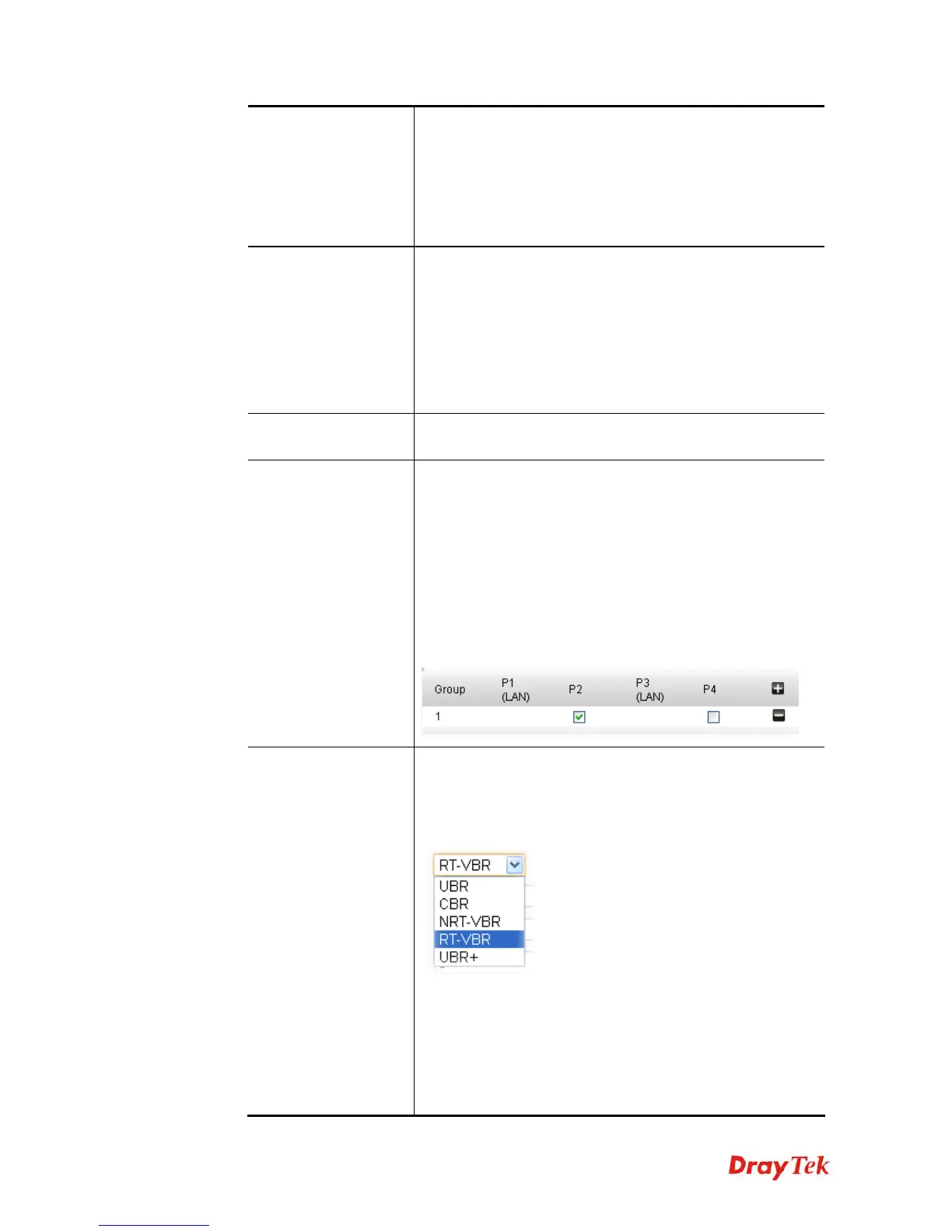
ATM QoS
Such configuration is applied to upstream packets. Such
information will be provided by ISP. Please contact with
your ISP for detailed information. Select a proper QoS type
for the channel according to the information that your ISP
provides.
The following options appear according to the QoS type you
select.
Peak Cell Rate –
The default setting is “0”.
Cell Delay Variation –
The default setting is “0”.
Minimum Cell Rate – The default setting is “0”..
Sustainable Cell Rate – The value of Sustainable Cell Rate











 To Next Page