4
Miscellaneous Functions
109
Special Functions
○○○○○○○○○○○○○○○○○○○○○○○○○○○○○○○○○
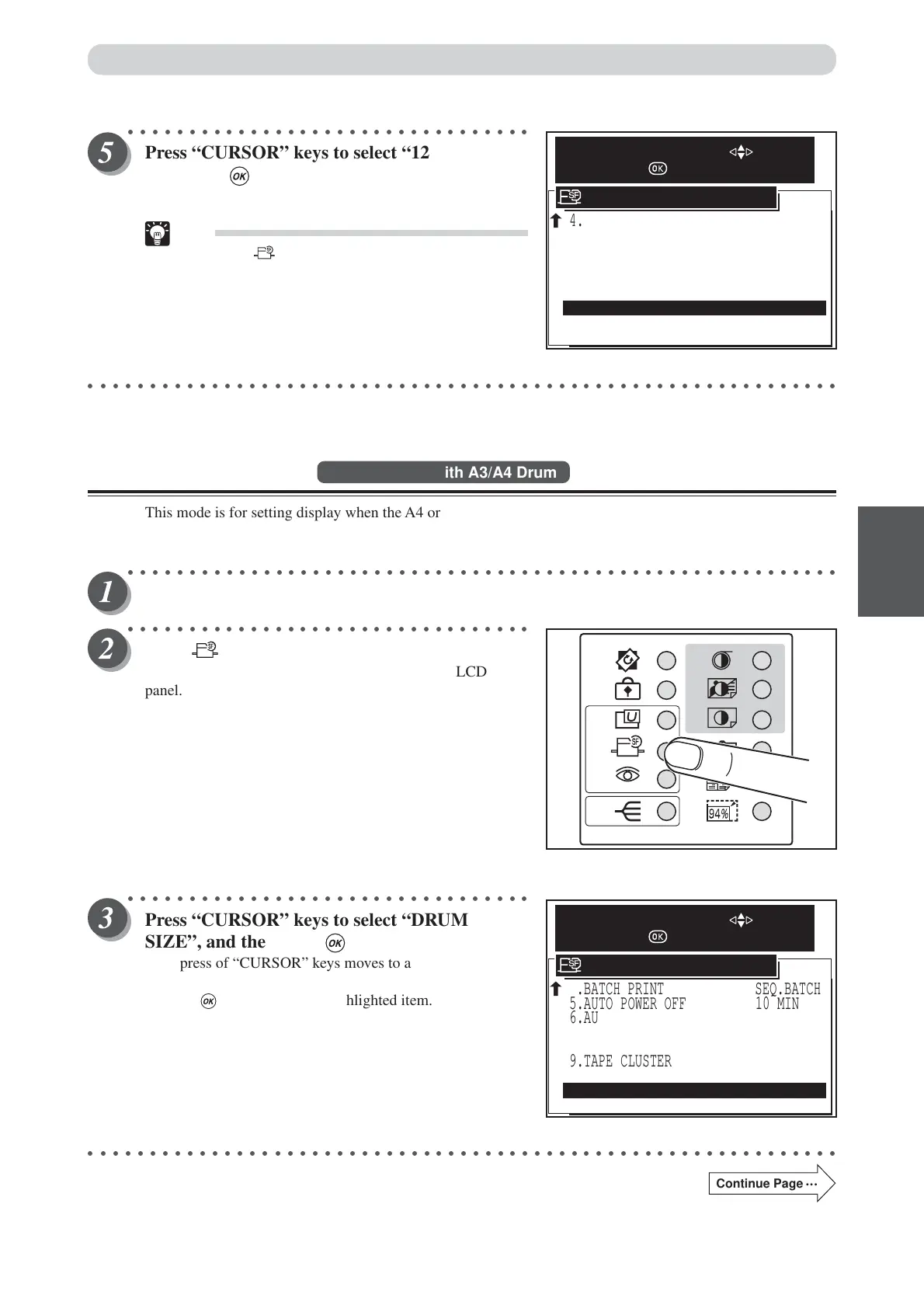
Press “CURSOR” keys to select “12. END”, and
then press (OK) key.
Pressing the “OK” key set the doble feed detection function.
Tip
• Pressing (SPECIAL FUNCTION) key set the
doble feed detection function also.
○○○○○○○○○○○○○○○○○○○○○○○○○○○○○○○○○○○○○○○○○○○○○○○○○○○○○○○○○○○○○
Drum Size Mode
Available only with A3/A4 Drum
This mode is for setting display when the A4 or A3 drum is installed by mistake.
This allows you to prevent mistakes when frequently replacing the A3 and A4 drums for use.
○○○○○○○○○○○○○○○○○○○○○○○○○○○○○○○○○○○○○○○○○○○○○○○○○○○○○○○○○○
Open the panel cover.
○○○○○○○○○○○○○○○○○○○○○○○○○○○○○○○○○
Press (SPECIAL FUNCTION) key.
The “SPECIAL FUNCTION” is displayed on the LCD
panel.
○○○○○○○○○○○○○○○○○○○○○○○○○○○○○○○○○
Press “CURSOR” keys to select “DRUM
SIZE”, and then press (OK) key.
Each press of “CURSOR” keys moves to a different item and
that item is displayed highlighted.
Pressing (OK) key set the highlighted item.
○○○○○○○○○○○○○○○○○○○○○○○○○○○○○○○○○○○○○○○○○○○○○○○○○○○○○○○○○○○○○
Continue Page
•••
4.BATCH PRINT
9.TAPE CLUSTER
11.DRUM SIZE
SEQ.BATCH
5.AUTO POWER OFF 10 MIN
6.AUTO LCD OFF 10 MIN
7.LONG MODE
8.INK CIRCULATION
12.END
ON
10.DOUBLE FEED DETECTION
SPECIAL FUNCTION
SELECT AN ITEM WITH
AND PRESS
ON
ON
A3
4.BATCH PRINT
9.TAPE CLUSTER
SEQ.BATCH
5.AUTO POWER OFF 10 MIN
6.AUTO LCD OFF 10 MIN
7.LONG MODE
8.INK CIRCULATION
12.END
ON
10.DOUBLE FEED DETECTION
11.DRUM SIZE
SPECIAL FUNCTION
SELECT AN ITEM WITH
AND PRESS
ON
ON
A3






 To Next Page