2
45
Printing Using Basic Functions
Print Output
Output to Sorter
Available only when sorter is installed
When a sorter is installed and you have specified “Collating Prints” (a page 80), the printed pages are
separated either individually or into sets as they are output. The printed pages are output as shown below.
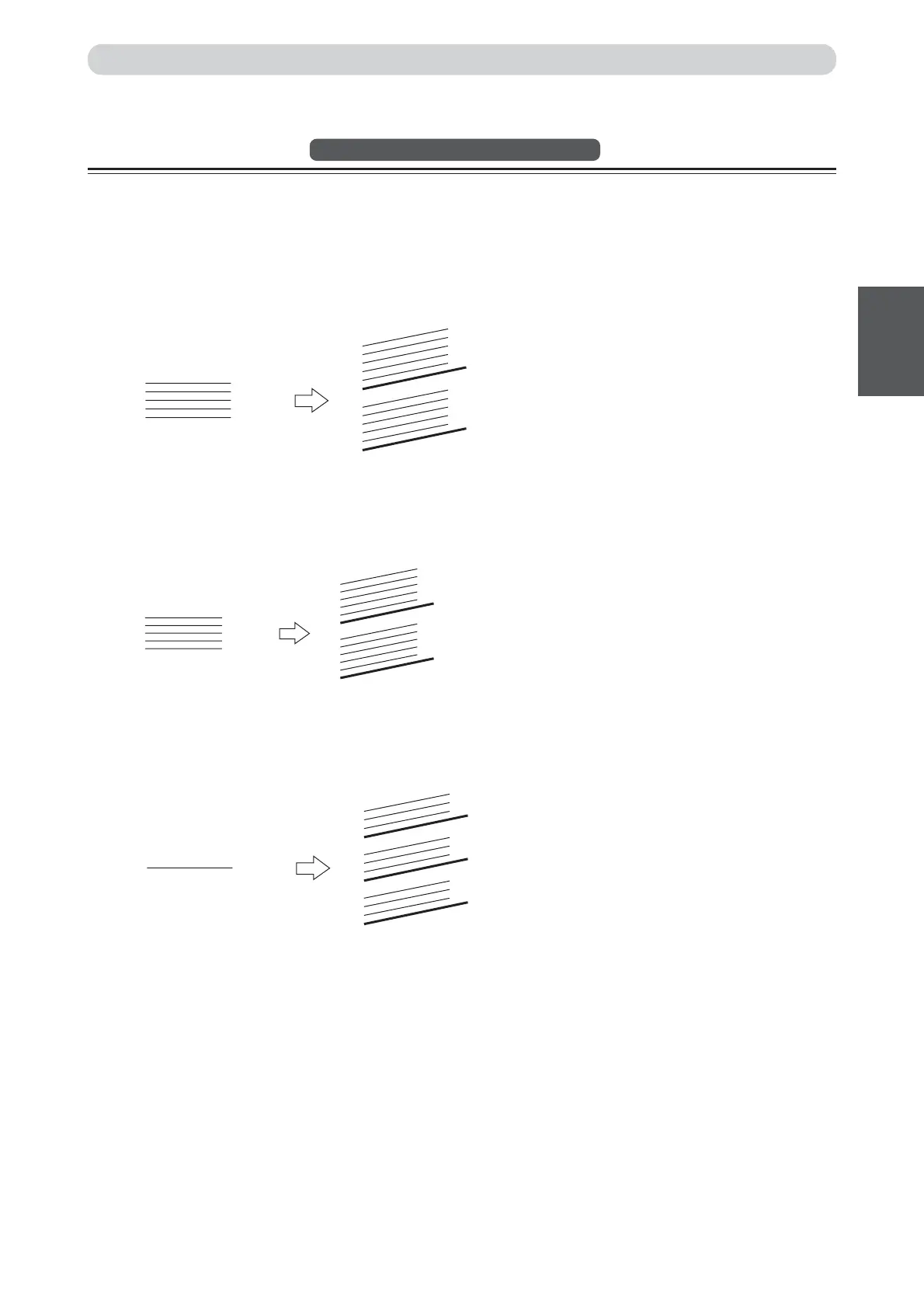
◆Sort Mode
The prints from the document pages are collated and output as sets matching the original document into bins,
as shown below.
◆Group Mode (Sectioning prints from one document)
The prints of each document page are sorted into individual bins, as shown below.
◆Group Mode (Grouping according to documents)
The prints made from a single document are sorted into sets of equal numbers of copies.
5
3
1
4
2
5
3
1
4
2
5
3
1
4
2
…
5
3
1
4
2
1
2
…
1
1
…
1
1






 To Next Page