22
A
MNOPQ
S
R
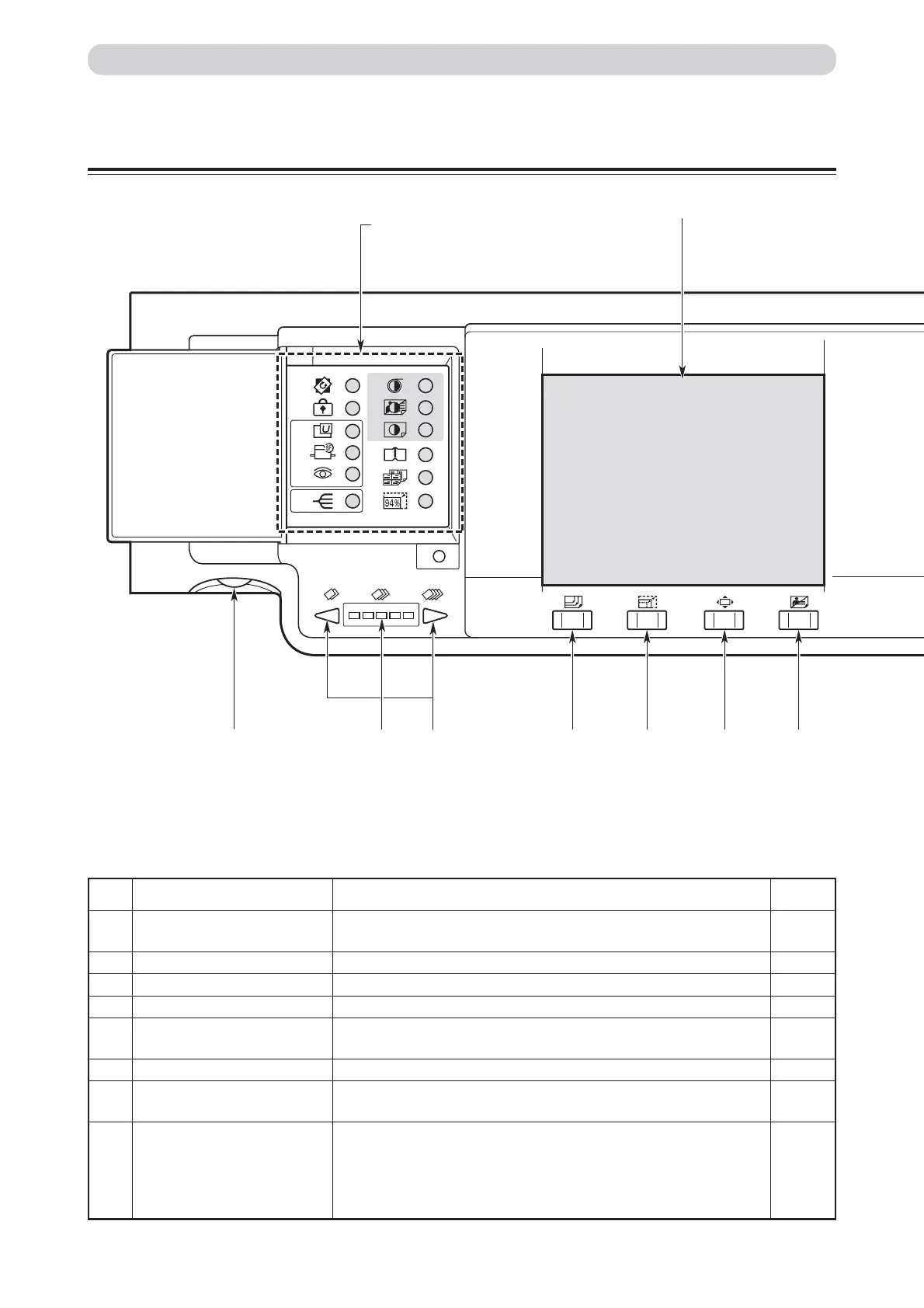
See “Keys Inside Panel Cover”
on page 24.
Control Panel
Part Names and Their Functions
No. Name Function
A
LCD panel Displays the number of prints and other settings.
Displays error messages when an error has occurred.
B
“OK” key Enters specified setting.
C
“CURSOR” key Selects setting item and adjusts printing position.
D
Key pad Used for entering the number of prints.
E
“TEST PRINT” key Prints one copy. This is used to check the image position and
density etc.
F
“PLATE MAKING” key Starts making a master.
G
“STOP” key Stops printing. If this key is pressed while the machine is stopped,
the total number of prints and plates will be displayed.
H
“PRINT” key Starts printing. This will not start platemaking. Printing cannot start
when the print key lamp is red; press this key only when the lamp is
blue. When the ADF has been installed, platemaking will start
automatically after the end of printing if there is a document on the
ADF.
Reference
page
24
—
—
—
—
33
87
34






 To Next Page