3
Printing With Various Functions
55
Adjusting Contrast
The plate contrast can be adjusted in 5 steps.
Make the plate more “LOW” if the document is low-contrast, or “HIGH” if the document is high-contrast.
IMPORTANT
• Set the “Contrast” before making the plate.
○○○○○○○○○○○○○○○○○○○○○○○○○○○○○○○○○○○○○○○○○○○○○○○○○○○○○○○○○○
Open the panel cover.
○○○○○○○○○○○○○○○○○○○○○○○○○○○○○○○○○
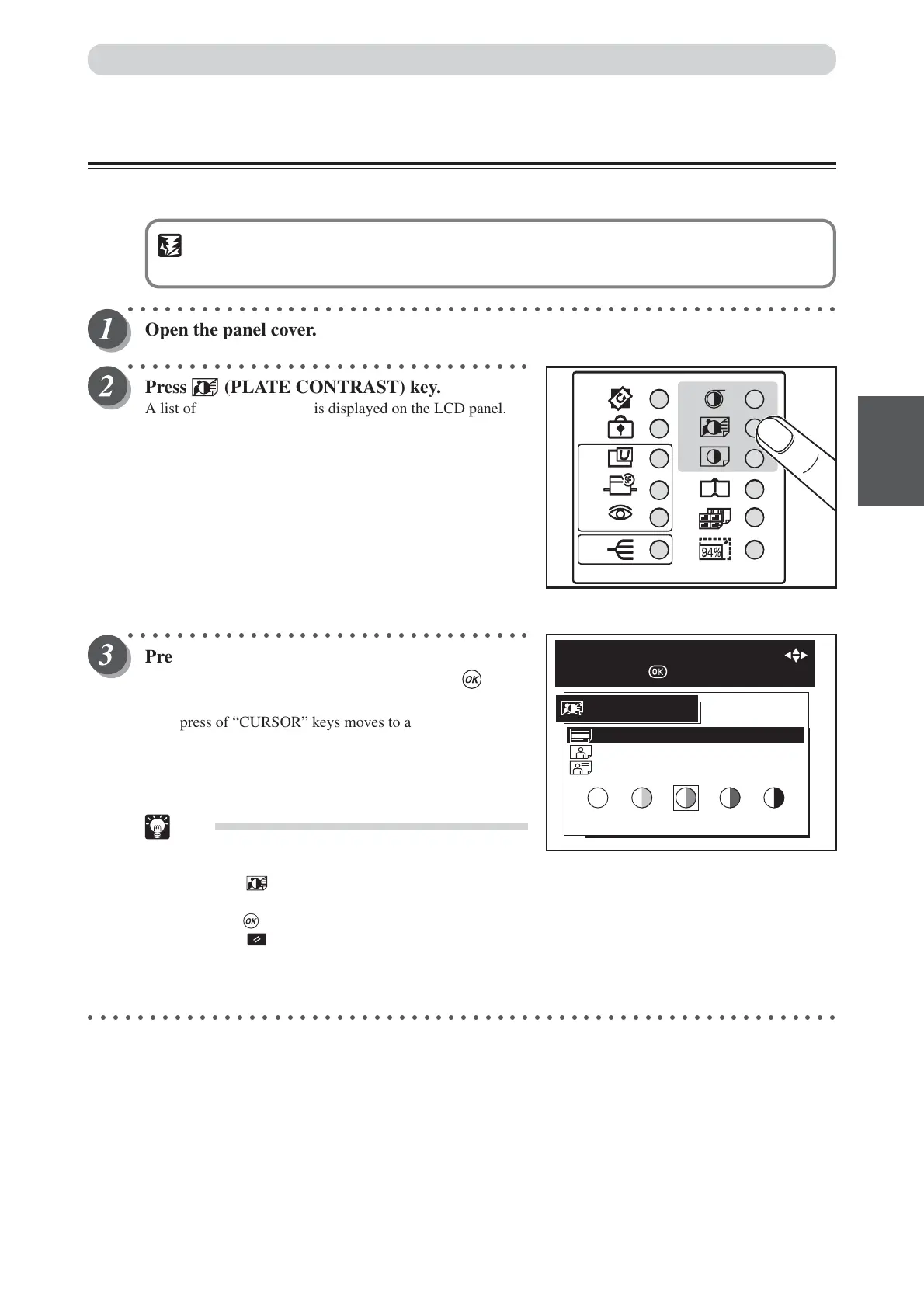
Press (PLATE CONTRAST) key.
A list of the contrast ratios is displayed on the LCD panel.
○○○○○○○○○○○○○○○○○○○○○○○○○○○○○○○○○
Press “CURSOR” keys to select document
kinds and contrast level, and then press (OK)
key.
Each press of “CURSOR” keys moves to a different item.
After moving to the desired item (TEXT, PHOTO or TEXT/
PHOTO), press “CURSOR” keys to select the desired
contrast.The selected contrast is set.
Tips
•To exit plate darkness, select one of the following
two methods:
• Press (PLATE CONTRAST) key, select
MEDIUM using “CURSOR” keys, and
press (OK) key.
• Press (ALL CLEAR) key. In this case, all
settings are reset to standard mode
(a page 26).
○○○○○○○○○○○○○○○○○○○○○○○○○○○○○○○○○○○○○○○○○○○○○○○○○○○○○○○○○○○○○
LOW MEDIUM HIGH
PHOTO
TEXT/PHOTO
TEXT
PLATE CONTRAST
SELECT MODE & CONTRAST WITH
AND PRESS
Adjusting Darkness






 To Next Page