112
○○○○○○○○○○○○○○○○○○○○○○○○○○○○○○○○○
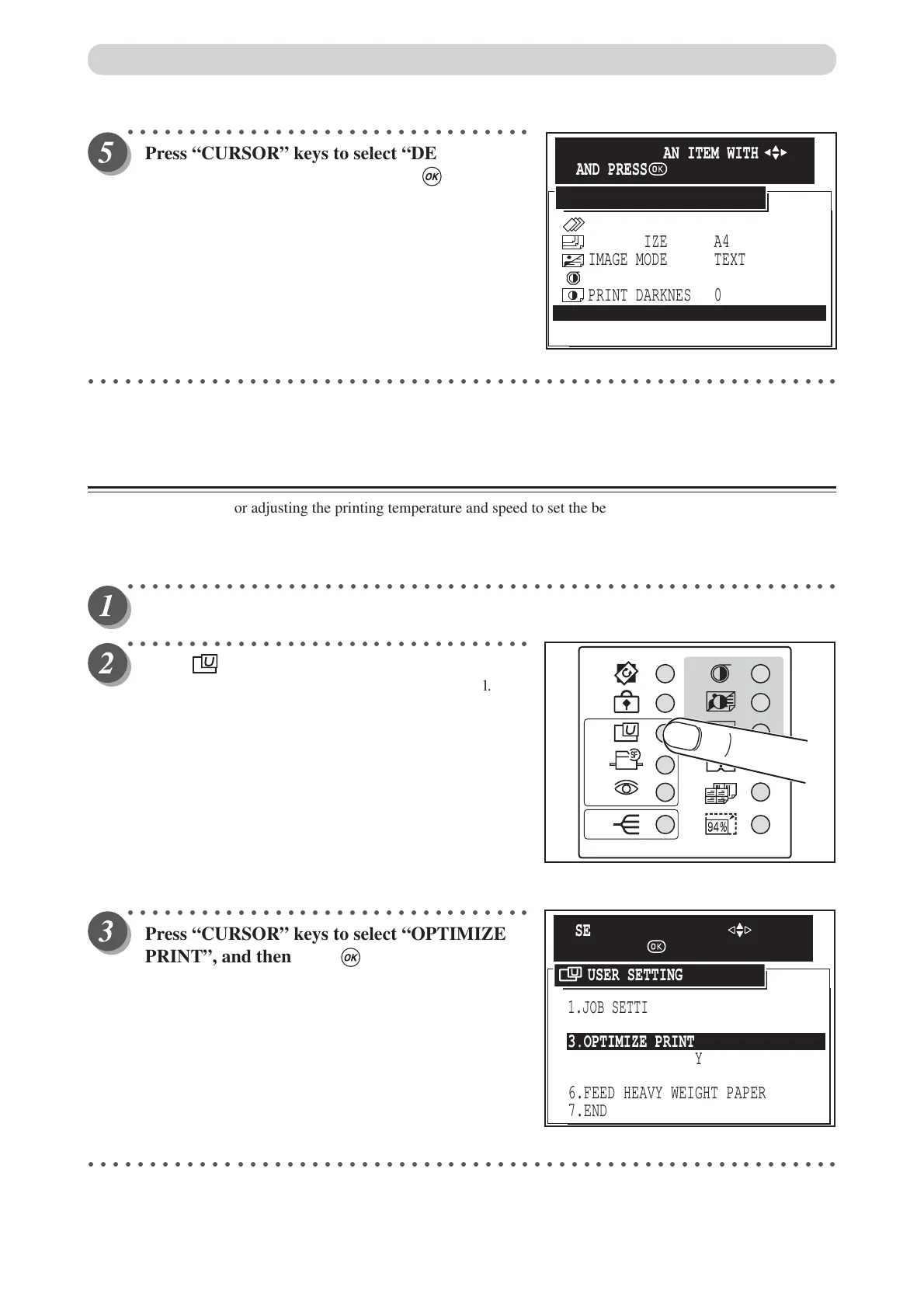
Press “CURSOR” keys to select “DEFAULTS”
for defaults setting, and then press (OK)key.
“INITIAL SETTING” is setted as “DEFAULTS”. “Cancel”
cancels this screen, and return to the USER SETTING
display.
○○○○○○○○○○○○○○○○○○○○○○○○○○○○○○○○○○○○○○○○○○○○○○○○○○○○○○○○○○○○○
Optimize Print Mode
This mode is for adjusting the printing temperature and speed to set the best finish for the printed image.
• Print temperature : 5 to 35 degree (5 degree pitch)
• Print speed : 1 to 5
○○○○○○○○○○○○○○○○○○○○○○○○○○○○○○○○○○○○○○○○○○○○○○○○○○○○○○○○○○
Open the panel cover.
○○○○○○○○○○○○○○○○○○○○○○○○○○○○○○○○○
Press (USER SETTING) key.
The “USER SETTING” is displayed on the LCD panel.
○○○○○○○○○○○○○○○○○○○○○○○○○○○○○○○○○
Press “CURSOR” keys to select “OPTIMIZE
PRINT”, and then press (OK) key.
○○○○○○○○○○○○○○○○○○○○○○○○○○○○○○○○○○○○○○○○○○○○○○○○○○○○○○○○○○○○○
PAPER SIZE A4
IMAGE MODE
TEXT
0
PRINT DARKNESS
PLATE DARKNESS 0
CANCEL
PRINTING SPEED 4
>
>
>
>
>
DEFAULTS
INITIAL SETTING
SELECT/SET AN ITEM WITH
AND PRESS
1.JOB SETTING MEMORY
2.INITIAL SETTING
5.DOCUMENT DENSITY DETECTION
4.DOCUMENT MEMORY
6.FEED HEAVY WEIGHT PAPER
7.END
3.OPTIMIZE PRINT
USER SETTING
SELECT AN ITEM WITH
AND PRESS
User Setting Functions






 To Next Page