136
There is no paper in the feed tray. Load the feed tray with
printing paper.
There is no ink. Replace the old ink pack with a new one.
(a For details, see page 122, “Replacing the Ink Pack”.)
There is no master. Replace the master roll with a new one.
(a For details, see page 124, “Replacing the Master Roll”.)
The master ejection core is full. Dispose of the used master.
(a For details, see page 127, “How to Dispose of Used
Masters”.)
There is no drum. Install a drum in the machine. (a For
details, see page 129, “Replacing the Drum Unit”.)
The front cover is open. Close the front cover.
The scanner unit is open. Close the scanner unit.
A paper jam has occurred in the feed tray side. Remove the
jammed paper. (For details, see page 141, “When ‘PAPER
JAM ON THE FEEDER SIDE’ is displayed (Feed Tray Side)”.)
A paper jam has occurred on the print tray side. Inspect the
print tray side and remove the jammed paper. (a For details,
see page 142, “When ‘PAPER JAM ON THE EJECTION
SIDE’ is displayed (Print Tray Side)”.)
There is an old master on the drum. Remove all the masters
from the drum. (a For details, see page 145, “When ‘PLATE
EJECTION ERROR’ is Displayed”.)
There is an error during master setting. Open the top cover and
remove the master that is left in the plate feeder.
Master roll cover is open.
Close the cover.
The master roll is not set correctly.
Reset it correctly.(a For details, see page 148, “When
‘MASTER SETTING ERROR’ is Displayed”.)
The document is jammed on the ADF.
Remove the jammed document.
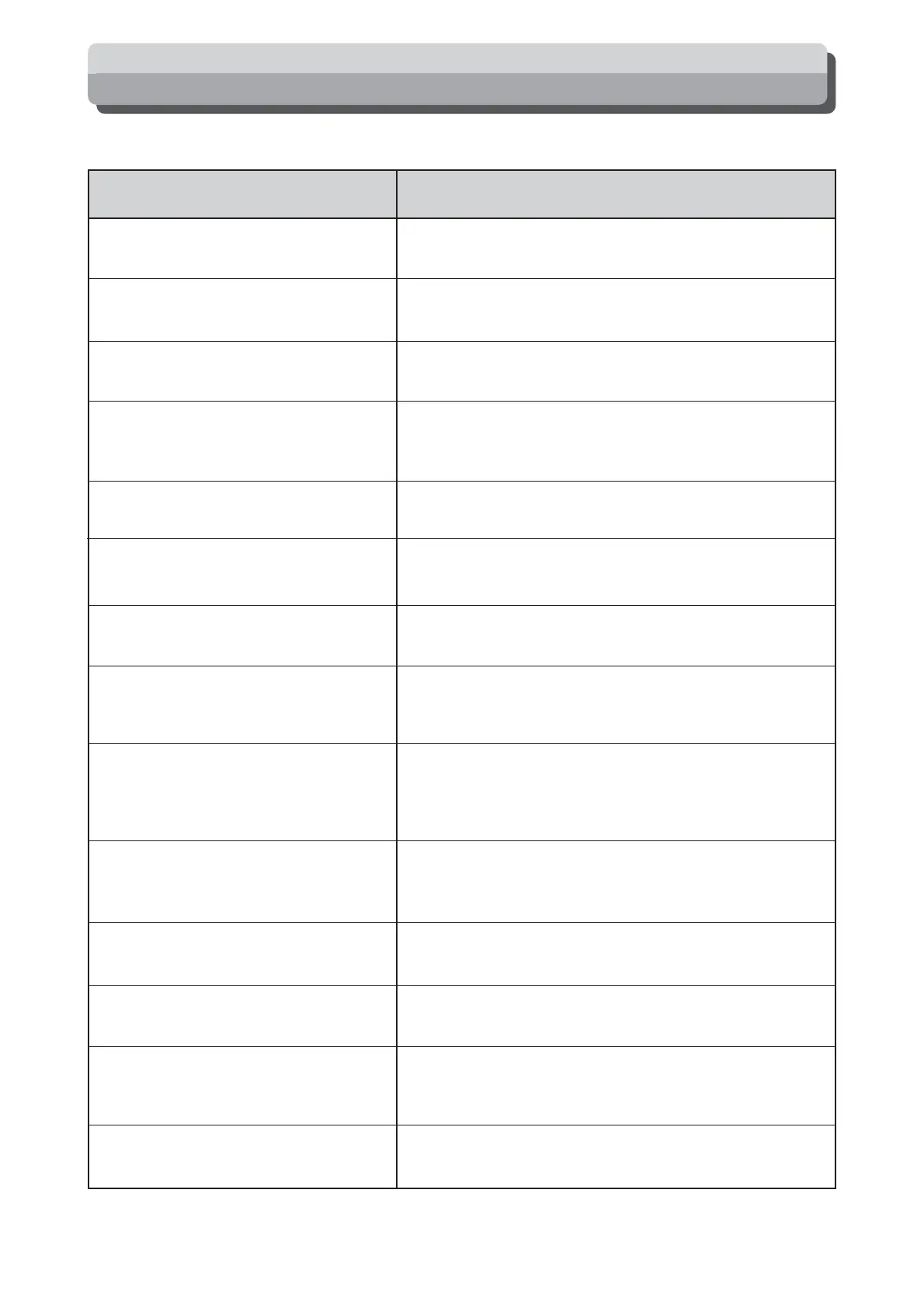
Message Countermeasure
Error Messages
Error messages are displayed in one of two ways, either by text or by number.
ADD PAPER
CHANGE INK
CHANGE MASTER
CHANGE MASTER EJECTION CORE
NO DRUM
FRONT COVER OPEN
TOP COVER OPEN
PAPER JAM ON THE FEEDER SIDE
PAPER JAM ON THE EJECTION SIDE
PLATE EJECTION ERROR
MASTER SETTING ERROR
MASTER ROLL COVER OPEN
SET MASTER ROLL PROPERLY
ADF PAPER JAM






 To Next Page