72
1
1
1
1
1
1
1
1
1
1 1 1
Document
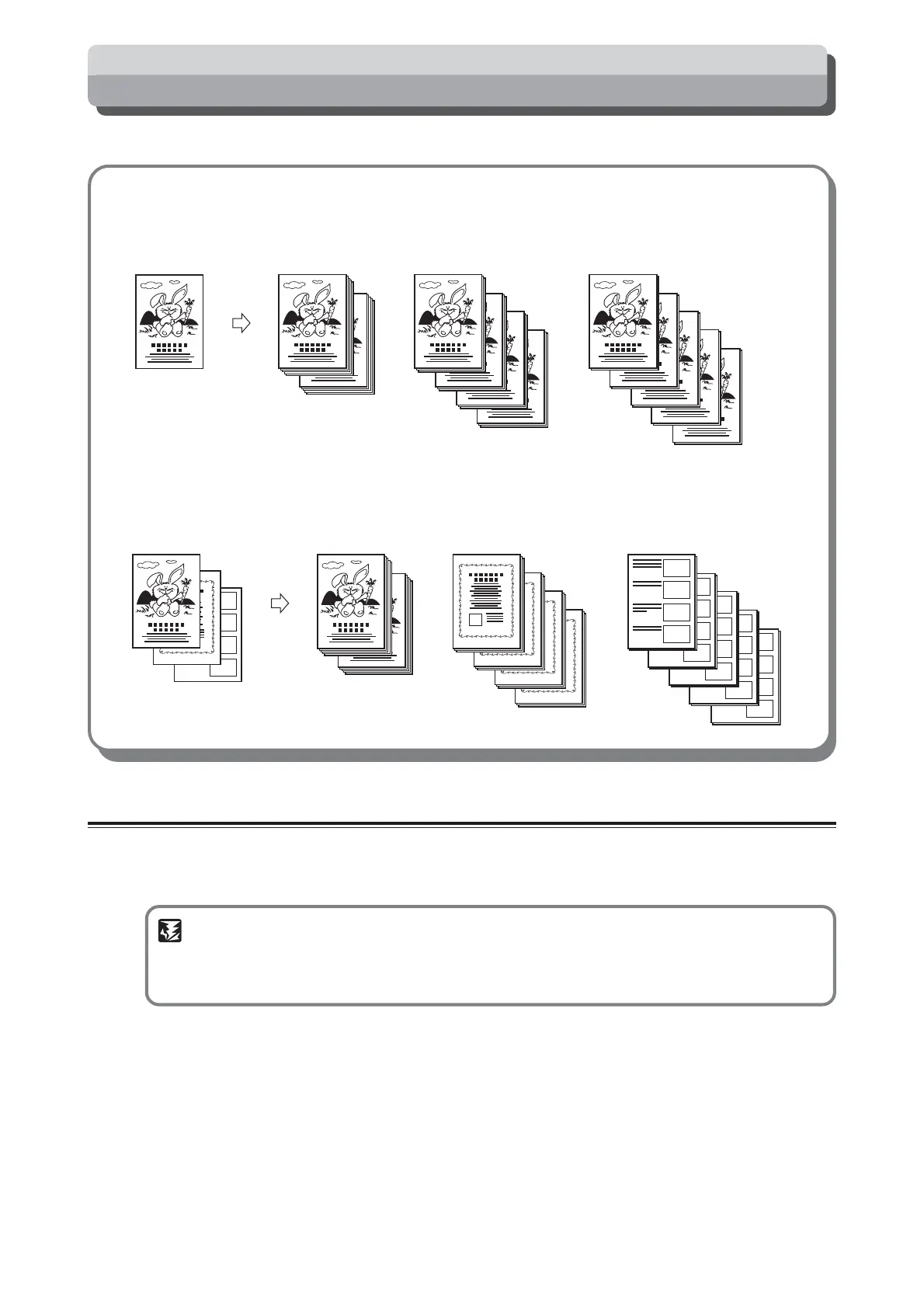
1st set
5 copies x 2 sets
2nd set
3 copies x 4 sets
3rd set
2 copies x 5 sets
2
2
2
3
2
3
3
3
3
1
1
1
3
2
Documents
1st document
5 copies x 2 sets
2nd document
3 copies x 4 sets
3rd document
2 copies x 5 sets
Batch Printing
You can print the specified number of sets of prints in each set.
■ Batch Printing (
aa
aa
a page 72)
The machine stops after each set of prints.
■ Sequental Batch Printing (
aa
aa
a page 75)
This function changes the number of prints made from each document.
Batch Printing
Prints are made of specified sets of prints with a specified number of prints to a set.
Up to 15 specified number of prints and sets of prints can be collectively set as a single set.
When the tape cluster (option) is mounted, insert the tape when each set has finished being printed.
IMPORTANT
• “Batch Printing” can be selected after platemaking.
• Set selection of “Batch Printing“ and “Sequental Batch Printing” at Special Functions. (p.99)
The default setting is “Batch Printing”.






 To Next Page