80
Collating Prints
Available only with Sorter Installed
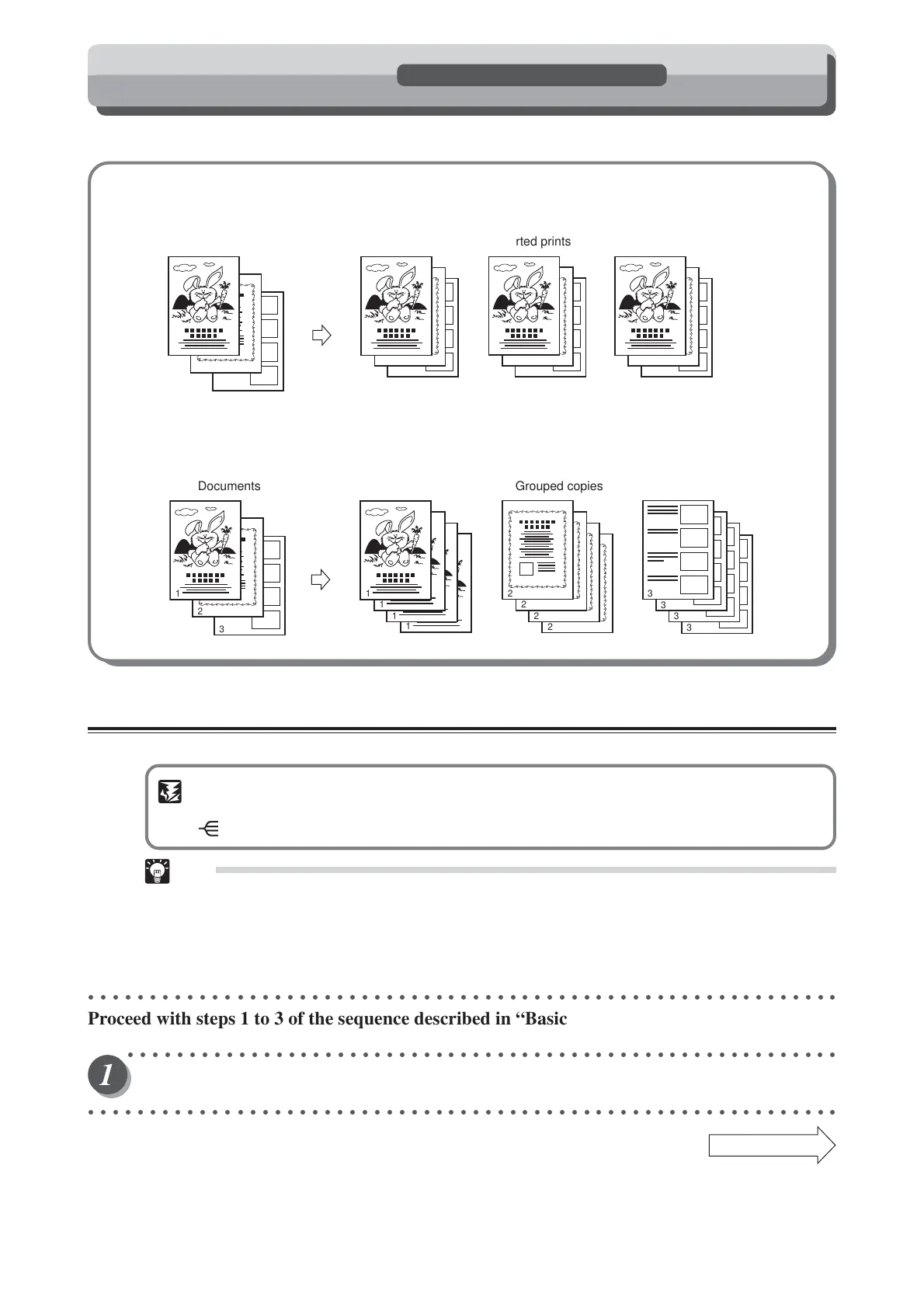
The machine will automatically collate and separate prints in one of three modes: Sort, Group, and Non-sort.
■ Sort Mode (
aa
aa
a page 80)
The prints of the document pages are collated and output as sets matching the original document into bins.
■ Group Mode (
aa
aa
a page 82)
The prints of each document page are sorted into individual bins, as shown below.
Sort Mode
Use Sort to make multiple collated prints of multiple documents.
IMPORTANT
•You cannot specify a number of sets when you select “Sort Mode”.
• (SORTER) key becomes inoperative after you enter the number of prints.
Tips
• Each bin holds up to 30 sheets. (Note that the type of paper and the degree of curling may
further limit the capacity of each bin.)
•You can collate the prints into a maximum of 25 sets (50 sets with two sorters connected). If
you specify 26 or more print sets, the excess prints (26th and subsequent with one sorter or
51st and subsequent with two sorters) are output to the non-sort bin.
○○○○○○○○○○○○○○○○○○○○○○○○○○○○○○○○○○○○○○○○○○○○○○○○○○○○○○○○○○○○○
Proceed with steps 1 to 3 of the sequence described in “Basic Printmaking” (
aa
aa
a page 32).
○○○○○○○○○○○○○○○○○○○○○○○○○○○○○○○○○○○○○○○○○○○○○○○○○○○○○○○○○○
Open the panel cover.
○○○○○○○○○○○○○○○○○○○○○○○○○○○○○○○○○○○○○○○○○○○○○○○○○○○○○○○○○○○○○
Continue Page
•••
3
2
1
3
2
1
3
2
1
3
2
1
Documents Sorted prints
3
2
1
1
1
1
2
2
2
2
1
3
3
3
3
Documents Grouped copies






 To Next Page