1
Before Using This Machine
27
Key Card Counter
Available only with Key Card Counter installed
With the key card counter installed, you can control the platemaking and print quantities per person or per
department, etc. See the Instruction Manual for the Key Card Counter for details.
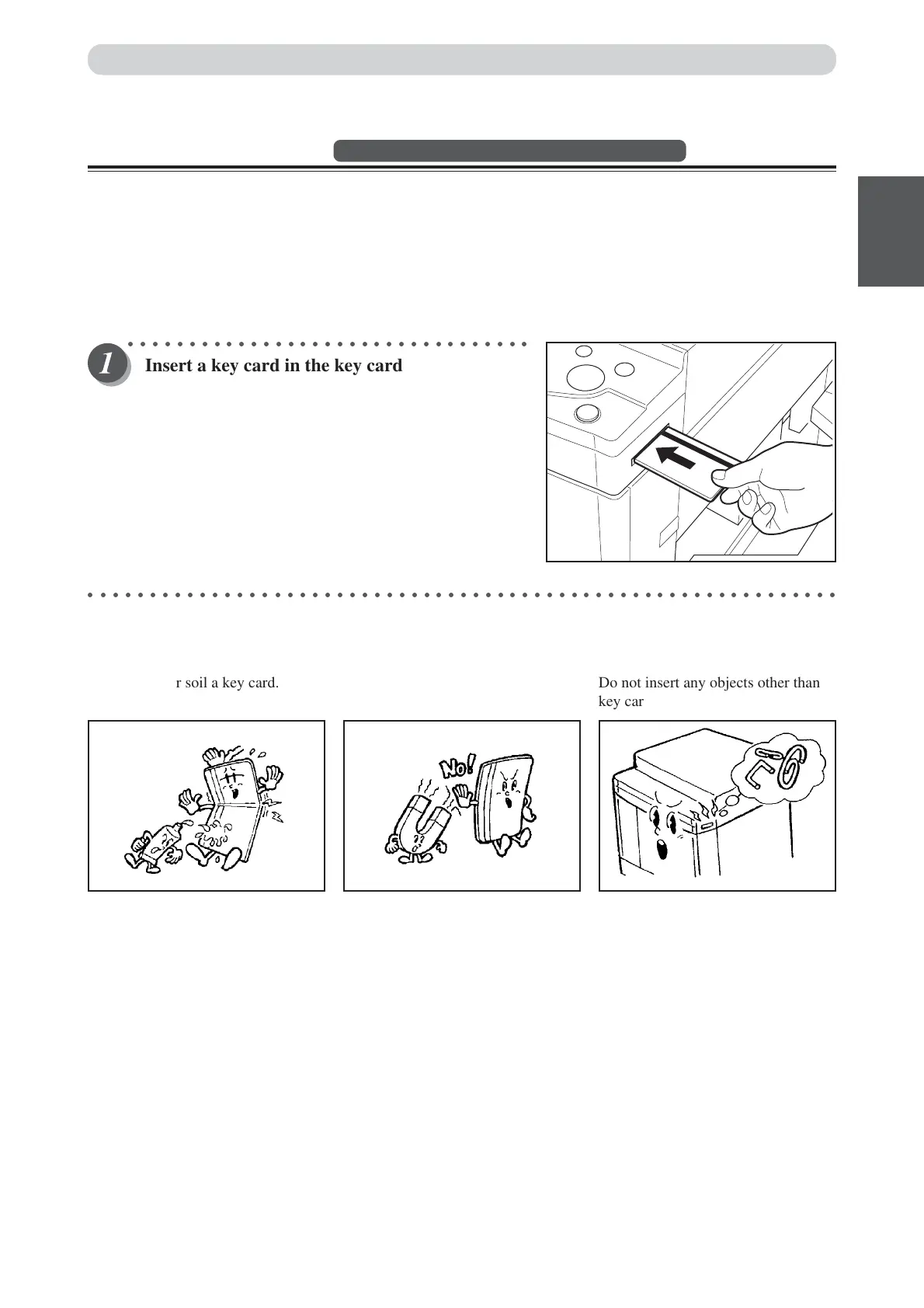
■ Inserting a key card
When you turn on the power, the message “RE-INSERT CARD” is displayed on the LCD panel.
○○○○○○○○○○○○○○○○○○○○○○○○○○○○○○○○○
Insert a key card in the key card counter.
The printer can now be operated as normal.
○○○○○○○○○○○○○○○○○○○○○○○○○○○○○○○○○○○○○○○○○○○○○○○○○○○○○○○○○○○○○
■ Handling key cards
Do not bend or soil a key card. Do not insert any objects other than
key cards into the key card slot.
Keep your key card well away from
magnetic fields.
Turning Power ON/OFF






 To Next Page