48
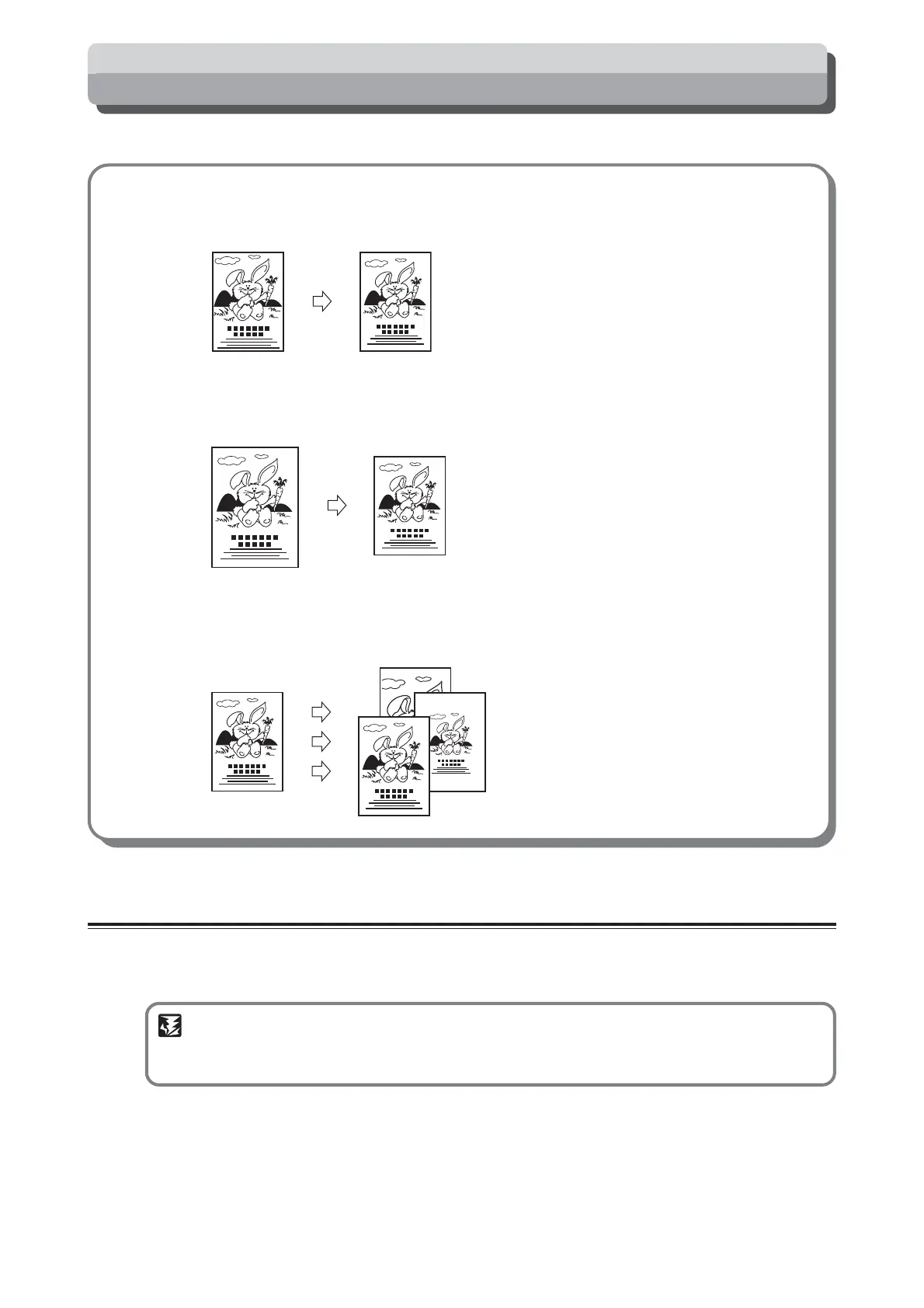
A4 document A4 printout
(94%)
B4 document A4 printout
(81%)
Document
Printout
Enlargement and Reduction
You can enlarge or reduce the size of the copy to the desired size.
■ 94% Reduction (
aa
aa
a page 48)
You can make a copy that is just slightly smaller than the original document.
■ Auto Zoom (
aa
aa
a page 49)
You can have the machine automatically set the zoom ratio from the document size and the selected paper size.
■ Free Zoom (
aa
aa
a page 52)
You can enlarge or reduce the size of the copy in 1% increments between 50% and 500%.
94% Reduction
In this mode, the copy is printed at 94% the size of the document.
When it is not possible to print the edges of the document image, this mode allows you to make a minor
reduction so that the edges of the image are included.
IMPORTANT
• Select “94% Reduction” before platemaking.
•You cannot use “94% Reduction” at the same time as “Auto Zoom” or “Free Zoom”.






 To Next Page