3
Printing With Various Functions
65
1
2
3
4
1
2
3
4
5
2
143 5
2
143
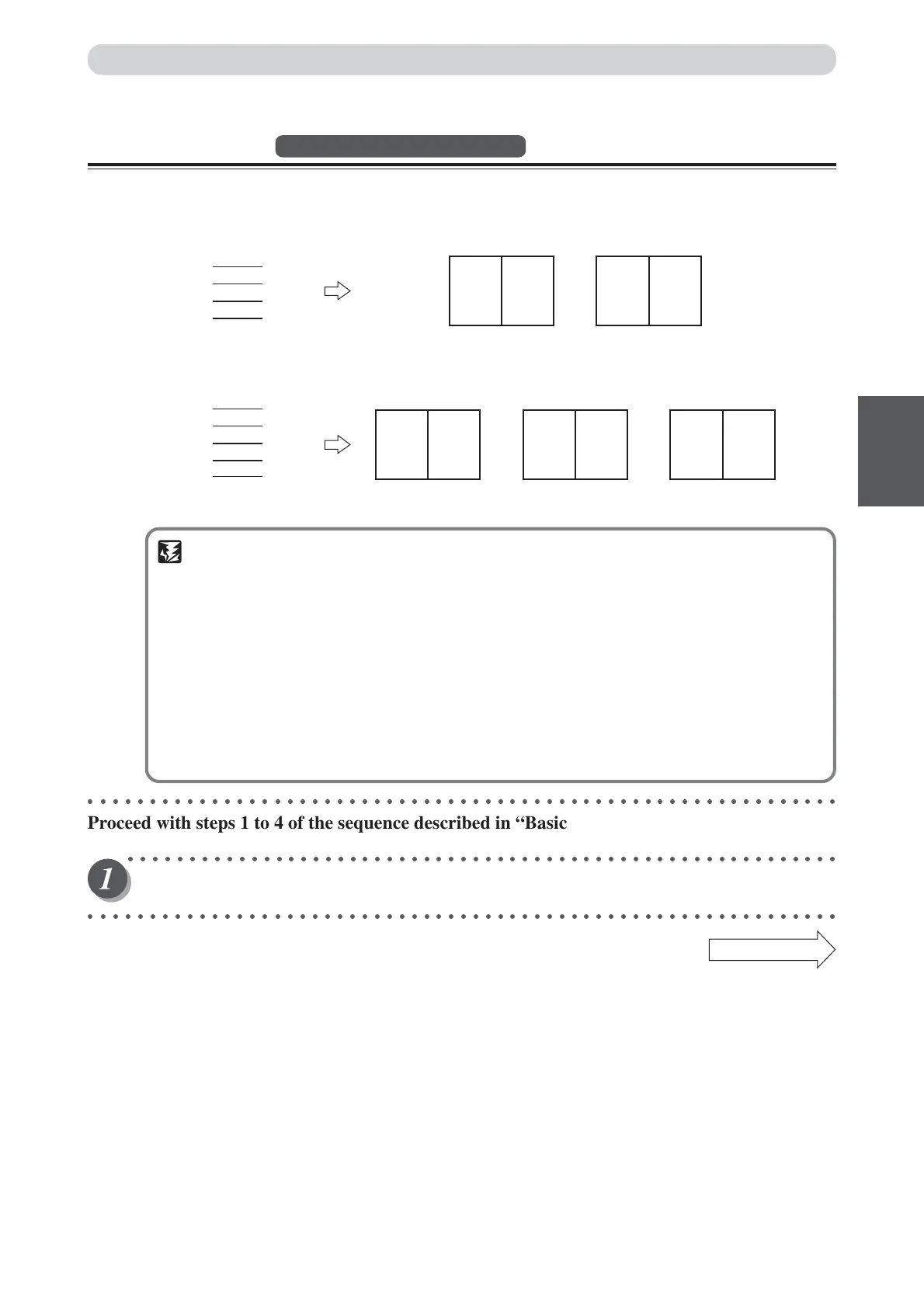
Documents (even number)
Documents (odd number)
Printout1 Printout2 Printout3
Printout1 Printout2
Multiple Printing on One Page
2-in-1 Layout
Available only with ADF installed
Two-in-one (2-in-1) mode allows you to print two small documents on one page and also easily print for
creating booklets that will be saddle stitched.
When you use 2-in-1 mode, the layout is as follows:
IMPORTANT
•Select “2-in-1 Layout” before starting platemaking.
•You cannot use 2-in-1 mode unless the optional ADF is installed.
• Always load the documents in the ADF.
• If you are printing the documents at 100%, select a printing paper that is the size of the two
documents.
•When you enlarge or reduce two documents size by side, select a zoom ratio so that the
documents fit exactly on one page.
• Note the following when using 2-in-1 layout mode:
•You must load the document in the ADF in portrait orientation.
•You must select a paper size and zoom ratio that will accommodate two documents.
• Correct layout may not be obtainable with other than standard size papers.
○○○○○○○○○○○○○○○○○○○○○○○○○○○○○○○○○○○○○○○○○○○○○○○○○○○○○○○○○○○○○
Proceed with steps 1 to 4 of the sequence described in “Basic Printmaking” (
aa
aa
a page 32).
○○○○○○○○○○○○○○○○○○○○○○○○○○○○○○○○○○○○○○○○○○○○○○○○○○○○○○○○○○
Open the panel cover.
○○○○○○○○○○○○○○○○○○○○○○○○○○○○○○○○○○○○○○○○○○○○○○○○○○○○○○○○○○○○○
Continue Page
•••






 To Next Page