26
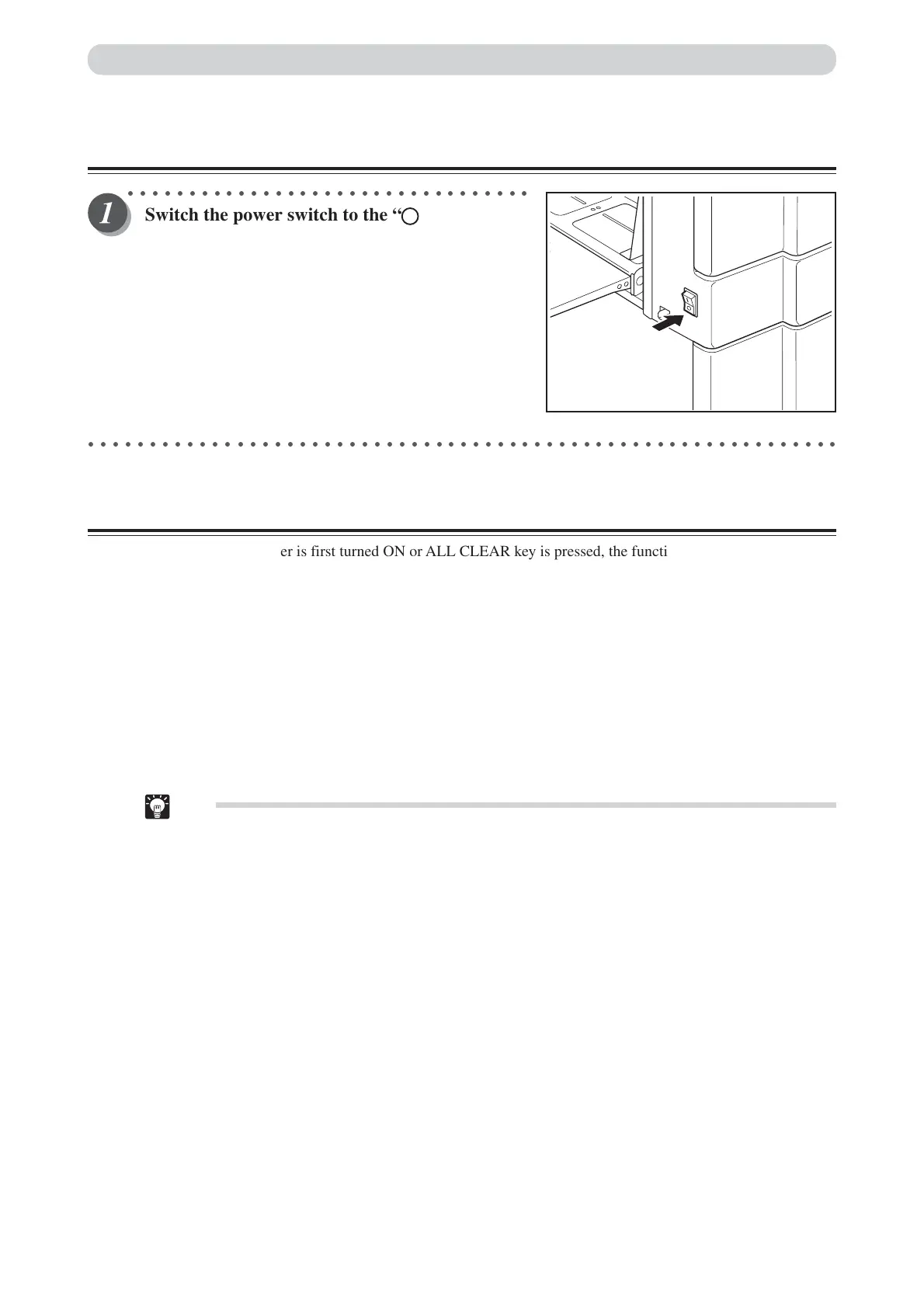
Turning OFF Printer Power
○○○○○○○○○○○○○○○○○○○○○○○○○○○○○○○○○
Switch the power switch to the “ ” position.
The power turns OFF and the display lamps on the control
panel turn OFF.
○○○○○○○○○○○○○○○○○○○○○○○○○○○○○○○○○○○○○○○○○○○○○○○○○○○○○○○○○○○○○
Standard Mode
When the printer power is first turned ON or ALL CLEAR key is pressed, the functions are reset to standard
mode. The standard mode settings are as follows:
• Print quantity : 0
• Print position : Standard
• Zoom : 100%
• x94% : OFF
• Paper size : A3
• Document mode : Text
• Print speed : Standard
• Print darkness : Standard
• Plate darkness : Standard
Tip
• See “USER SETTING” on page 111 for how to change the “Initial Paper Size Mode” settings.
Turning Power ON/OFF






 To Next Page