82
○○○○○○○○○○○○○○○○○○○○○○○○○○○○○○○○○
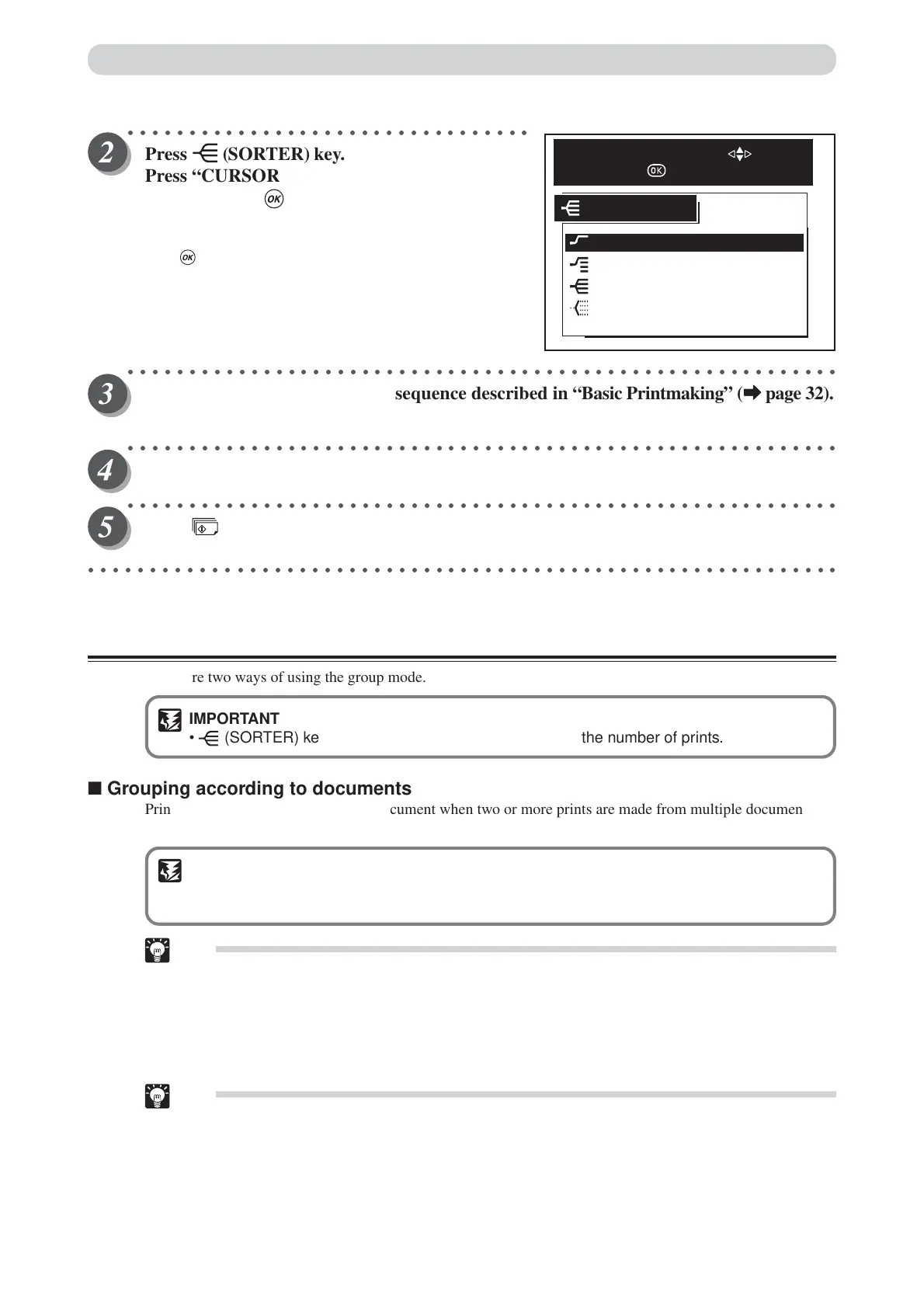
Press (SORTER) key.
Press “CURSOR” keys to select “NON SORT”,
and then press (OK) key.
Each press of “CURSOR” keys moves to a different item that
is displayed highlighted. After moving to the non sort item,
press (OK) key to select the non sort. The selected non
sort is set.
○○○○○○○○○○○○○○○○○○○○○○○○○○○○○○○○○○○○○○○○○○○○○○○○○○○○○○○○○○
Proceed with steps 4 to 6 of the sequence described in “Basic Printmaking” (
aa
aa
a page 32).
The print run stops when about 200 pages have been output to the bin.
○○○○○○○○○○○○○○○○○○○○○○○○○○○○○○○○○○○○○○○○○○○○○○○○○○○○○○○○○○
Remove the printed pages from the bin.
○○○○○○○○○○○○○○○○○○○○○○○○○○○○○○○○○○○○○○○○○○○○○○○○○○○○○○○○○○
Press (PRINT) key.
Printing resumes.
○○○○○○○○○○○○○○○○○○○○○○○○○○○○○○○○○○○○○○○○○○○○○○○○○○○○○○○○○○○○○
Group Mode
There are two ways of using the group mode.
IMPORTANT
• (SORTER) key becomes inoperative after you enter the number of prints.
■ Grouping according to documents
Prints are separated according to the document when two or more prints are made from multiple documents.
(a See page 75, “Sequental Batch Printing”.)
IMPORTANT
• Do not enter the number of sets. When the group mode is selected, no more than 25 sheets
per set can be printed.
Tip
• Each bin holds up to 25 sheets. (Note that the type of paper and the degree of curling may
further limit the capacity of each bin.)
■ Section prints from one document
When the number of sets is entered, prints from one document are sorted into sets with a specified number of
prints. (a See page 72, “Batch Printing”.)
Tips
•You can specify up to 30 prints and 25 sets (50 sets with two sorters connected).
• Each bin holds up to 30 sheets. (Note that the type of paper and the degree of curling may
further limit the capacity of each bin.)
Collating Prints
NON SORT
SORT OFF
SORT
GROUP
SORTER
SELECT AN ITEM WITH
AND PRESS






 To Next Page