3
Printing With Various Functions
67
You can save and retrieve settings for platemaking and printing. The memory function allows you to save nine sets of
settings. These settings are stored in memory even when the power is turned OFF.
Tips
The following settings are saved:
• Number of prints (including sets) • Text/Photo (text, photo, fine, screen, etc.)
•Print speed • Plate darkness
•Paper selection • Plate contrast (text, photo, text/photo)
• Zoom ratio (including Auto and zoom) • Print darkness
•Print position • Book shadow eraser
• Edit • Multi exposure
•Batch print (15 sets)
Saving Settings
○○○○○○○○○○○○○○○○○○○○○○○○○○○○○○○○○
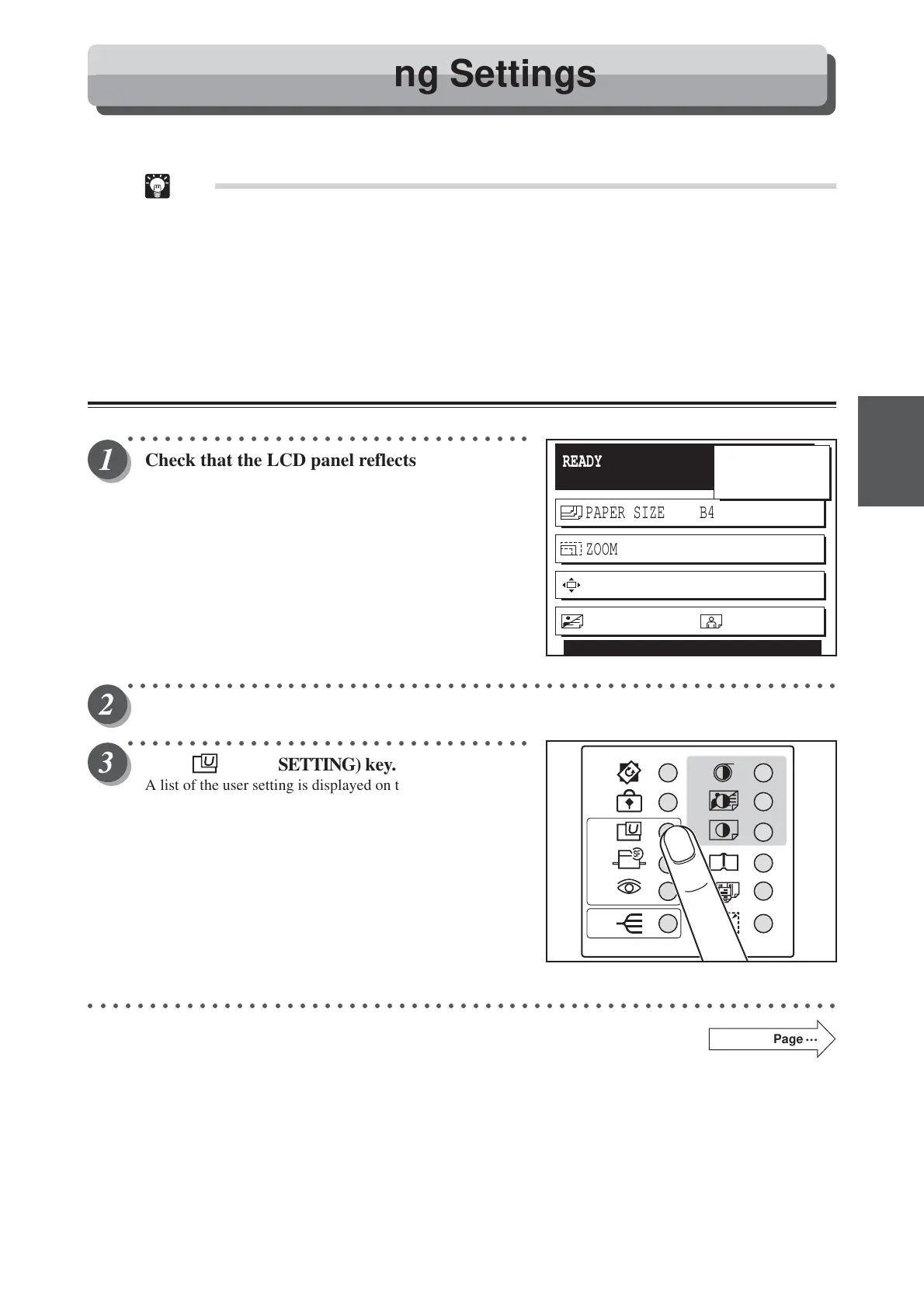
Check that the LCD panel reflects the settings
to be saved.
○○○○○○○○○○○○○○○○○○○○○○○○○○○○○○○○○○○○○○○○○○○○○○○○○○○○○○○○○○
Open the panel cover.
○○○○○○○○○○○○○○○○○○○○○○○○○○○○○○○○○
Press (USER SETTING) key.
A list of the user setting is displayed on the LCD panel.
○○○○○○○○○○○○○○○○○○○○○○○○○○○○○○○○○○○○○○○○○○○○○○○○○○○○○○○○○○○○○
Continue Page
•••
READY
PAPER SIZE B4
ZOOM 86%
PRINT POS. 0.0mm 0.0mm
SHT
1
SET
×
IMAGE MODE
5
PHOTO
94%
Saving / Retrieving Settings






 To Next Page