3
Printing With Various Functions
71
○○○○○○○○○○○○○○○○○○○○○○○○○○○○○○○○○
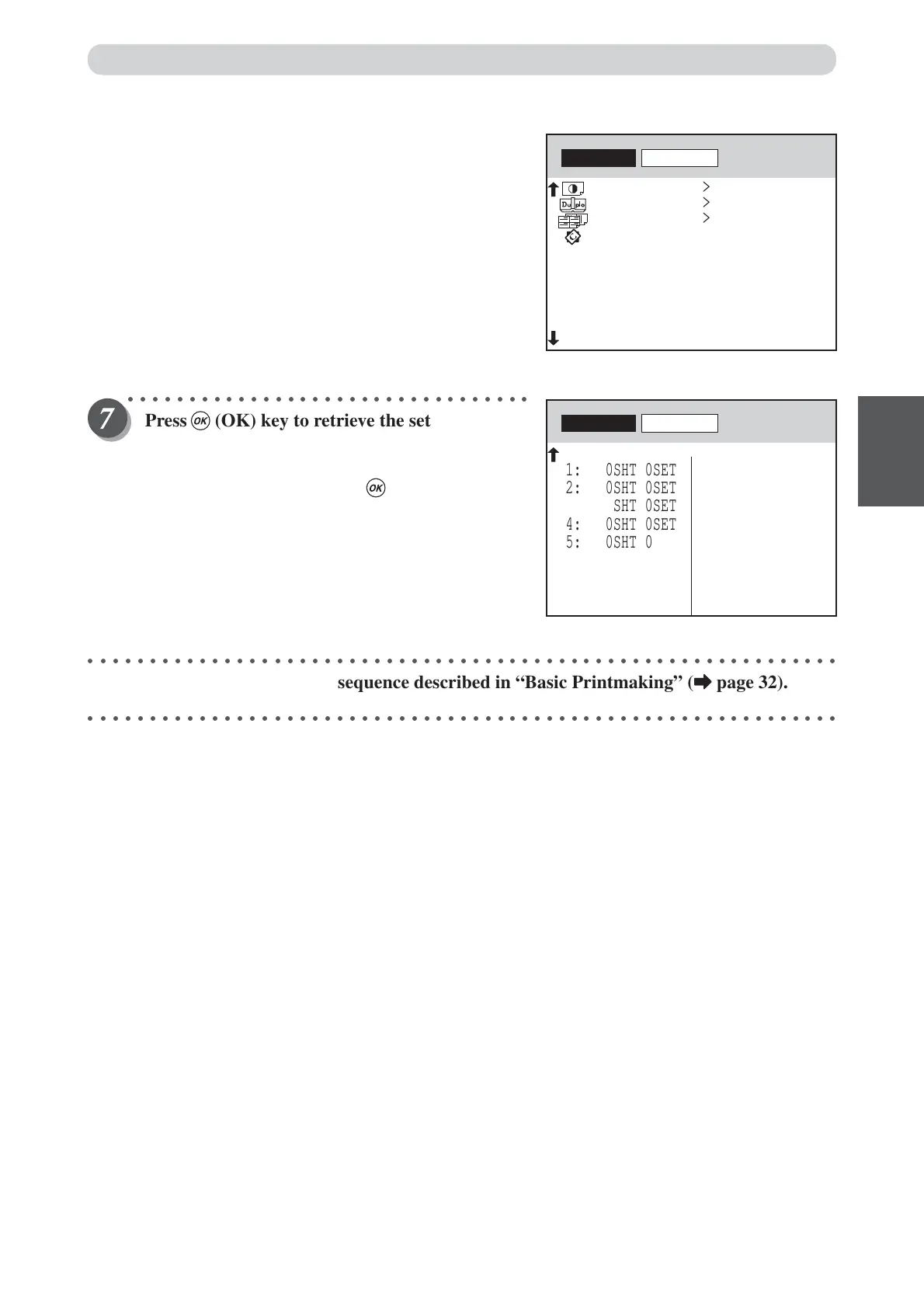
Press (OK) key to retrieve the settings if they
are not in error.
To cancel saving settings, select CANCEL with
“CURSOR” keys and press (OK) key.
These settings are read and become the current settings. Try
operating the LCD panel and checking the settings.
○○○○○○○○○○○○○○○○○○○○○○○○○○○○○○○○○○○○○○○○○○○○○○○○○○○○○○○○○○○○○
Proceed with steps 5 to 8 of the sequence described in “Basic Printmaking” (
aa
aa
a page 32).
○○○○○○○○○○○○○○○○○○○○○○○○○○○○○○○○○○○○○○○○○○○○○○○○○○○○○○○○○○○○○
>
>
>
>
RETRIEVE
CANCEL
OFF
MULTI EXPOSURE
0
PRINT DARKNESS
OFF
SHADOW ERASURE
OFF
EDIT
RETRIEVE
CANCEL
3: 0SHT 0SET
1: 0SHT 0SET
2: 0SHT 0SET
4: 0SHT 0SET
5: 0SHT 0SET
6: 0SHT 0SET
7: 0SHT 0SET
8: 0SHT 0SET
11: 0SHT 0SET
9: 0SHT 0SET
10: 0SHT 0SET
12: 0SHT 0SET
13: 0SHT 0SET
14: 0SHT 0SET
15: 0SHT 0SET
BATCH PRINT
Saving / Retrieving Settings






 To Next Page