140
Supplying or Changing Paper While Printing
○○○○○○○○○○○○○○○○○○○○○○○○○○○○○○○○○
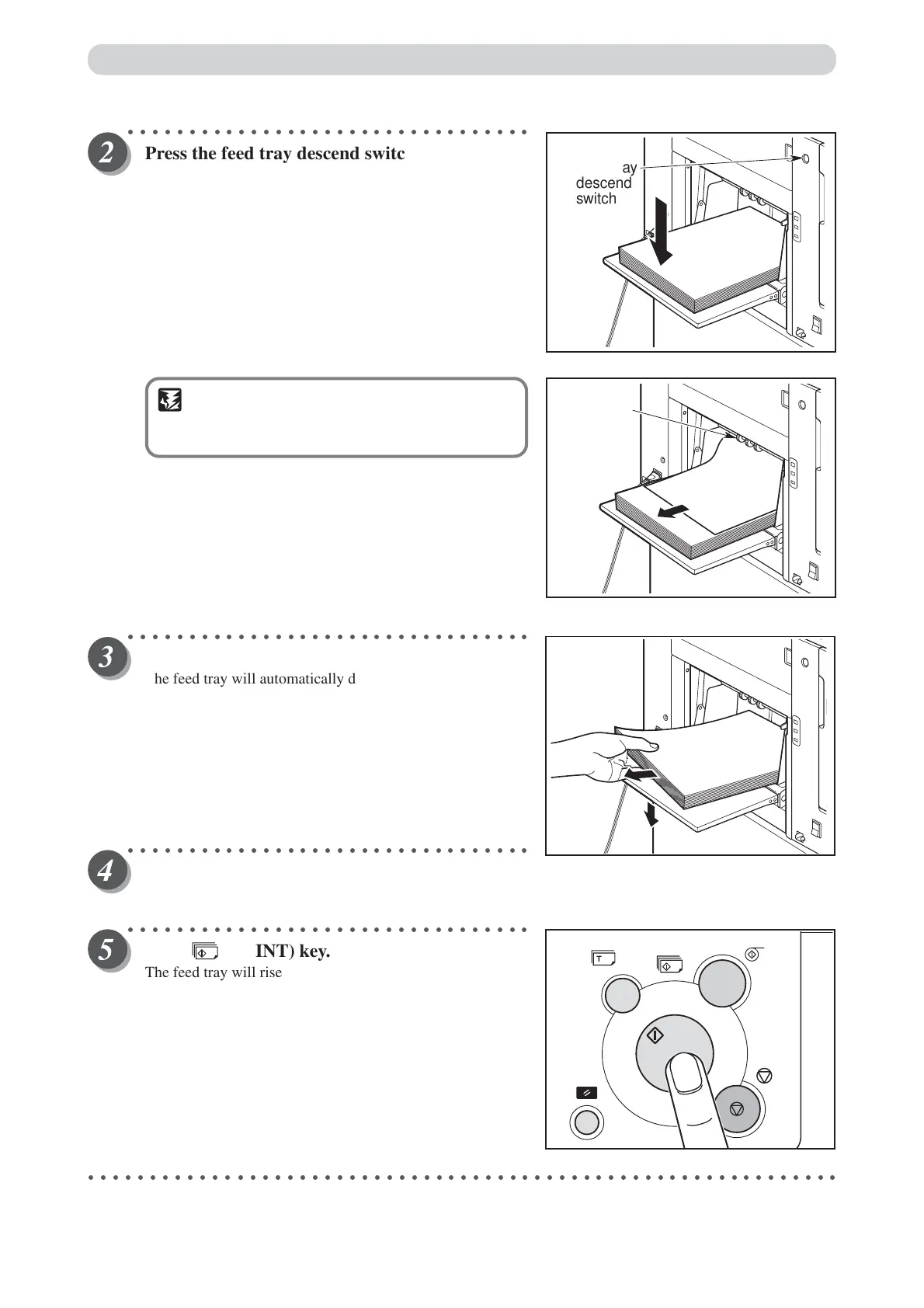
Press the feed tray descend switch continuously.
Release the switch when the paper tray is at the
proper height.
The feed tray will stop.
IMPORTANT
• If the sheet is still in the feed roller ring, pull it
out.
○○○○○○○○○○○○○○○○○○○○○○○○○○○○○○○○○
Remove paper from the feed tray.
The feed tray will automatically descend.
○○○○○○○○○○○○○○○○○○○○○○○○○○○○○○○○○
When the feed tray comes to a stop, reset the
paper size.
○○○○○○○○○○○○○○○○○○○○○○○○○○○○○○○○○
Press (PRINT) key.
The feed tray will rise automatically and printing will
resume.
○○○○○○○○○○○○○○○○○○○○○○○○○○○○○○○○○○○○○○○○○○○○○○○○○○○○○○○○○○○○○
Roller ring
Feed tray
descend
switch






 To Next Page