3
○○○○○○○○○○○○○○○○○○○○○○○○○○○○○○○○○○○○○○○○○○○○○○○○○○○○○○○○○○○○○
Screen1 Screen2
ABCDEFGHIJKLM
ABCDEFGHIJKLNOPQRST
UVWXYZ
abcdefghijklmnopqrstuvwxyz
ABCDEFGHIJKLNOPQRST
UVWXYZ
abcdefghijklmnopqrstuvwxyz
ABCDEFGHIJKLNOPQRST
UVWXYZ
abcdefghijklmnopqrstuvwxyz
ABCDEFGHIJKLNOPQRST
UVWXYZ
abcdefghijklmnopqrstuvwxyz
ABCDEFGHIJKLNOPQRST
UVWXYZ
ABCDEFGHIJKLM
ABCDEFGHIJKLNOPQRST
UVWXYZ
abcdefghijklmnopqrstuvwxyz
ABCDEFGHIJKLNOPQRST
UVWXYZ
Text/Fine lettering
Photograph/Fine lettering
With Photo Dark Without Photo Dar
Document
Printout
Document
Printout
With shadow eraser
Without shadow eraser
Center shadow eraser
Center & outline
shadow eraser
Outline shadow eraser
ABCDEFGH
ABCDEFGHIJKLNO
PQRSTUVWXYZ
abcdefghijklmnopqrs
tuvwxyz
ABCDEFGHIJKLNO
PQRSTUVWXYZ
abcdefghijklmnopqrs
tuvwxyz
ABCDEFGHIJKLNO
PQRSTUVWXYZ
ABCDEFGH
ABCDEFGHIJKLNO
PQRSTUVWXYZ
abcdefghijklmnopqrs
Text
Text/Photograph
Photograph
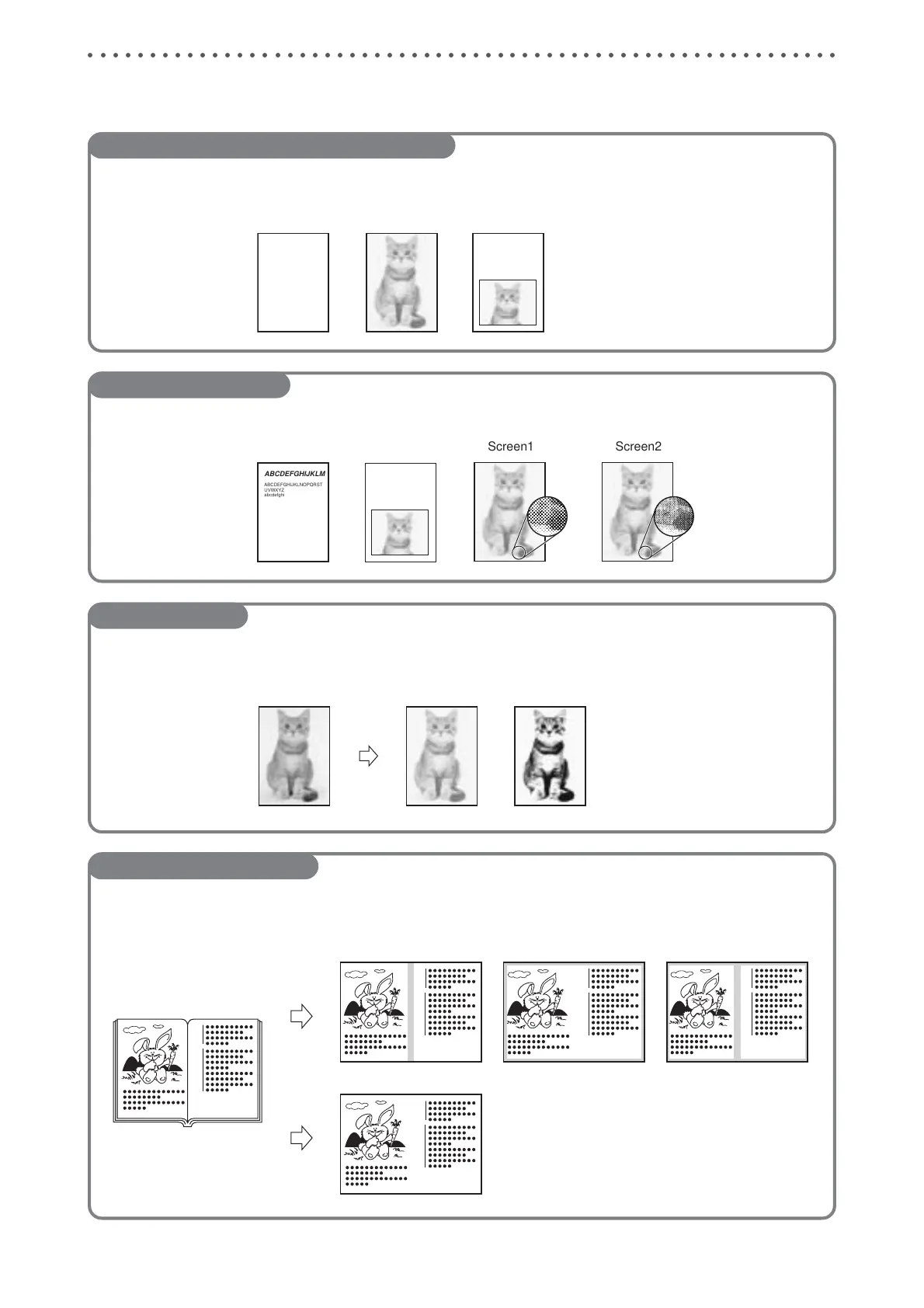
Function Quick Reference
Text/Photograph/Text and Photograph Mode .........
(a P.57)
This function selects the optimum print quality to match the document.
Fine Text/Screen Mode ........
(a P.59)
This function processes non-screened photographs.
Photo Dark Mode ........
(a P.60)
This function enhances the dark portions of photographs.
Book Shadow Eraser Mode .........
(a P.61)
This function erases the shadows on the center or edges of book or other folded documents when printing the open
spread.






 To Next Page