3
Printing With Various Functions
77
○○○○○○○○○○○○○○○○○○○○○○○○○○○○○○○○○
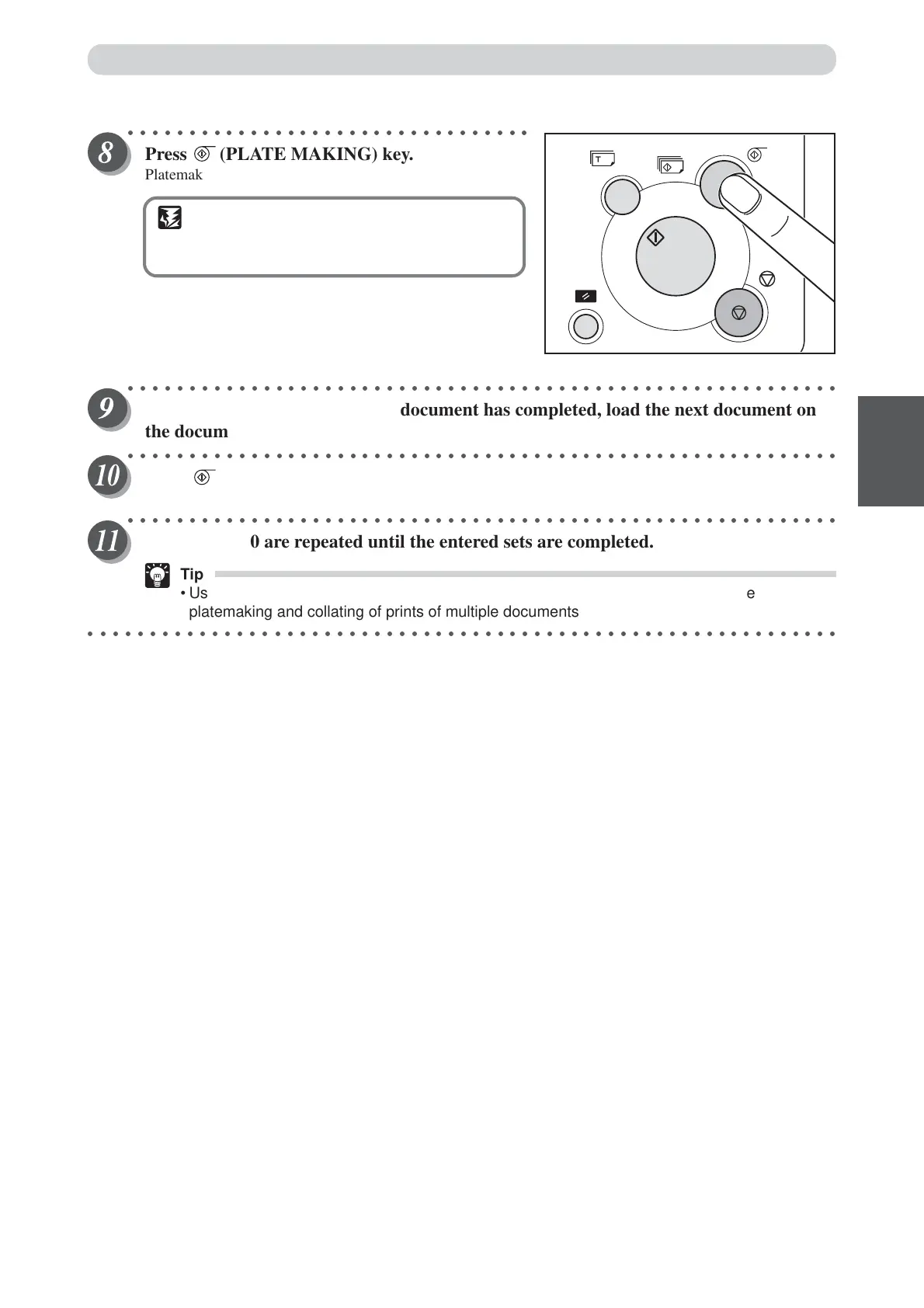
Press (PLATE MAKING) key.
Platemaking starts.
IMPORTANT
• Platemaking and printing starts from the last-
entered print and set quantities.
○○○○○○○○○○○○○○○○○○○○○○○○○○○○○○○○○○○○○○○○○○○○○○○○○○○○○○○○○○
When the print run for the first document has completed, load the next document on
the document glass plate.
○○○○○○○○○○○○○○○○○○○○○○○○○○○○○○○○○○○○○○○○○○○○○○○○○○○○○○○○○○
Press (PLATE MAKING) key.
Platemaking and printing of the next document starts.
○○○○○○○○○○○○○○○○○○○○○○○○○○○○○○○○○○○○○○○○○○○○○○○○○○○○○○○○○○
Steps 9 and 10 are repeated until the entered sets are completed.
Tip
• Using the optional tape cluster and optional ADF you can successively perform the
platemaking and collating of prints of multiple documents.
○○○○○○○○○○○○○○○○○○○○○○○○○○○○○○○○○○○○○○○○○○○○○○○○○○○○○○○○○○○○○
Batch Printing






 To Next Page