27 / 97
Introduction Manual ENC66
eckelmann.de
In the terminal program it looks like this:
Abbildung 9:
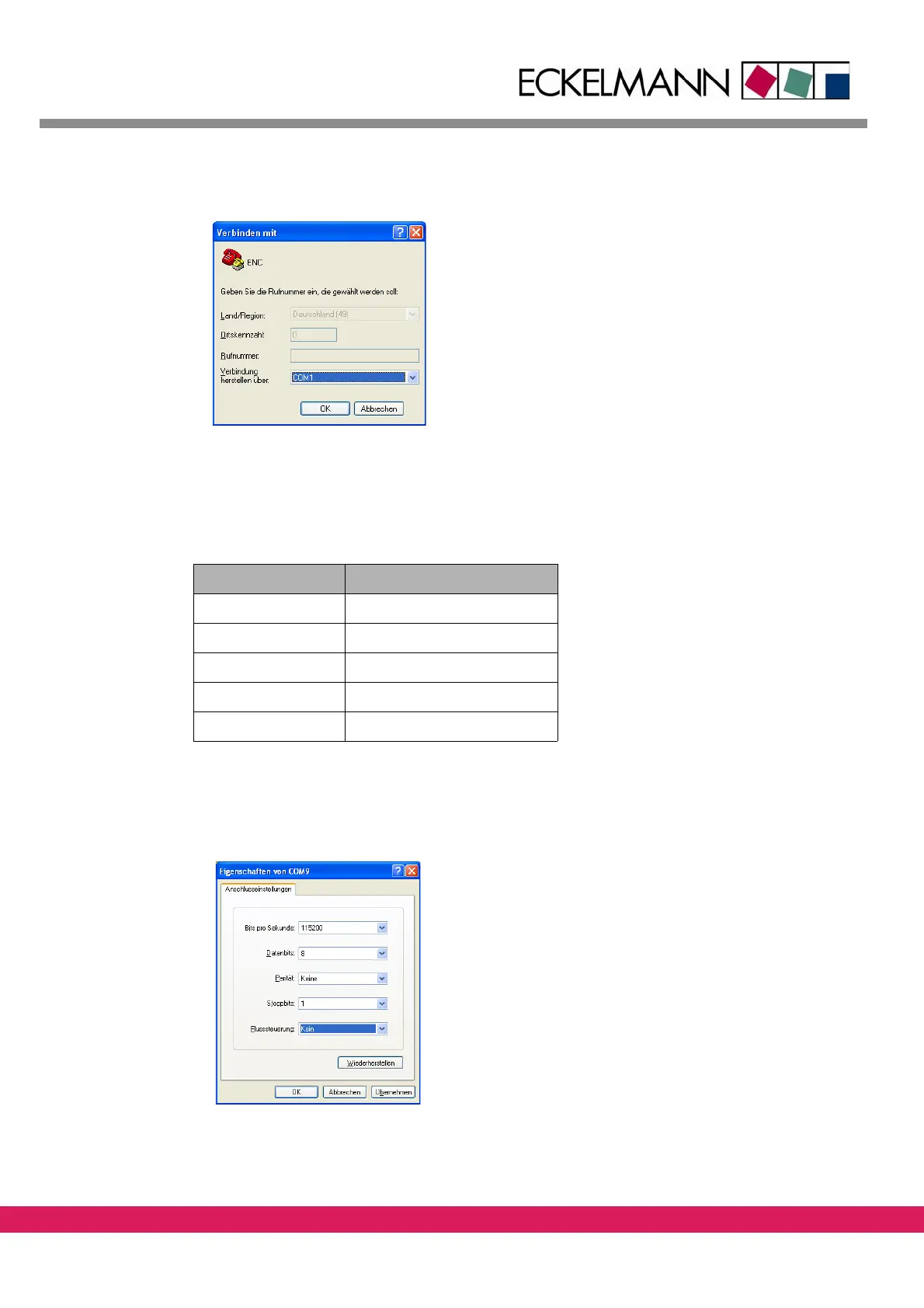
Figure 9: Select the correct interface
The next prompting refers to the serial interface to which the connection cable is connect-
ed to the controller (e.g. COM1). Input the following values as interface parameters:
Tab elle 15:
Table 15: connection parameters
Parameter Value
Baudrate 115200 Baud
Number of Data bits 8
Parity no
Stop bits 1
Flow control no
The dialog box looks like this:
Abbildung 10:
Figure 10: Dialog box with connection parameters
After the parameterization the terminal window opens as follows:



 To Next Page