26 / 97
3 Monitor interface of the controller
The ENC has an extended monitor interface with Z-modem file transfer via the serial RS232
interface. The monitor interface is available at the CPU at plug X3.
By means of this interface
• Commands of the monitor program of the ENC can be used
• Files can be transmitted from and to the ENC with a Z
-modem capable terminal pro-
gram
• The controller can be programmed by means of ETOOLS PLC2
3.1 Running the terminal program
A terminal program makes the communication between the PC and a controller via a serial
interface possible.
In a standard Windows installation (for e
xample Windows 2000 and XP), a terminal pro-
gram is available under Programs -> Accessories
-> Communication -> Hyper Terminal. Al-
ternatively any other terminal program can be used.
3.1.1 Configuration of the terminal program
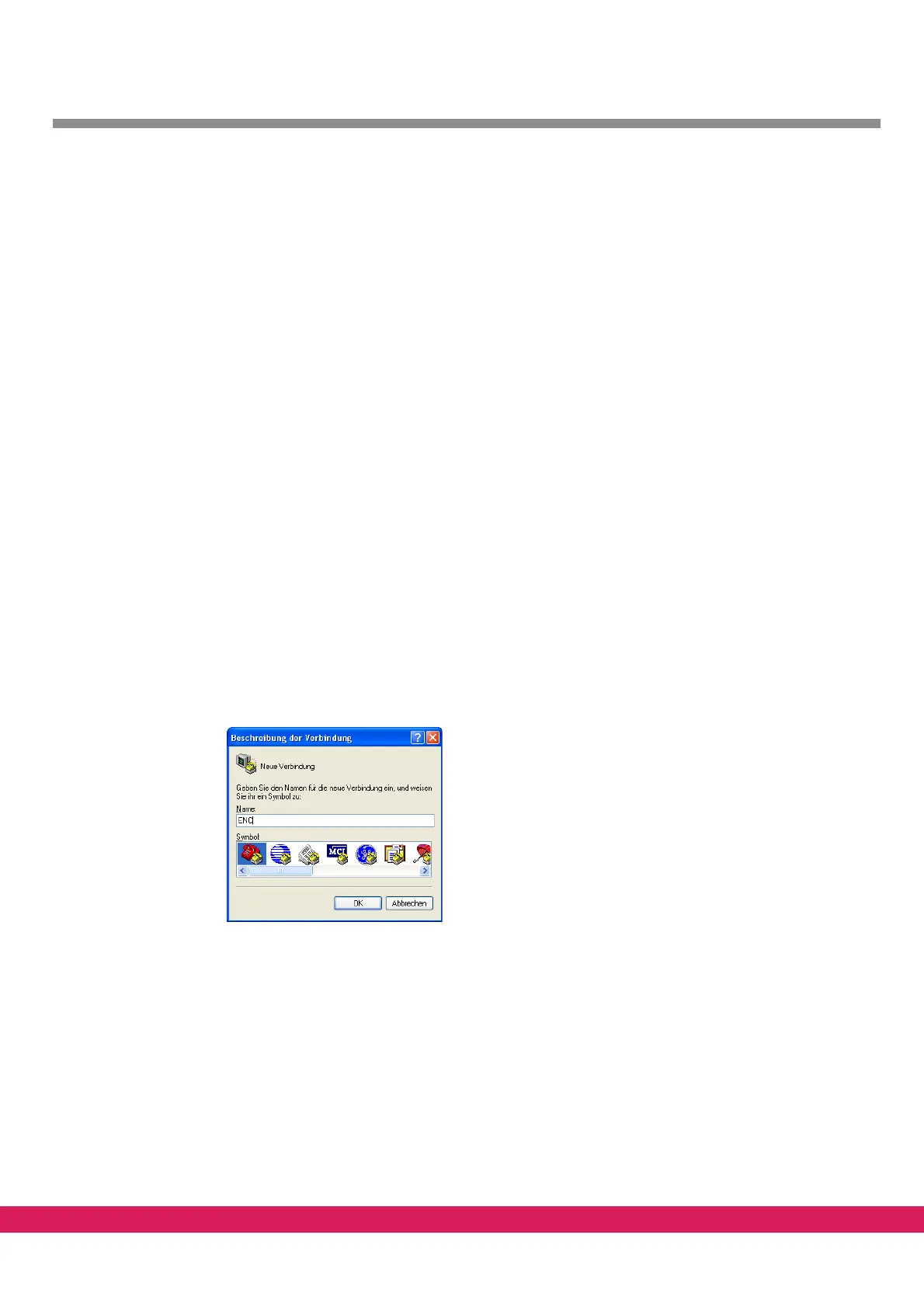
After the start of the program, first input a name (e.g. ENC) and an icon for the requested
connection.
Abbildung 8:
Figure 8: Naming the connection
The program probably prompts different settings of the phone connection, since it is also
intended for a modem connection.
Input the connection (e.g. COM1) to which the interface cable is connected.



 To Next Page