62 / 97
8.6.2 Editing the program
In this chapter, a simple square contour with rounded corners is to be input with the help
of the editor.
Starting point: Program editor is active with a flashing cursor in the left upper corner of the
white input
field
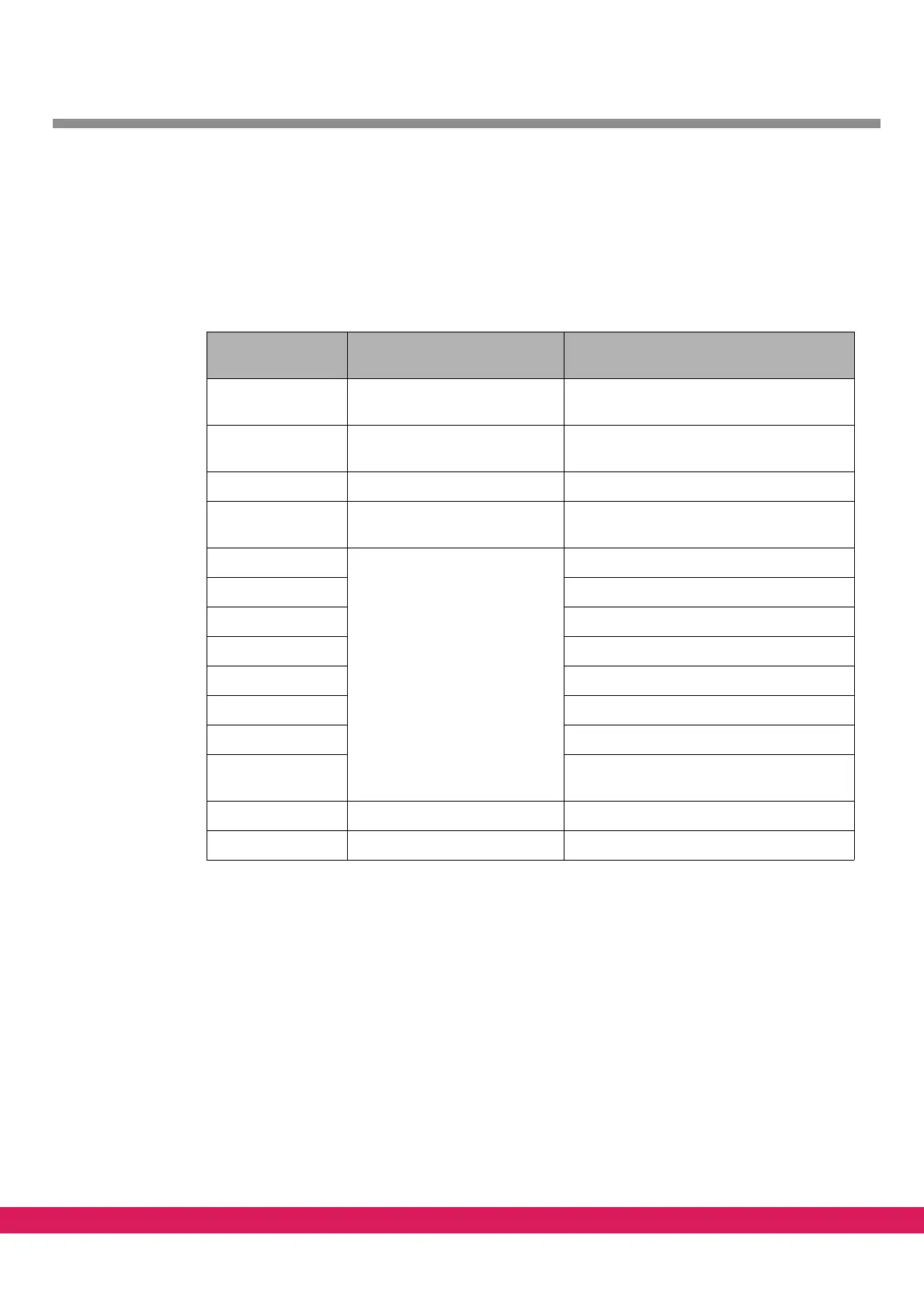
Tabelle 34:
Table 34: DIN example program without M-functions
Input in the text
editor
Meaning Graphical display
%1 Determination of program
nu
mber
G1 F10000 Determination of traversing
sp
eed
G17 Determination of plane
G0 X10 Y10 Traversing to the starting
po
int at rapid speed
Generates a straight line from the zero
point to the starting point
G2 X20 Y20 R10 Following of a section of the
sq
uare contour
Generates a quarter-circle
G1 X30 adds a straight line
G2 X40 Y10 R10 adds a quarter-circle
G1 Y0 adds a straight line
G2 X30 Y-10 R10 adds a quarter-circle
G1 X20 adds a straight line
G2 X10 Y0 R10 adds a quarter-circle
G1 Y10 Completes a straight line to a closed
sq
uare contour
G0 X0 Y0 Traversing to zero point at rapid speed
M30 End of program



 To Next Page