74 / 97
Abbildung 48:
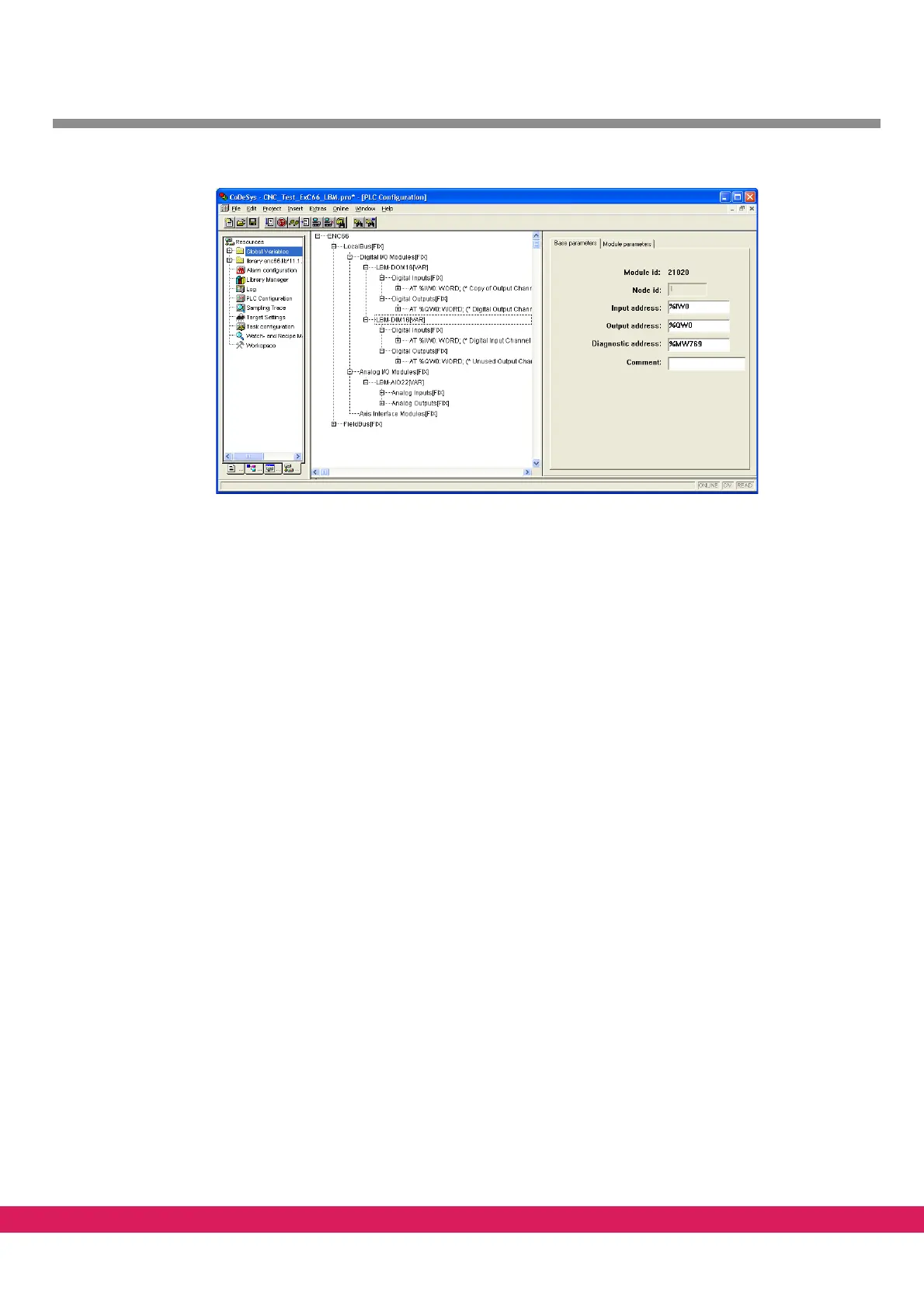
Figure 48: PLC configuration
The Local-Bus modules are separated into three categories:
• Digital IO modules
• Analog IO modules
• Axis interface modules
9.4.3 PLC configuration
You can setup a PLC configuration with the following steps:
• Select the tab „Resources“ on the lower left side of the screen
• Open the entry PLC configuration with a
double click (Entry „ENC66“ gets visible)



 To Next Page