38 / 97
Abbildung 23:
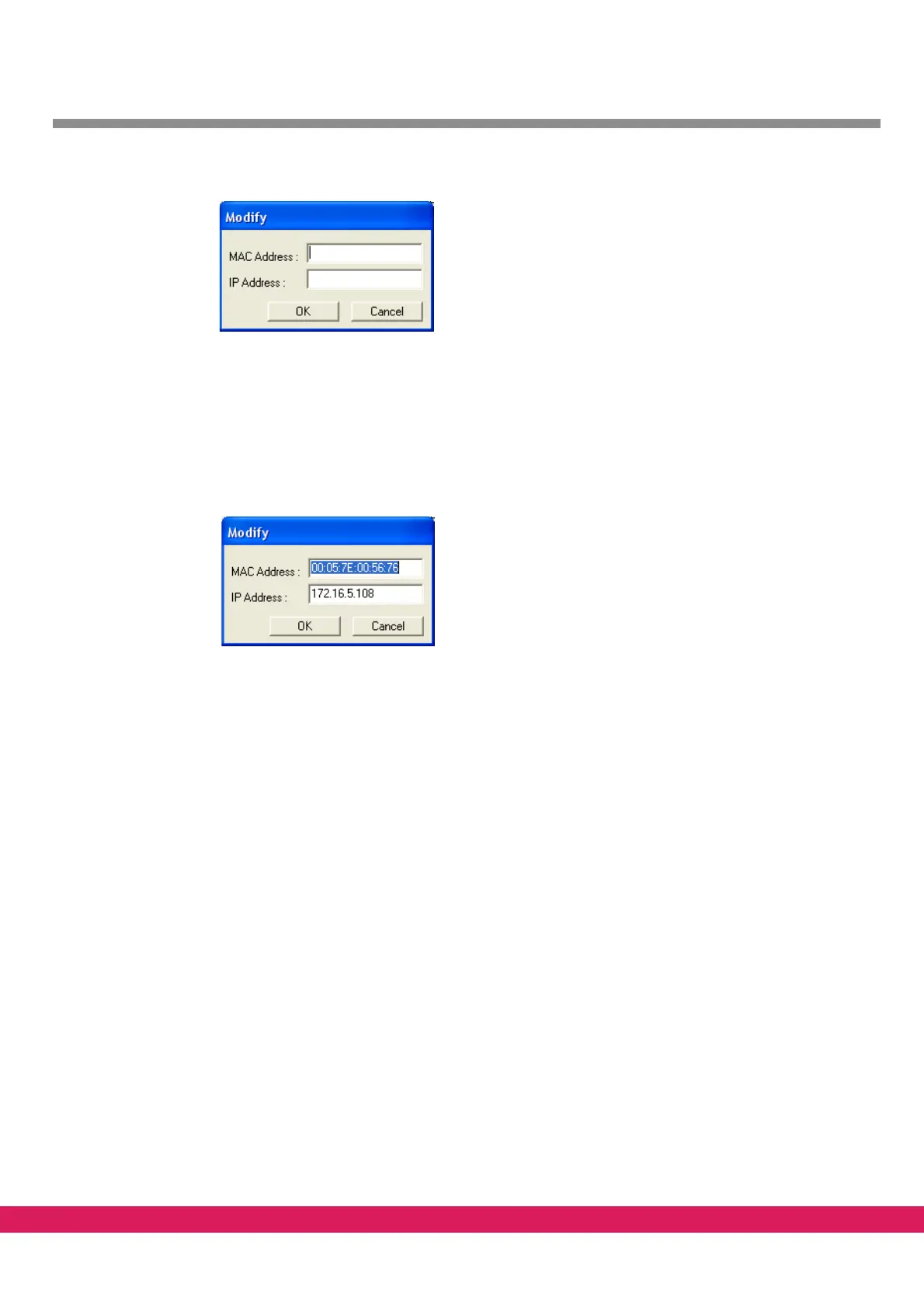
Figure 23: Add a new controller to the list in Netconf, empty
The MAC address can be found on the label of the controller. If the MAC address is
unknown or not readable, the setting is to be made via a terminal program (via a se-
rial interface), also see chapter 4.1, „Setting of the IP addr
ess via the monitor inter-
face (serial interface)”
• After entering the MAC- and IP
address the dialog box looks like this:
Abbildung 24:
Figure 24: Dialog in Netconf with entered MAC and IP address
• Leave the dialog with the „ok“-button.
• A reset of the respective controller is req
uired for the accepting of the configura-
tion. If the new configuration has been accepted successfully by the controller, a dis-
play is made in the screen with time and „Ok“.
4.2.5 MAC address
Each Ethernet controller is equipped by the manufacturer with a unique and worldwide un-
ambiguous physical Ethernet address, also calle
d MAC-ID (Media Access Control Identity).
This address can be used for an addressing on the hardware level. The address has a fixed
length of 6 bytes (48 bit) and includes an address type, an identification of the manufactur-
er and a serial number.
Addresses of the ECKELMANN AG: 00:05:7E:xx:xx:xx.



 To Next Page