72 / 97
9.4.1 Calling of the program E-Tools PLC/2
• Call the program via the menu Start – Programme – ECKELMANN – E_CONTROL –
ETOOLS PLC2/CoDeSys V2.3/CoDeSys V2.3.
• Generate a new projet via menu item File - New.
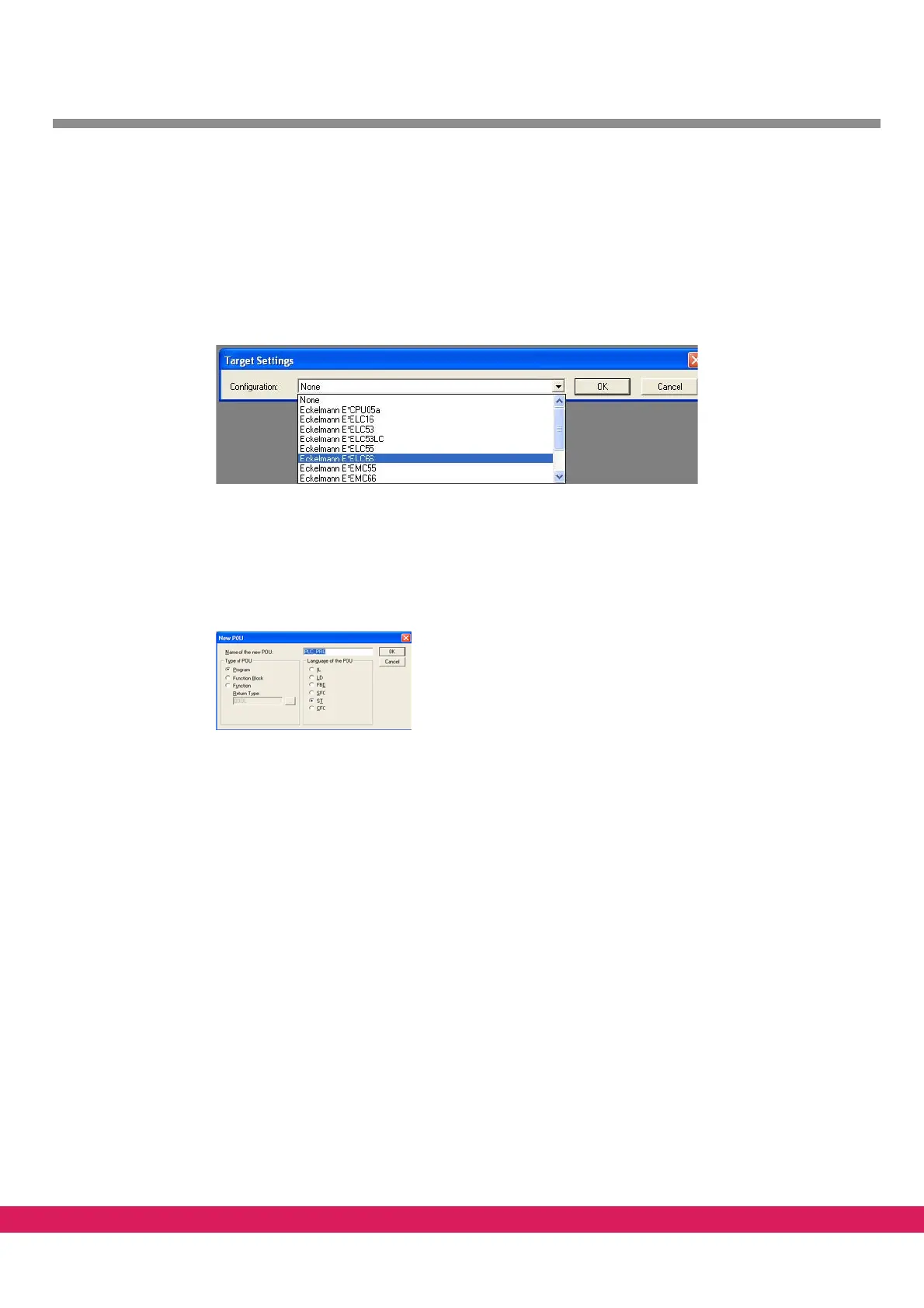
• Select the respective ENC66 in the selection menu.
Abbildung 45:
Figure 45: Select the target settings in E-Tools PLC/2
• Acknowledge the presetting.
A screen for the first block is displayed. The
name can be freely assigned e.g.:
PLC_PRG. As first block, a program is generated in the presetting in the language ST
(structured text).
Abbildung 46:
Figure 46: Naming the first block
• acknowledge by clicking OK
Upon saving of the new project (by clicking on File – Save as) e.g. as „Test“, the fol-
lowing screen is displayed



 To Next Page