40 / 97
5.2 Check of the firmware version
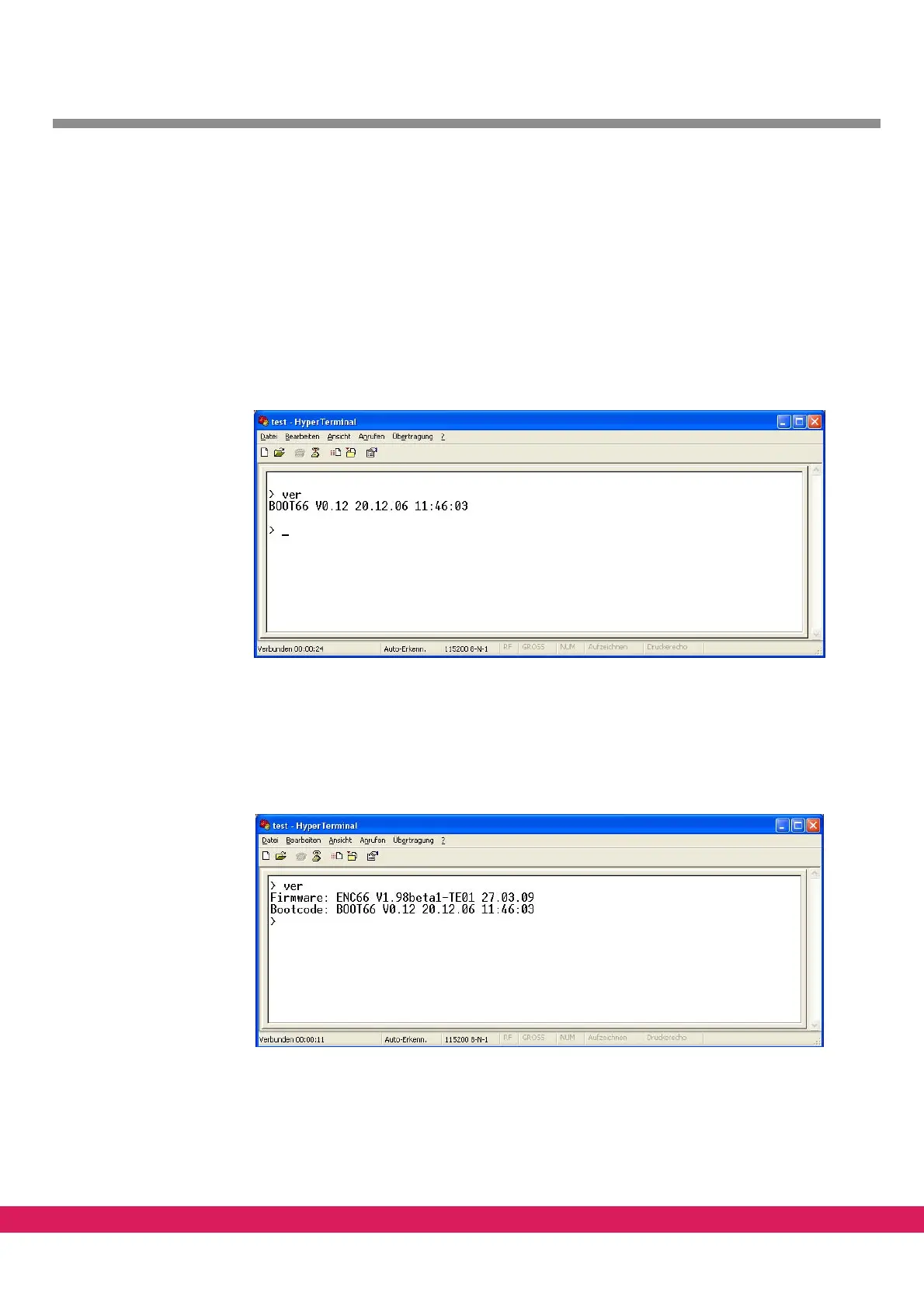
The version of the firmware can be checked with the command „ver“ as soon as the prompt
„>“ of the bootmonitor is displayed.
5.2.1 Variant „with PC-HMI“
If there is no firmware installed, only the version of the boot loader is displayed. The net-
boot functionality is already part of the boot loader that is used with the ENC66. For this
variant an
already installed firmware has to be removed, also see chapter 5.4, „Remove a
firmware“.
Abbildung 27:
Figure 27: Displaying the version of the bootloader
5.2.2 Variant „Stand-Alone“
In addition to the bootloader a firmware has to be installed for the stand alone operation.
So both versions are displayed after entering the „ver“ command.
Abbildung 28:
Figure 28: Displaying the version of the boot loader and the CNC firmware
5.3 Update of the firmware
The firmware is loaded into the controller via the terminal program with active input of the



 To Next Page