80 / 97
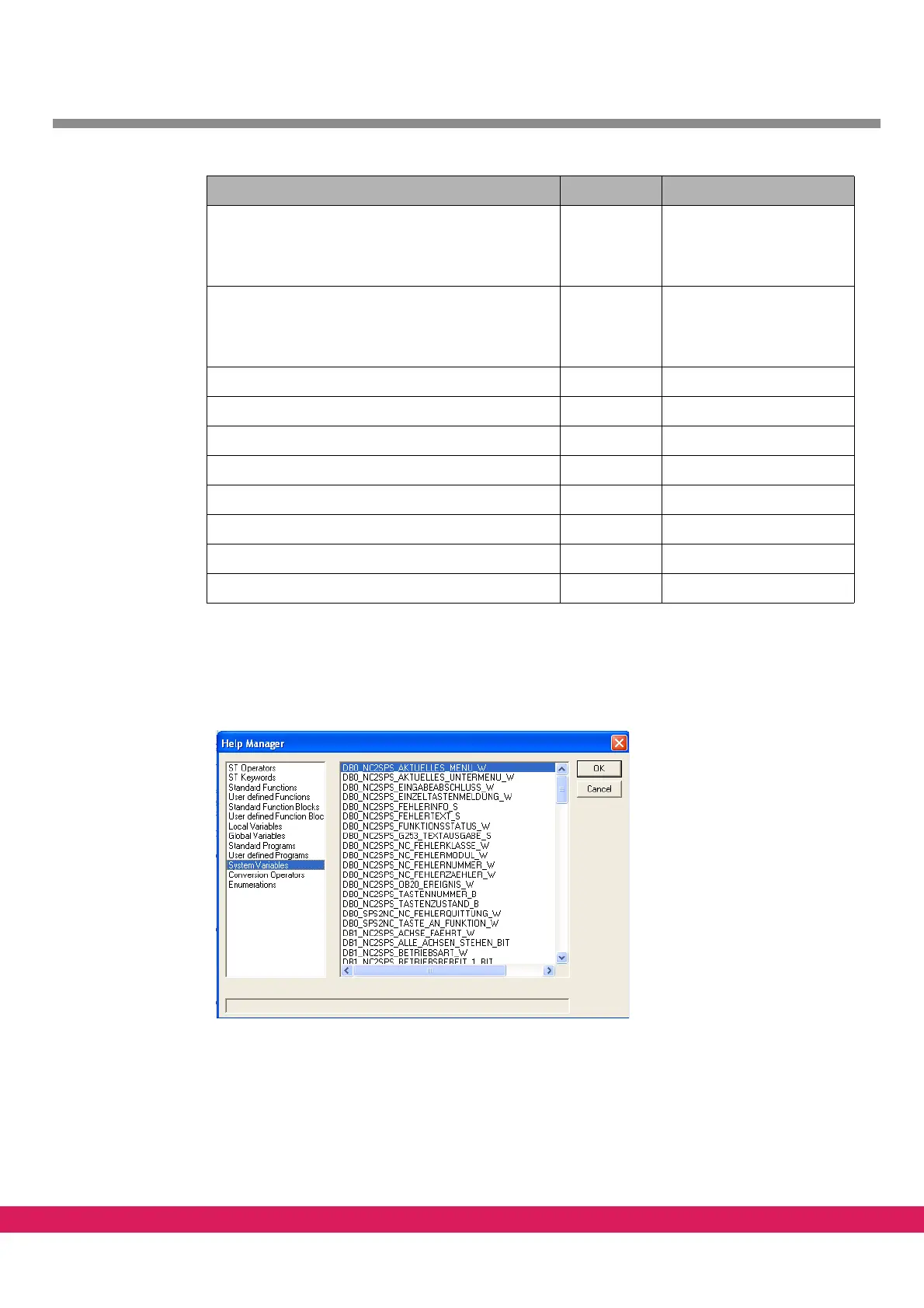
The complete list of system variables can be displayed in the programming window of pro-
gram ETOOLS PLC2 by pressing of „F2“.
Abbildung 57:
Figure 57: System variables in the help manager
10.4 Task for the M-functions M14 and M15
The two M-functions M14 and M15 are to be programmed in a PLC program as follows.
DB1_SPS2NC_VERFAHRTASTENFREIGABE_PLUS_W %MW1.3 Keys manual traversing
StdHMI,
codes as per bit for 16
dri
ves
DB1_SPS2NC_VERFAHRTAST
ENFREIGABE_MINUS_
W
%MW1.4 Keys manual traversing
StdHMI,
codes as per bit for 16
drives
DB1_SPS2NC_REGLERFRE
IGABE_W %MW1.5 Enabling CNC
DB1_SPS2NC_EINLESE
FREIGABE_BIT %MX1.7.0 Enabling CNC
DB1_SPS2NC_PROGRAMMSTART_B %MB1.9.0 StdHMI
DB1_SPS2NC_PROGRAMMSTOP_B %MB1.12.0 StdHMI
DB1_NC2SPS_BETRIEBSBEREIT_2_BIT %MX1.128.1 Monitoring CNC
DB1_NC2SPS_PROGRAMMSTART_B %MB1.137.0 StdHMI
DB1_NC2SPS_PROGRAMMSTOP_B %MB1.142.0
StdHMI
System variable Flag word Required for
Table 45: System variables for the example



 To Next Page