35 / 97
Introduction Manual ENC66
eckelmann.de
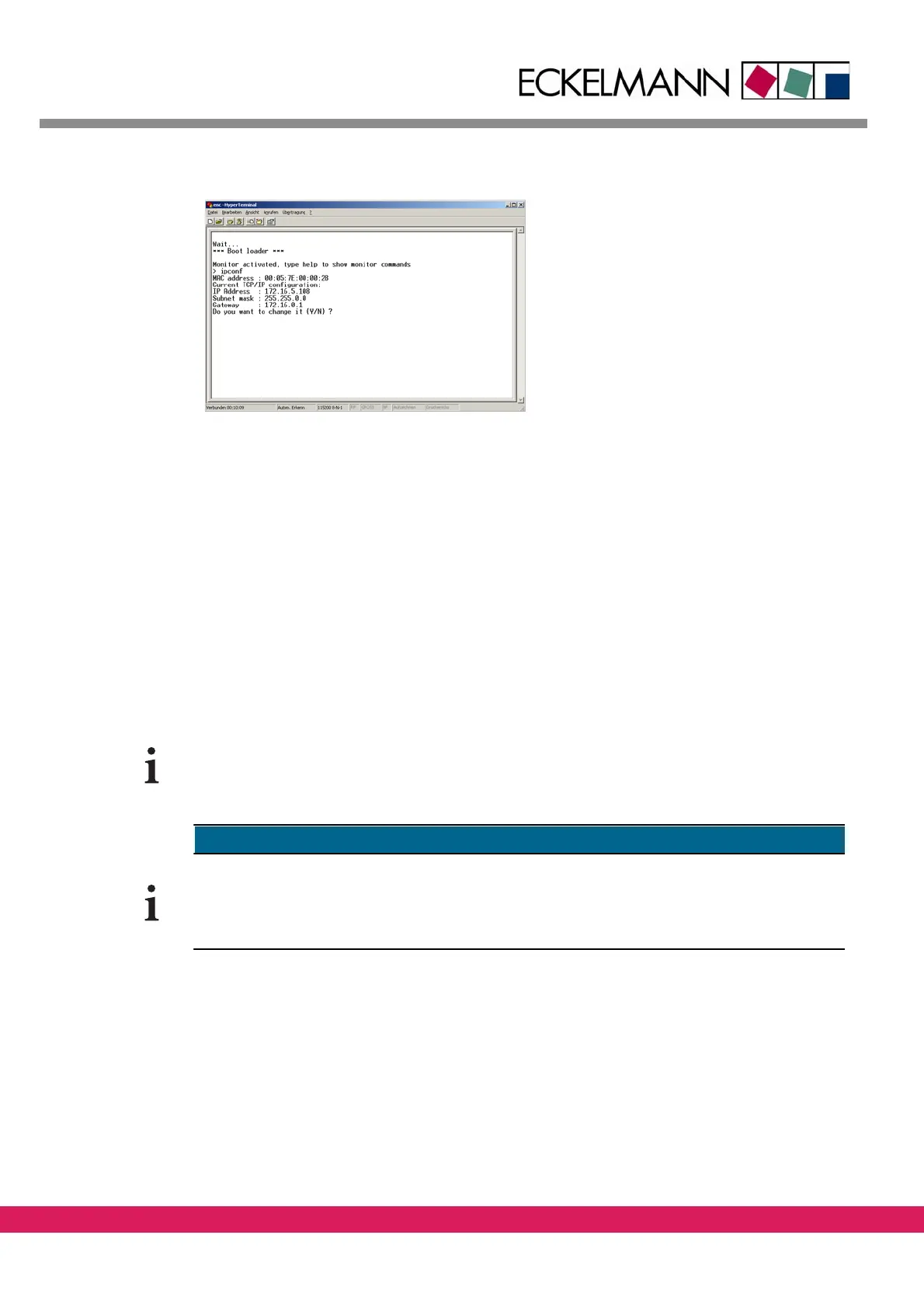
Abbildung 19:
Figure 19: Changing the IP address
• The IP address is modified correspondingly after the input of „y“ and the input of
the required IP address, the subnet mask and probably of the gateway address.
4.2 Setting of the IP address via Ethernet (network or local)
with NetConf
The program NetConf is used for the address modification via ethernet. In this case the
DHCP/BootP protocol is used for the modification of the IP address of the CNC controller.
The program is required only for the configuration of the IP address. Afterwards it is no
longe
r needed The controller uses its stored IP address until it is changed.
The Eckelmann controllers accept only addresses that are assigned by the program NetConf
in order to avoid possible conflicts with other BootP or DHCP servers.
The configurations of other DHCP and BootP servers are ignored.
NetConf can be found in the start menu in the program group „Eckelmann“.
4.2.1 Automatically display controllers in NetConf
Controllers, that are started or rebooted after NetConf was started, are displayed automat-
ically in the controller list as follows:



 To Next Page