79 / 97
Introduction Manual ENC66
eckelmann.de
10 Sample PLC program
10.1 Sample program CNC Test
in order to complete the described CNC program with the necessary PLC functions for the
M functions by means of the specified hardware configuration.
The program is stored on the ftp-server of the ECKELMANN AG in the customer area, fol-
lowing the path
„/produktdoku_software/Dokumentation/1_Dokume
ntation_Public_PDF/BeispieleC-
oDeSys“
You can also find it on the documentation CD in the path
„/1_Dokumentation_Public_PDF/BeispieleCoDeSys“.
The program can be started directly in CoDeSys by means of a double-click on file
C
NC_Test.pro (for ENC55) or CNC_Test_ExC66_LBM.pro (for ENC66).
10.2 Required libraries
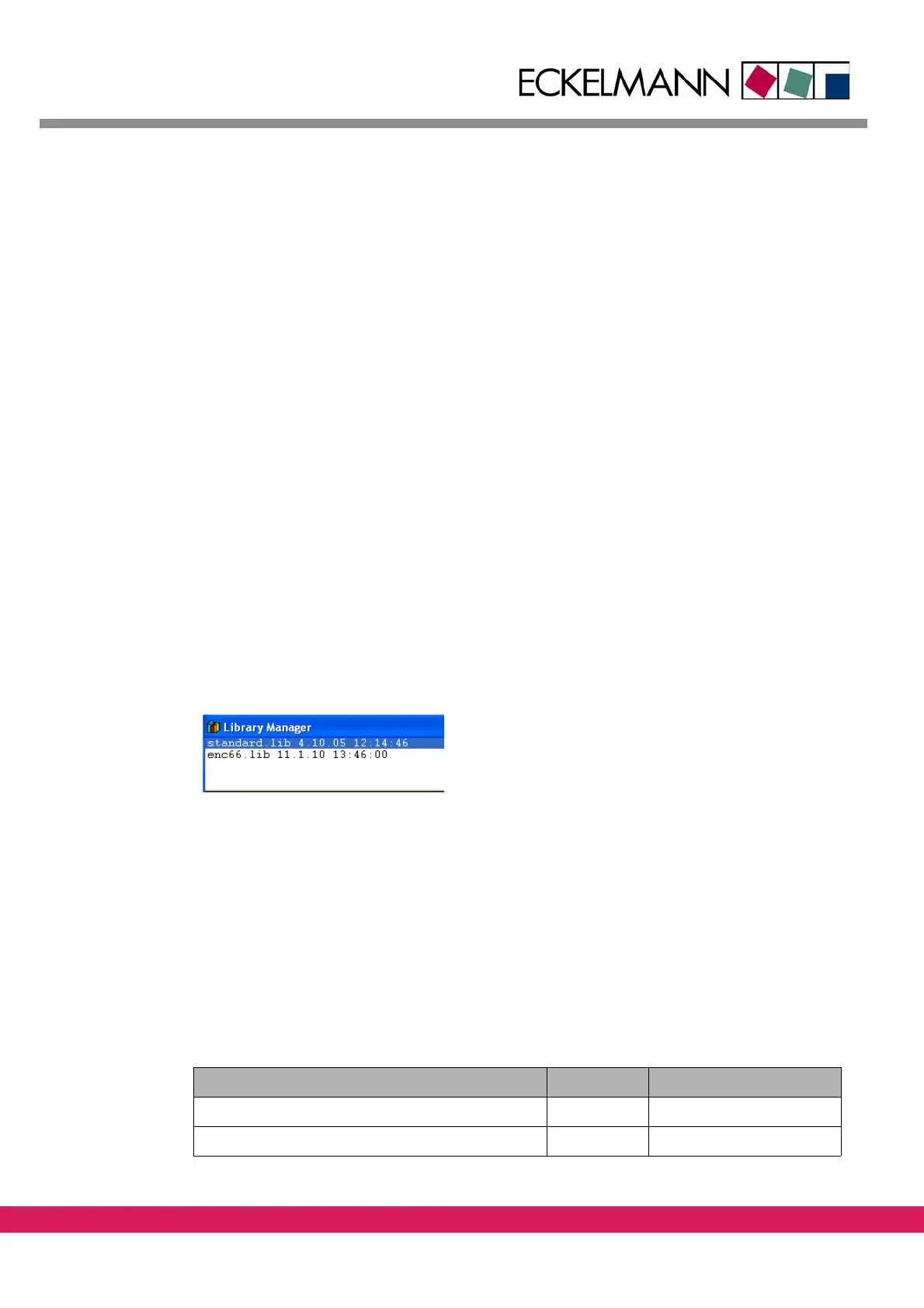
The program requires the libraries enc66.lib and standard.lib.
These libraries are probably to be newly included via the tab „Resources“ – Library Manag-
er.
Abbildung 56:
Figure 56: library selection for the sample project
10.3 System variable and data block
Communication between the CNC controller and the PLC program is made via the variable
of data block 1, while communication between the StdHMI and the PLC program is made
via the variable of data block 2.
The variables are called system variables in the
ETOOLS PLC2 (For further details please
check /11/).
The absolutely necessary system variables are summarized in the fo
llowing table:
Tab elle 45:
System variable Flag word Required for
DB1_SPS2NC_NOTAUS_BIT %MX1.0.0 Enabling CNC
DB1_SPS2NC_VORSCHUBFREIGABE_W %MW1.1 Enabling CNC
Table 45: System variables for the example



 To Next Page