66 / 97
Tabelle 40:
Table 40: Extending the program with M-functions
Steps in stdHMI Description
Open programF2
select the program
Quad1.din
Accept the selection with F7
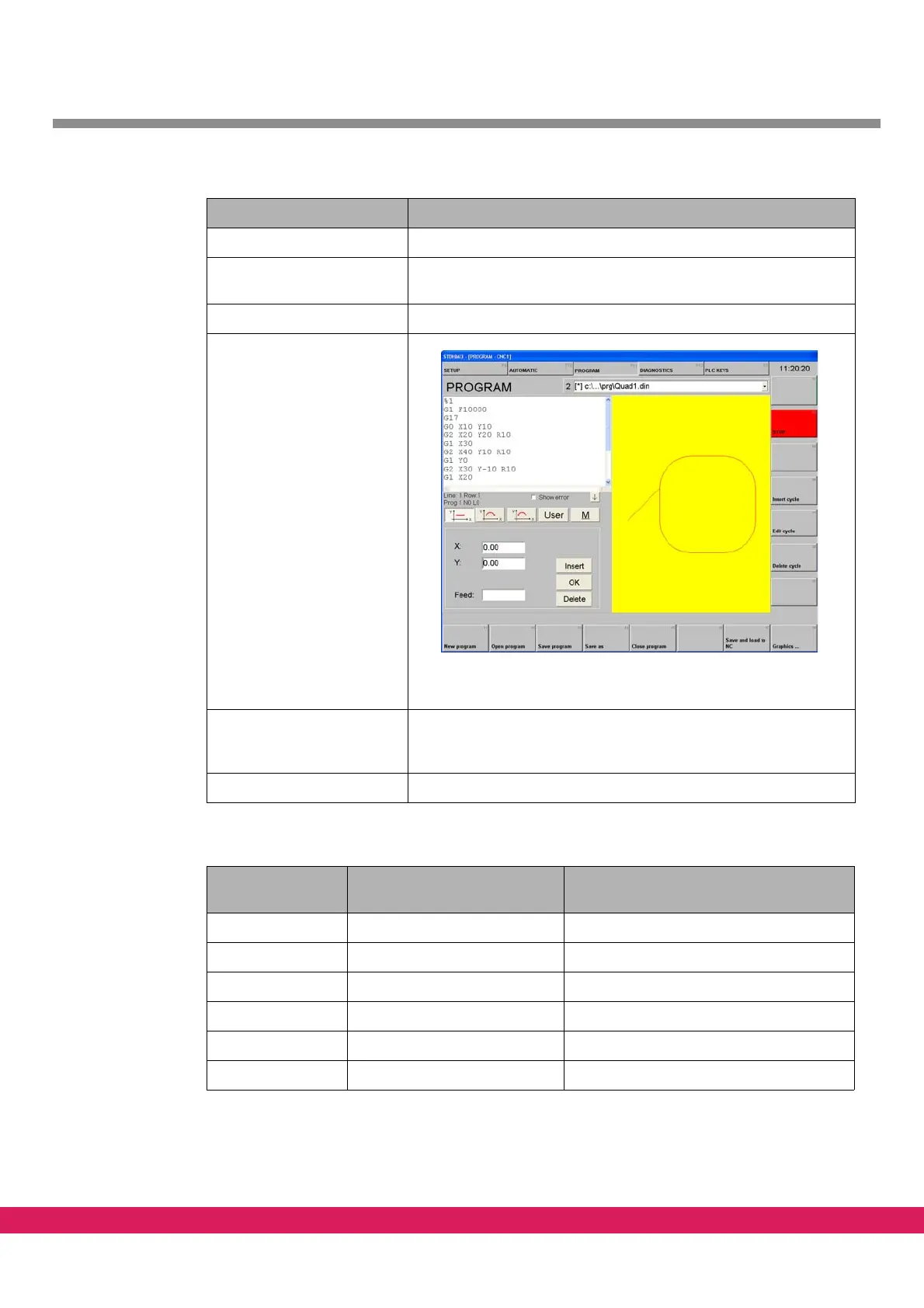
Abbildung 41:
Figure 41: Loaded program in textual and graphical view
Insert the M-function in
compliance with the follow-
ing table
Save program F3
Tabelle 41:
Input in the left
input field
Meaning Graphical display
%1
G1 F10000
G17
M15 Lift tool
G0 X10 Y10
M14 Lower tool
Table 41: program example with M-functions



 To Next Page