34 / 97
4 Setting of the IP address in the controller
The IP address is required if the controller is connected with the PC via a network or a local
Ethernet cable.
At delivery, the controller has a specified but op
tional IP address (with subnet mask). More-
over, it has a specified unchangeable MAC address.
The setting of the IP address, the subnet mask and
probably of the gateway address that
are correct for the network is possible in two different ways:
• Setting of the IP address via the monitor interface (serial interface)
• Setting of the address via an Ethernet connection
4.1 Setting of the IP address via the monitor interface (serial
interface)
The IP address can be set via the activated monitor interface by means of command ipconf.
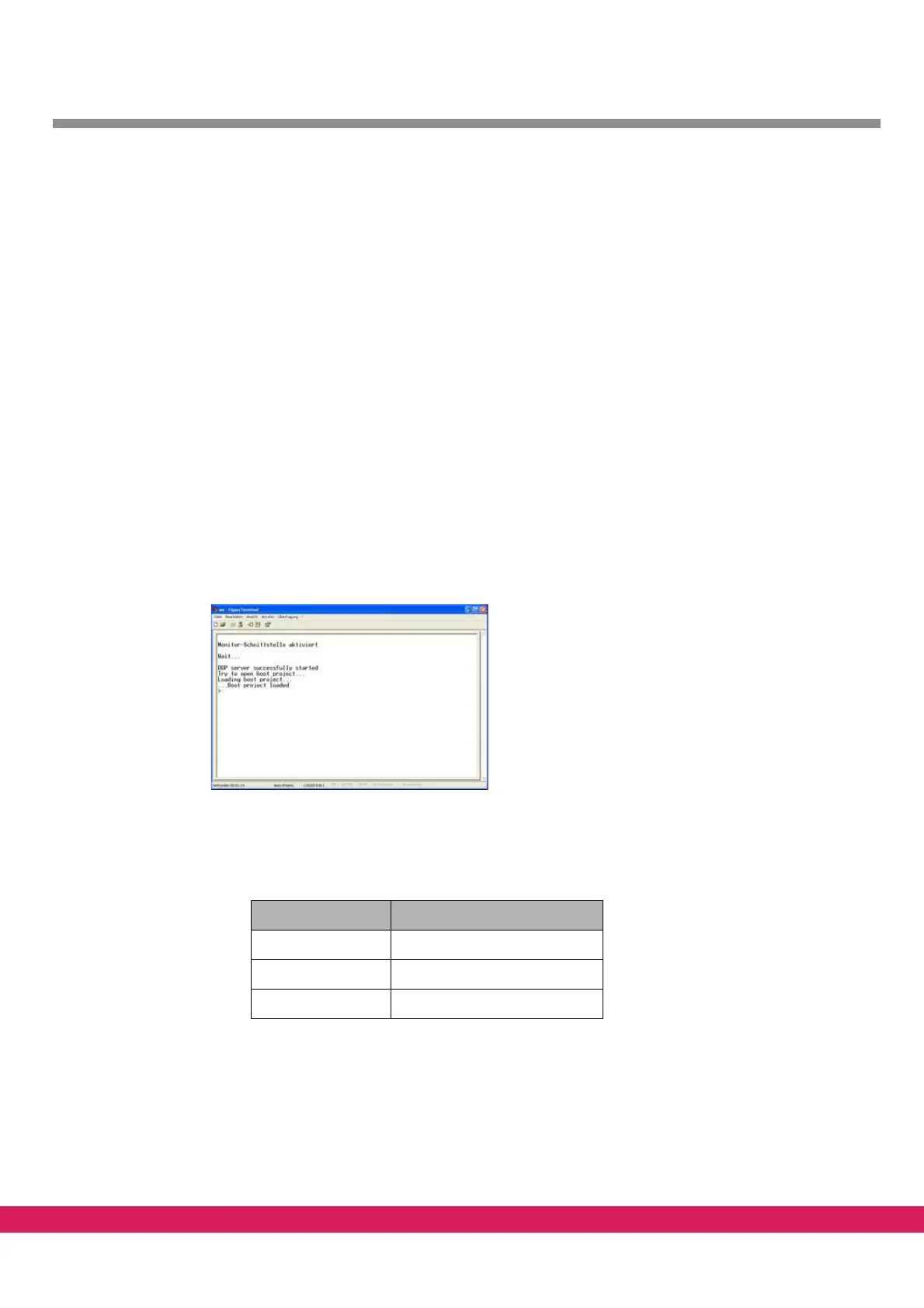
• Activate monitor interface (see chapter 3.2, „Calling of the monitor interface“)
Abbildung 18:
Figure 18: Activated monitor interface
• The current address setting of the controller is displayed upon input of the com-
mand „ipconf“. Check the IP address of the controller for this example:
Tabelle 17:
Table 17: Network parameters for the controller configuration
Parameter Value
IP address 172.16.5.108
Subnet mask 255.255.0.0
Gateway address 172.16.0.1
The IP address of controller and PC need to belong to the same subnet. The gateway
address is not relevant if no gateway is available in the subnet. The addresses can
then be an optional IP address of the subnet (not 0.0.0.0).



 To Next Page