37 / 97
Introduction Manual ENC66
eckelmann.de
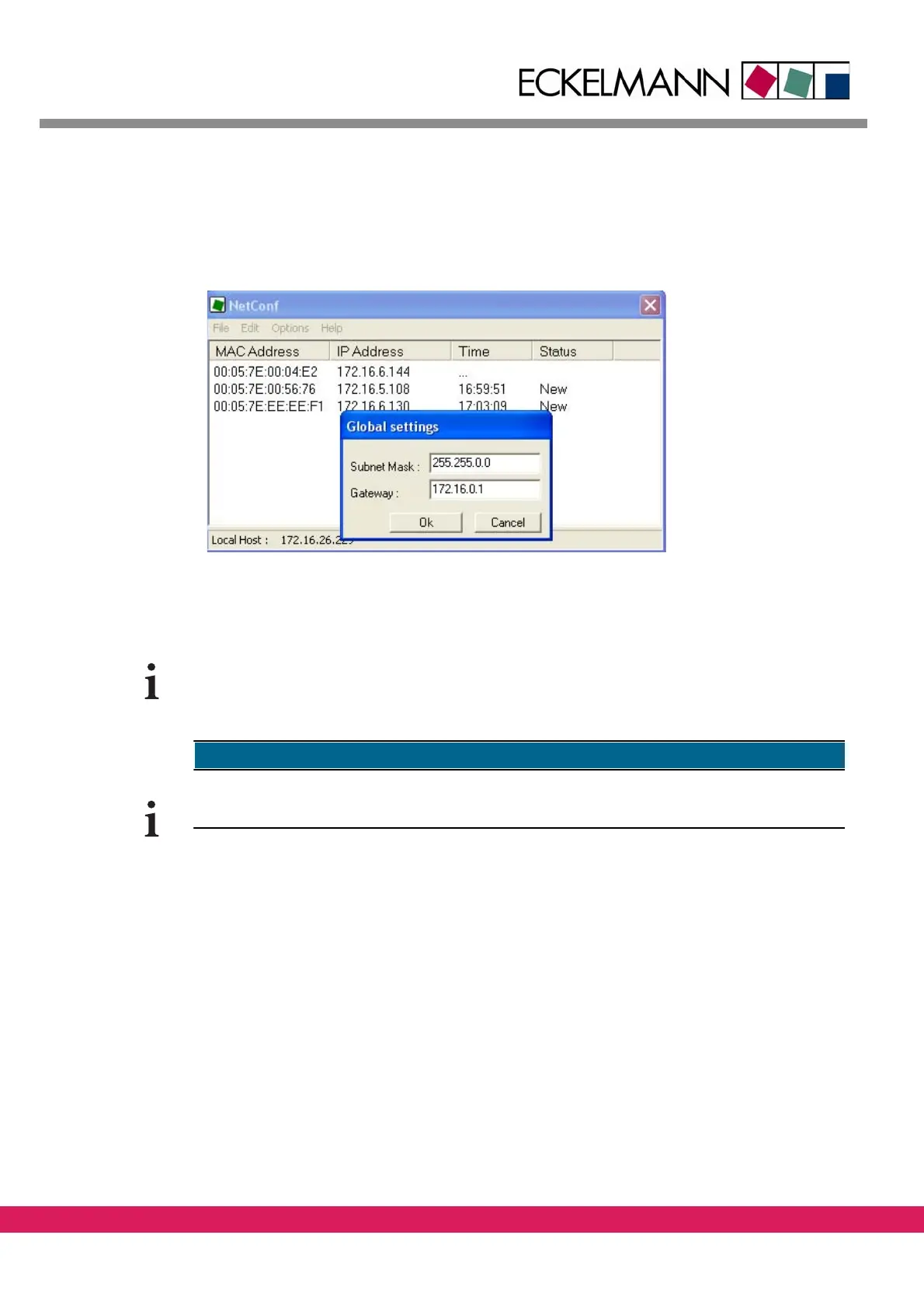
4.2.3 Configure gateway and subnet mask in NetConf
The Gateway address and subnet mask of the network, that are used by all controllers in
this network segment are set with the menu entry „Options->Global Settings“.
Abbildung 22:
Figure 22: Modify Gateway and Subnet Mask in NetConf
In case of a local connection, the gateway address is not relevant and an optional input is,
therefore, possible (not 0.0.0.0)
4.2.4 Add a controller in NetConf manually
Additionally a controller can be configured without an existing entry in the controller list.
The following steps have to be performed:
• With the menu entry „Edit->New Item“ you add a controller to the list. The fields
for
MAC- and IP- Address are empty in the beginning.



 To Next Page