39 / 97
Introduction Manual ENC66
eckelmann.de
5 Update of the firmware via the boot monitor
This chapter describes the update of the firmware in the two variants „Stand-Alone“ and
„With PC-HMI“.
The update of the firmware can only be performed via the
serial interface. A terminal pro-
gram is started on the PC (e.g. HyperTerminal) and the bootmonitor is activated in the con-
troller.
5.1 Access to the boot monitor
Initial state:
• The PLC is started and connected with a PC via the serial
interface.
• The green watchdog LED of the PLC is on.
Procedure:
• Start the terminal program as previously described
• activate the monitor prompt with„?“.
• Enter the monitor command „reboot“.
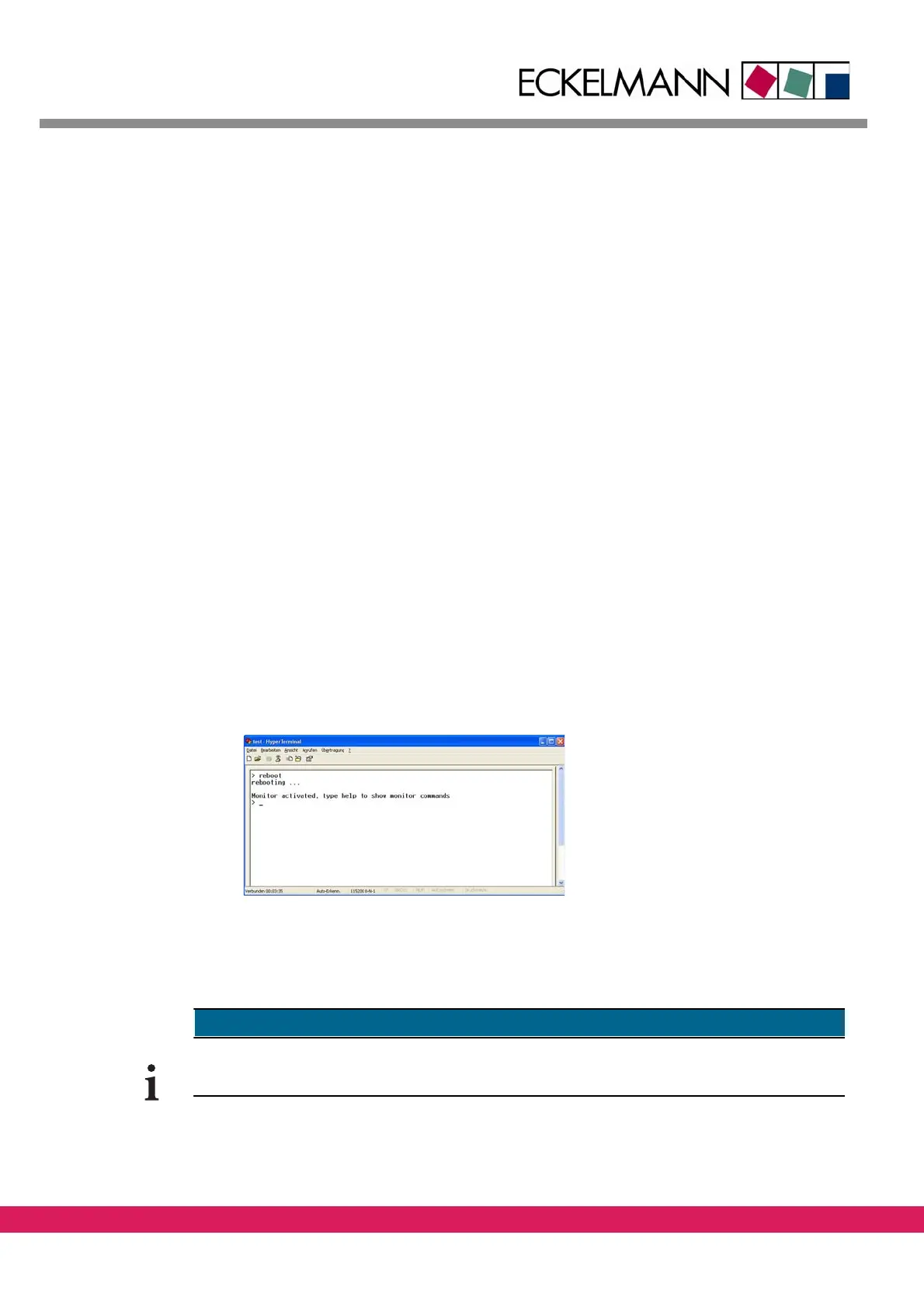
• Keep „!“ pressed during the current rebooting process. The following screen is dis-
played
Abbildung 25:
Abbildung 26:
Figure 26: Boot monitor of the ENC66 in the terminal program
• The input in the bootmonitor of the controller is active as soon as the prompt „>“ is
displayed in the terminal program.
• Two adjacent segments of the 7-segment display rot
ate in clockwise direction
The resetting of the controller can be made with running firmware by the input of 'reboot'
in the monitor interface or by switching on/off of the controller.



 To Next Page