42 / 97
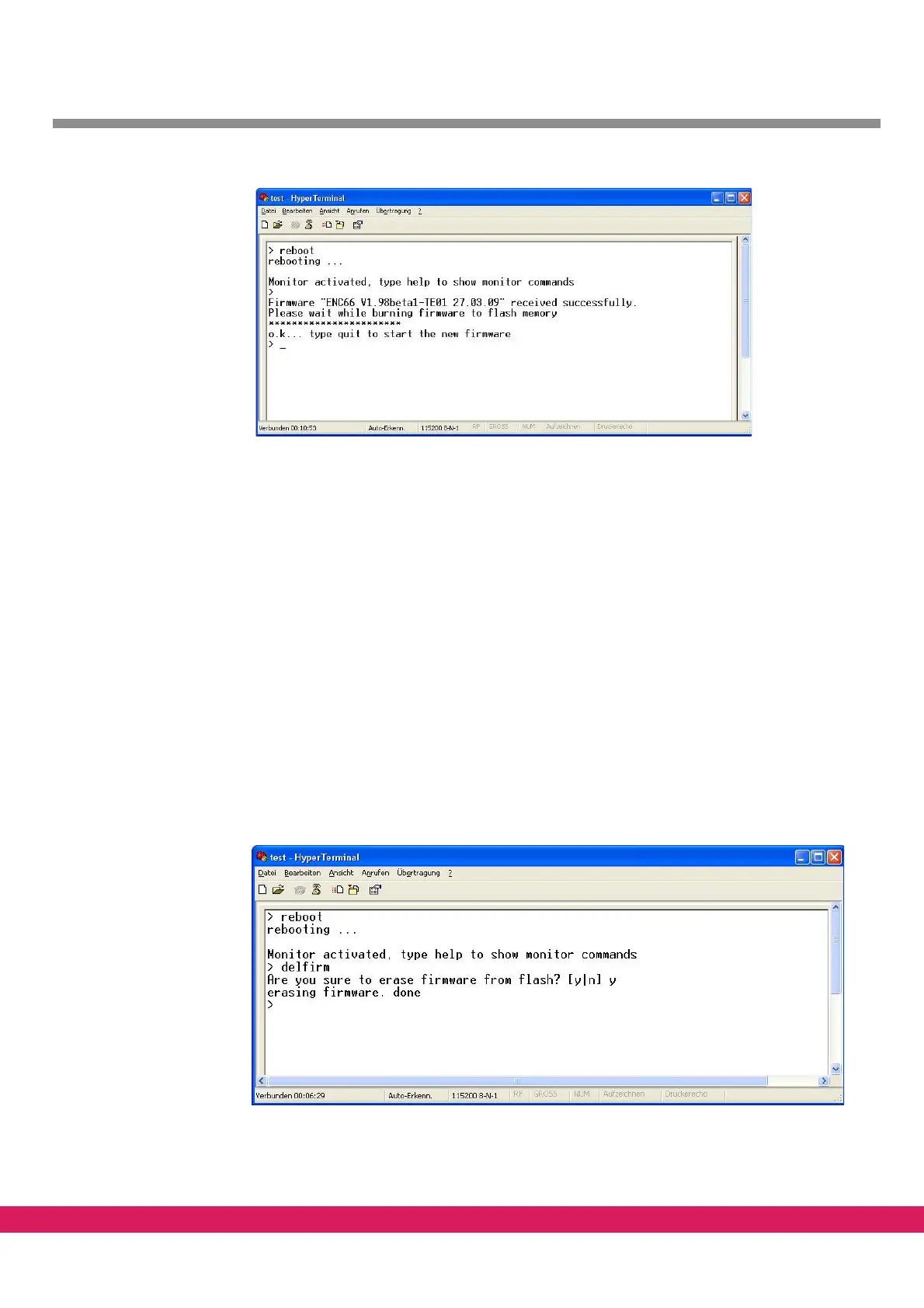
Abbildung 32:
Figure 32: Transfer of the CNC firmware finished
The controller reboots after the input of „quit“. The green WATCHDOG LED is on af-
ter the start of the new firmware. The
terminal program an be closed.
5.4 Remove a firmware
If a ENC66 is in the stand alone mode, the firmware has to be removed first to be able to
use the controller with the StdHMI. Perform these steps to remove the firmware:
• Activate the monitor interface „?“
• Type the „reboot“ command.
• Keep „!“ pressed during the current rebooting process.
• Type the „delfirm“ command. Answer the question „Are you sure to erase firmware
fr
om flash? [y|n]“ with „y“. The terminal window should now look like the figure
below.
Abbildung 33:
Figure 33: Removing the firmware from a ENC66 controller
Without a firmware you always need a PC with a StdHMI to run the controller.



 To Next Page