28 / 97
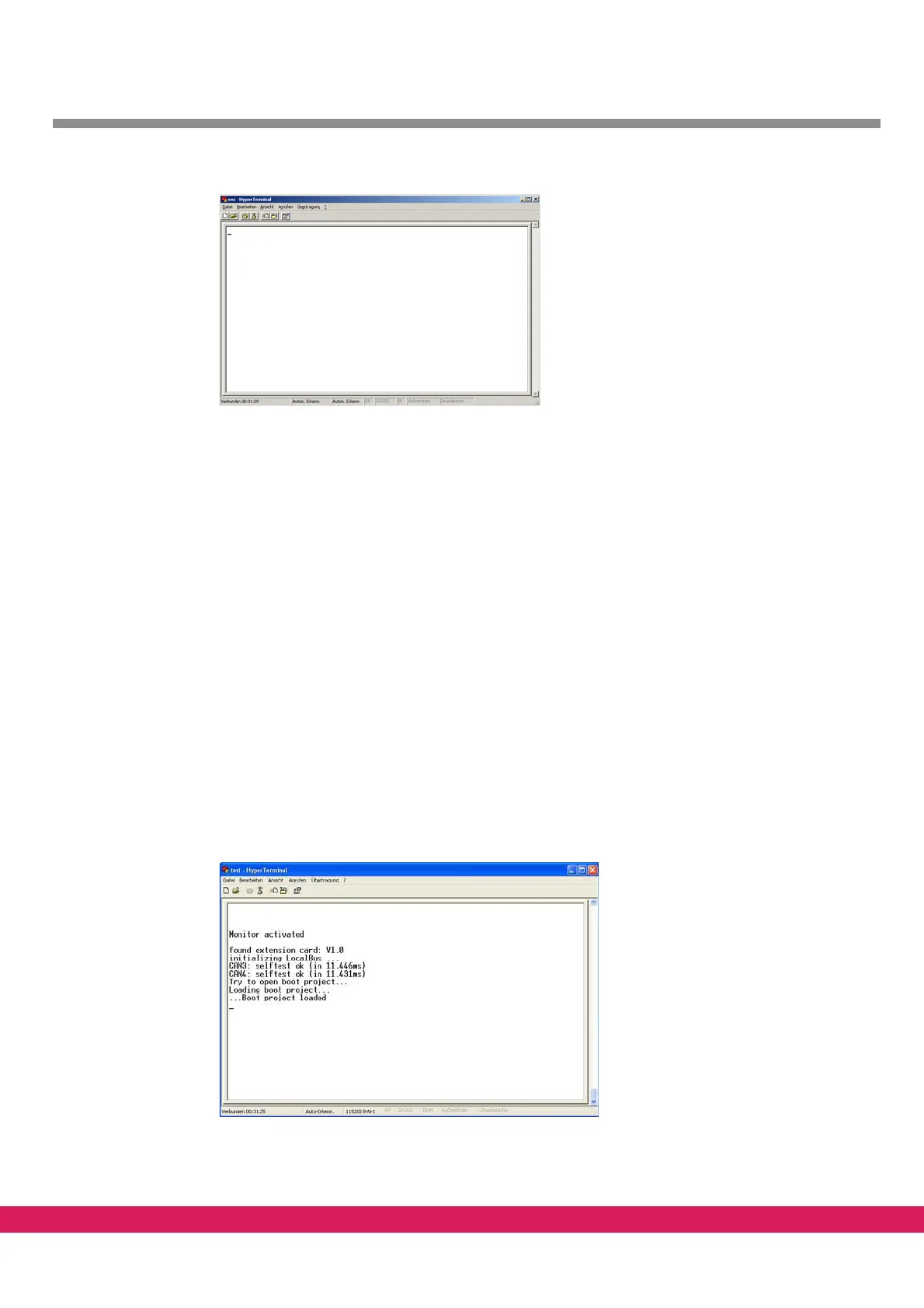
Abbildung 11:
Figure 11: Terminal window
3.2 Calling of the monitor interface
With operating controller firmware (Watchdog LED is on), the monitor interface is activat-
ed by the input of a question mark '?', recognizable by the input prompt '>'.
The following steps are necessary to reach the monitor interface:
• Start the PC
• Connect the controller to the PC
• apply the power supply voltage to start the controller
• The green LED (Watchdog) is on
• Start the terminal program with correct connection parameters
• Two adjacent segments rotate in clockwise dire
ction on the 7-segment display
• As the last message „Wait Boot Loader“ is displayed if a boot project is available on
th
e controller
Abbildung 12:.
Figure 12: Controller messages after boot up
• Press „?“ until the prompt „>“ occurs



 To Next Page