88 / 97
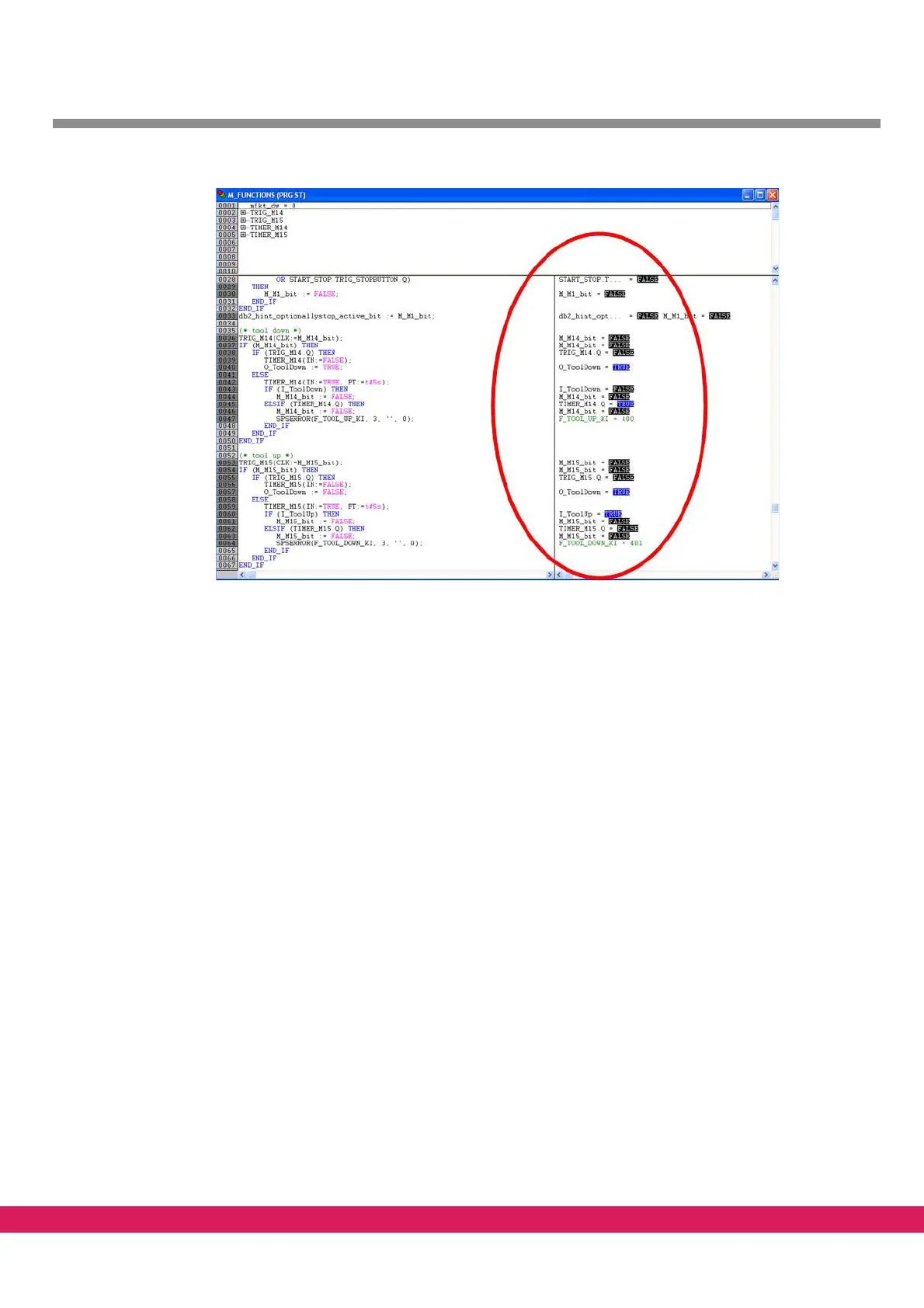
Abbildung 64:
Figure 64: Current values of the variables in E-Tools PLC/2 Online mode
10.11.4 Starting of the program in the controller
• Upon login to the controller with „Online – Login“, the program in the controller
can be started with „Online – Start“.
10.11.5 Stopping of the program in the controller
• Upon login to the controller with „Online – Login“, the program in the controller
can be stopped with „Online – Stop“
10.11.6 Reset of the data memory in the controller
• Upon login to the controller with „Online – Login“, the data memory can be reset to
the start values with „Online – Reset“
10.11.7 Permanent storage of the program in the controller (boot-project)
If the controller is used in the standalone mode, a project can be automatically started
when the controller is booting. Perform the following steps to set it up:
• Upon login to the controller with „Online – Login“, the current program can be per-
manently stored in the controller with „Online – Generate boot-project “.
The program is stored in the controller flash as default.prg.
During booting of the controller, a program default.prg is searched. This program is auto-
matically started as boot-project.



 To Next Page