31 / 97
Introduction Manual ENC66
eckelmann.de
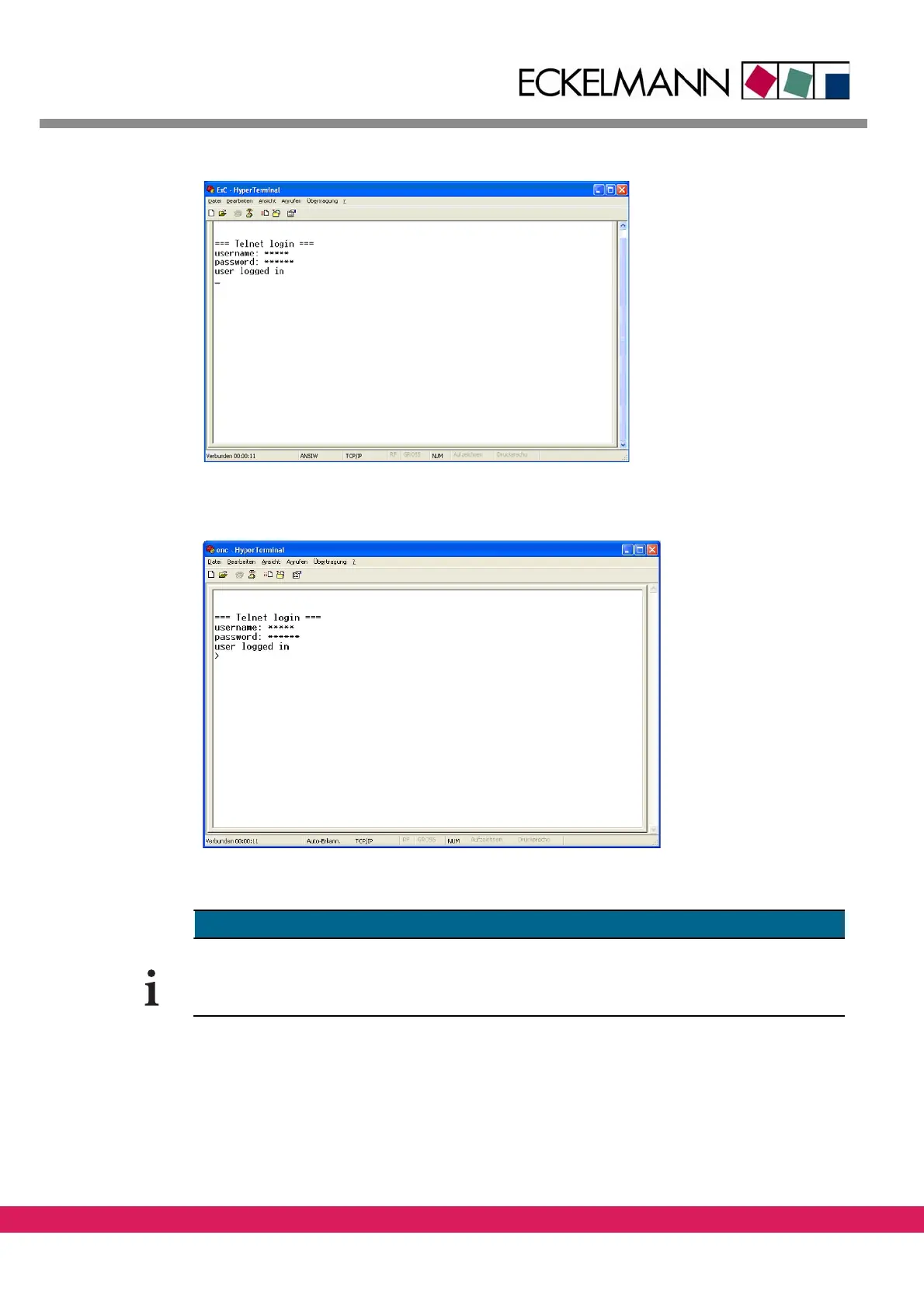
Abbildung 16:
Figure 16: Login prompt via telnet
Pressing „?“ activates the monitor interface (showing the prompt „>“).
Abbildung 17:
Figure 17: monitor interface via telnet
A Firmware update can only be done via the serial interface. The Ethernet interface can‘t
be used for this purpose. (For further information see
chapter 5, „Update of the firmware
via the boot monitor“).



 To Next Page