Startup of VS 300
74
Doku-Version 2.05 - Firmware 2.10 - 15. September 2017
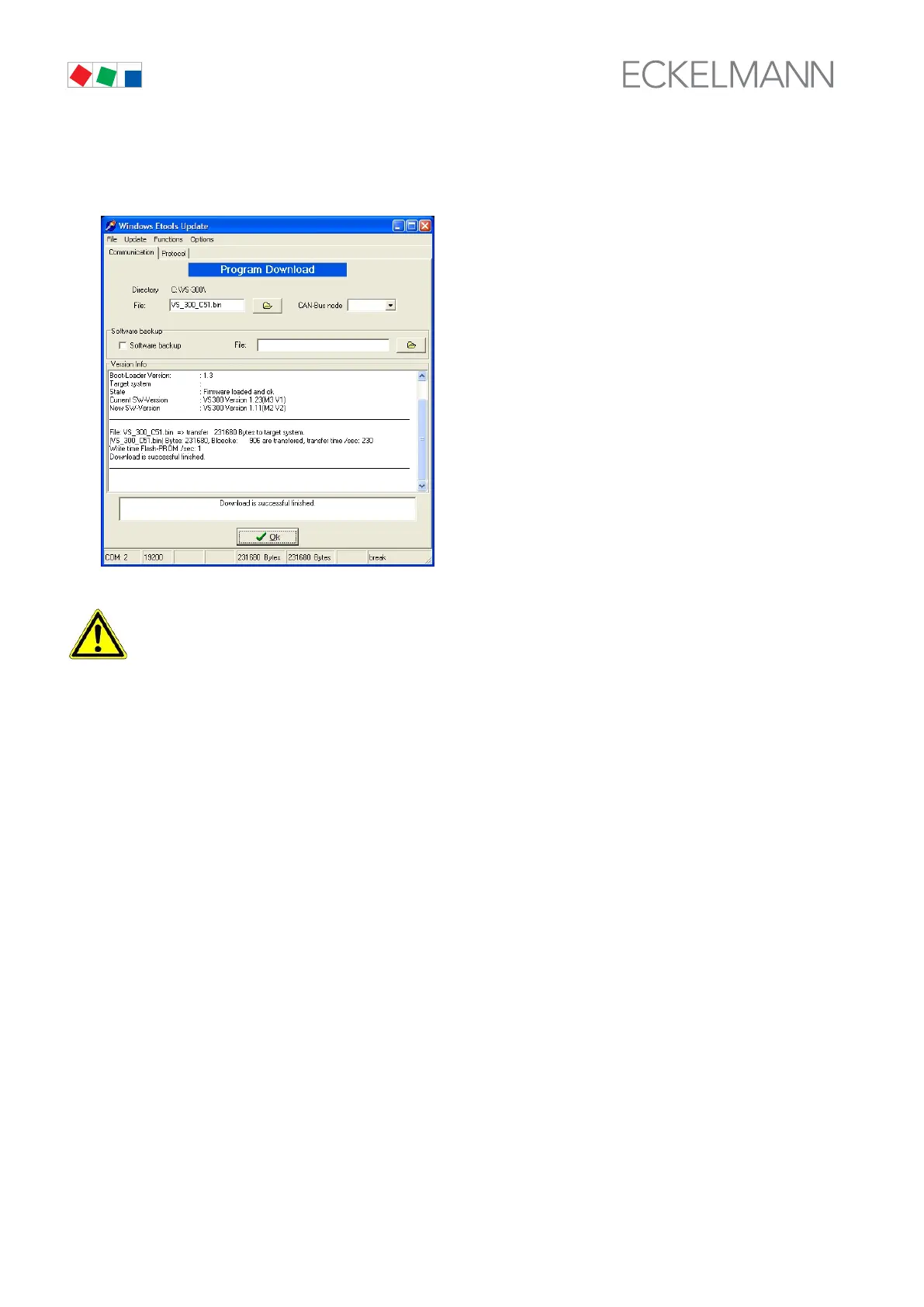
13. The following screen opens when download has been completed successfully. Confirm by clicking on
OK. The Windows Etools Update program can then be closed by choosing the File menu, then Finish.
First start is performed following firmware update. This loads the default settings for all parameters
and all archives (alarms/messages and operating data, e.g. starts, activity) are deleted!
Your must now repeat complete startup of the system (see section 4 Startup).



 To Next Page