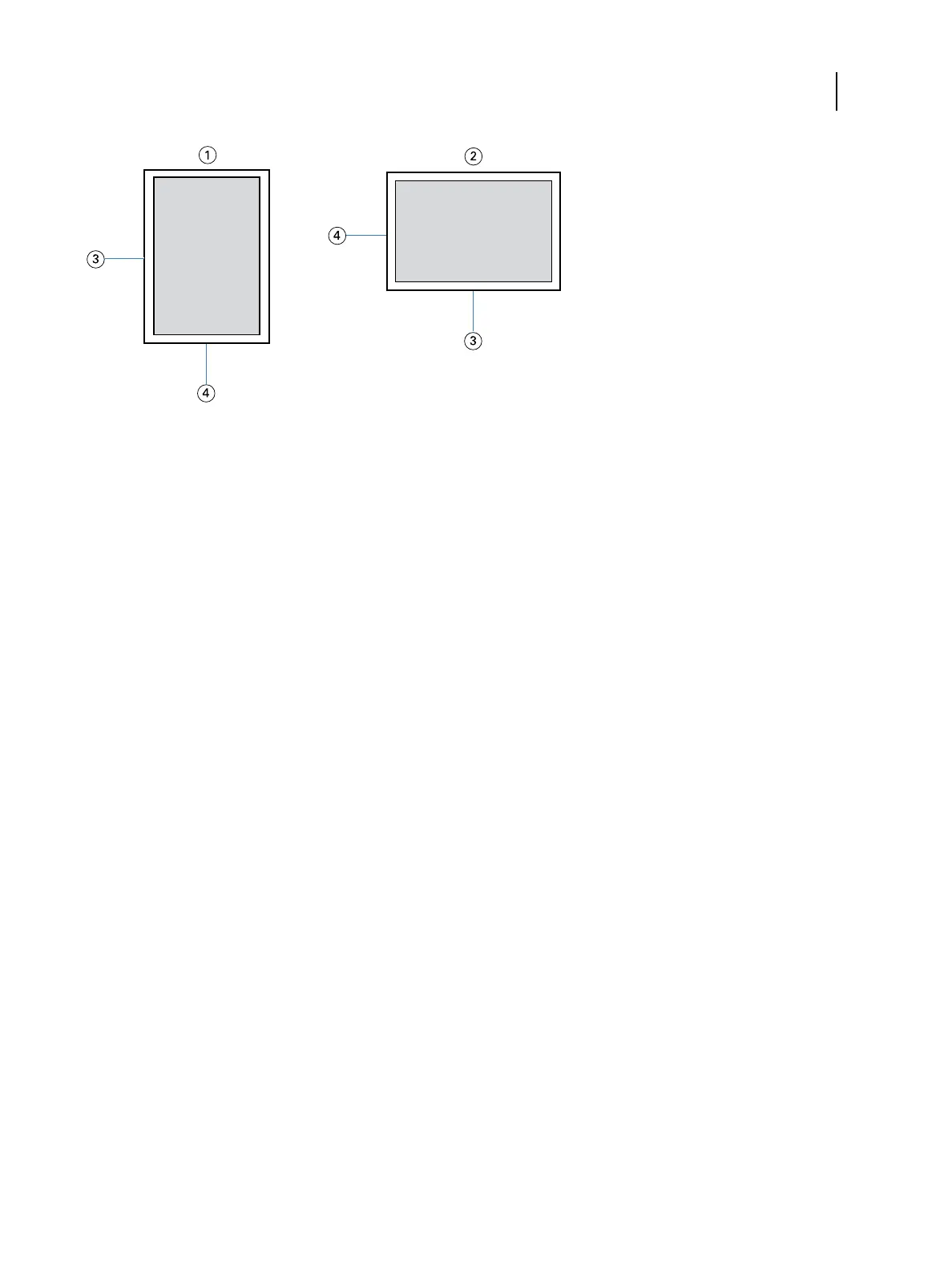
1 Portrait orientation
2 Landscape orientation
3 Height
4 Width
Note: Custom page sizes are not supported with Imposition jobs.
For information about defining and printing custom page sizes, see printer driver help.
Document size and Paper size
Document size is the page size defined in your application’s Print setup (or Page setup) dialog box.
Paper size is the size of the actual sheet of paper on which your job is printed. It may be useful to think of Document
size as digital input (the page size defined in your original document) and Paper size as the physical output (the
actual size of the paper in the printer tray).
In cases when you print one document page per sheet of paper, Document size is usually the same as the Paper size.
However, Document size may differ from Paper size when you print booklets or impose multiple document pages on
a single sheet.
Printing
Print Options
99



 To Next Page