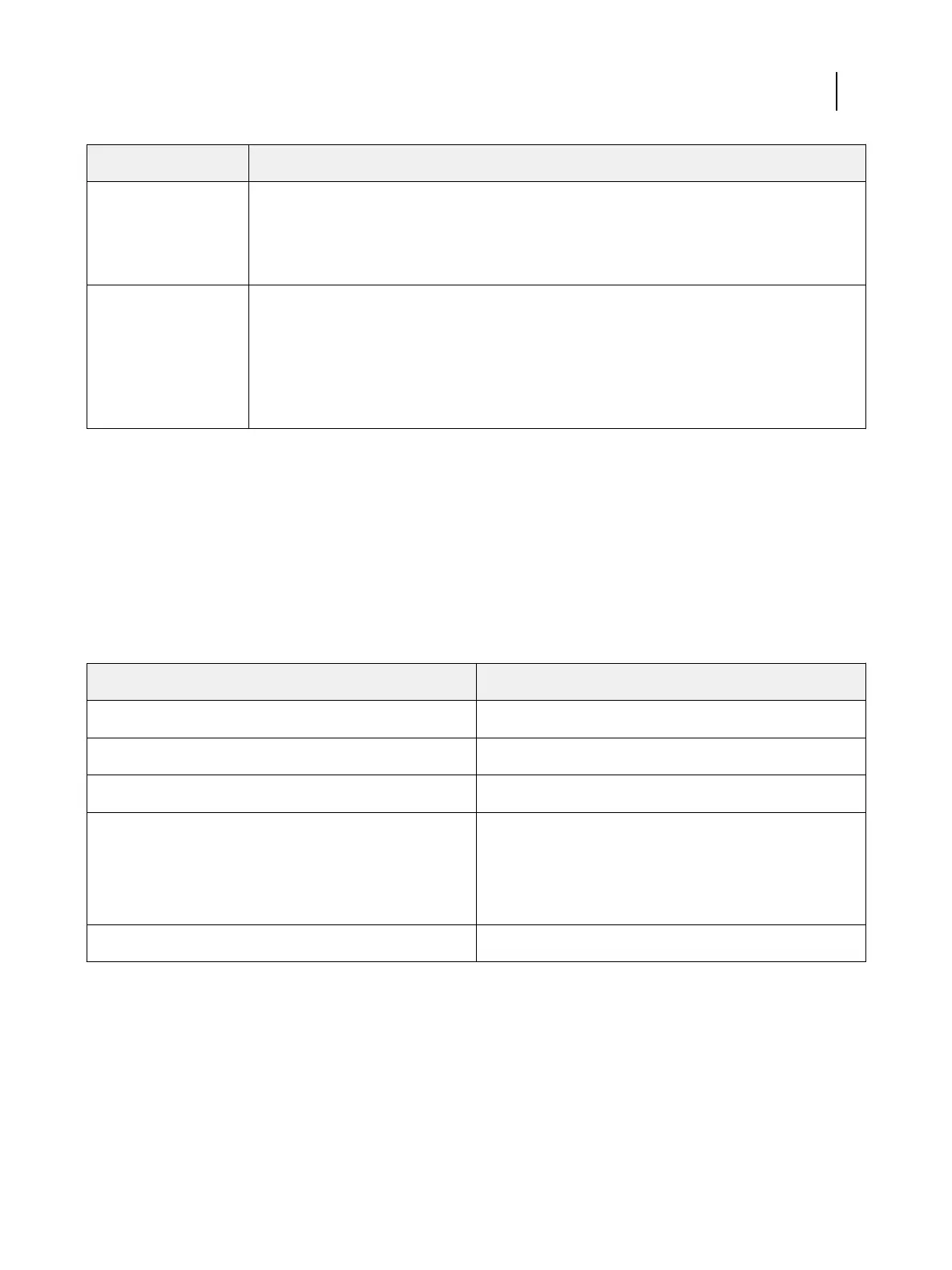
Resource Description
Online help
•
Help can be accessed directly from each Fiery application or by going to help.efi.com.
•
Each help system is available as a printable PDF, accessed from the PDF icon in the upper right
corner of the Help window.
Additional reference
material
•
Fiery Color Reference - help.efi.com/ref/colorref/en-us/
•
Variable Data Printing - help.efi.com/ref/vdp/en-us/
•
Workflow Examples - help.efi.com/ref/workflows/en-us/
•
Configure Help - help.efi.com/configure/3.0/en-us/
Fiery Productivity Package
Fiery Productivity Package is installed with Command WorkStation and most Fiery Productivity Package features are
accessible from Command WorkStation.
Production features
The production features include:
Feature
Where to set values or access
Fiery JDF Command WorkStation
Fiery Hot Folders Fiery Hot Folders (application)
Virtual Printers Command WorkStation: Virtual Printers
Advanced job management features:
•
Print Next
•
Process Next
Command WorkStation: Job Center
Fiery JobFlow Base Fiery JobFlow (application)
For information about Hot Folders, see Hot Folders Help.
For information about Fiery JobFlow Base, see Utilities.
Fiery Productivity Package
Introduction
6



 To Next Page