Introduction
This document describes tasks that must be completed or coordinated by the administrator of the Fiery
®
ES IC-418.
The procedures in this document require the following conditions:
•
The Fiery ES is installed at the site and confirmed as operational by the service technician.
•
The Fiery ES is connected to the network, a power source, and the printer.
•
The printer is powered and operational.
Note: For information about how to configure the printer, see the documentation accompanying the printer.
Terminology, conventions, and documentation resources
This document uses the following terminology and conventions to refer to the Fiery
®
ES IC-418, printer, and
supported operating systems.
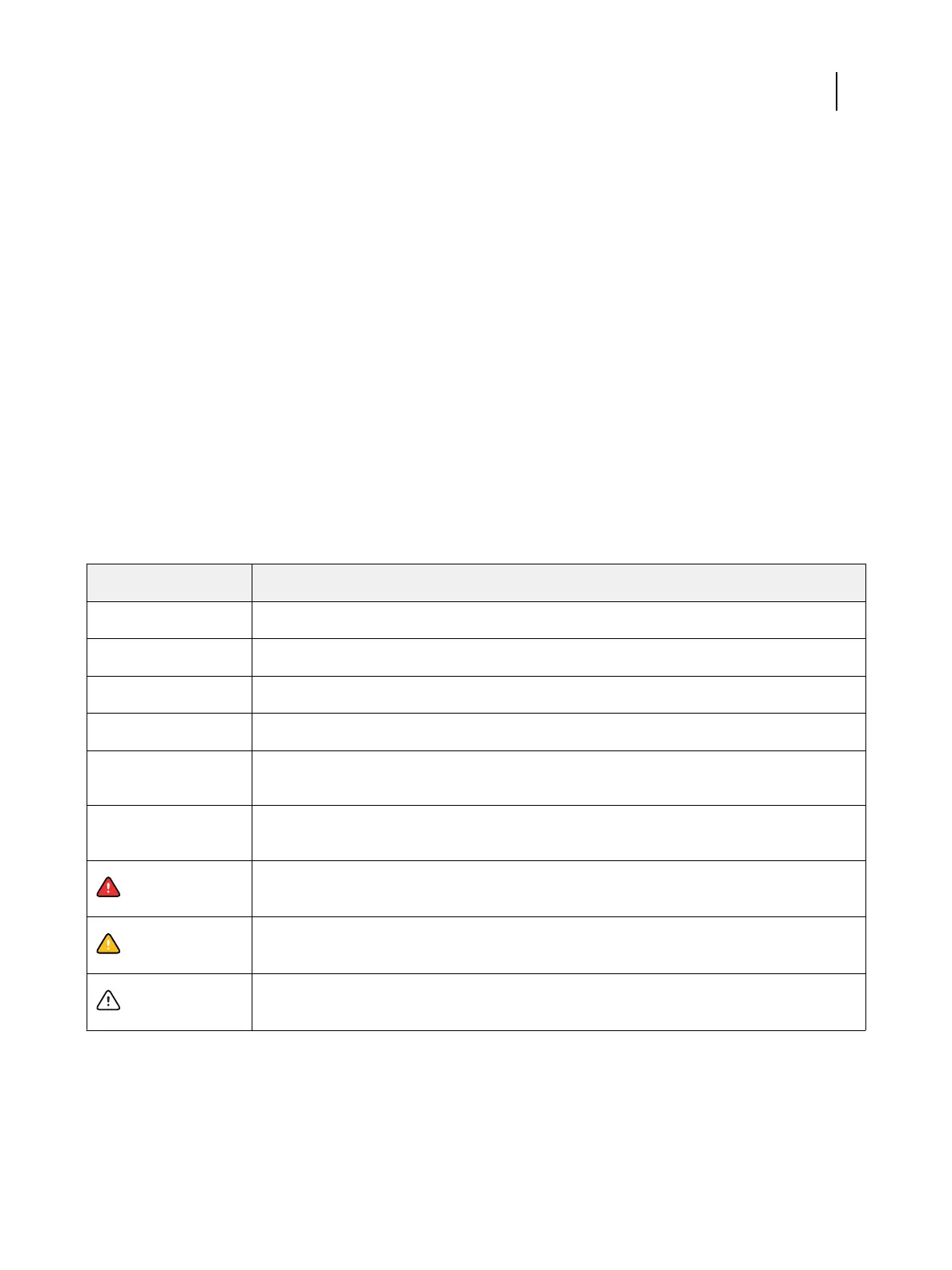
Term or convention
Refers to
Aero Fiery ES (in illustrations and examples)
Command WorkStation Fiery Command WorkStation
Printer MFP
Fiery ES Fiery
®
ES IC-418
Mac OS All supported Mac operating systems. For a complete list, see System Requirements in
Configuration and Setup.
Windows All supported Windows operating systems. For a complete list, see System Requirements in
Configuration and Setup.
Warning:
A warning concerning operations that may lead to death or injury to persons if not performed
correctly. To use the equipment safely, always pay attention to these warnings.
Caution:
A caution concerning operations that may lead to injury to persons if not performed correctly. To
use the equipment safely, always pay attention to these cautions.
Important:
Operational requirements and restrictions. Be sure to read these items carefully to operate the
equipment correctly, and avoid damage to the equipment or property.
Configuration and Setup
Introduction
5



 To Next Page