Print options that affect CMYK
data
Print options that affect RGB
data
Print options that affect
grayscale data
Print options that
affect spot-color
data
Black overprint Black overprint
Print CMYK gray using black only
Print RGB gray using black only Print gray using black
only
Output profile
Output profile Output profile
RGB Source applies strictly to RGB color data. The other options that affect RGB color also affect Lab, XYZ, and
other calibrated color spaces, which are more rarely used.
If a job contains calibrated CMYK (CIEBasedDEFG) data, the CMYK processing options are not used. Instead, the
RGB/Lab Rendering Intent print option, which normally affects only RGB data, is used to process the calibrated
CMYK data.
Auto trapping
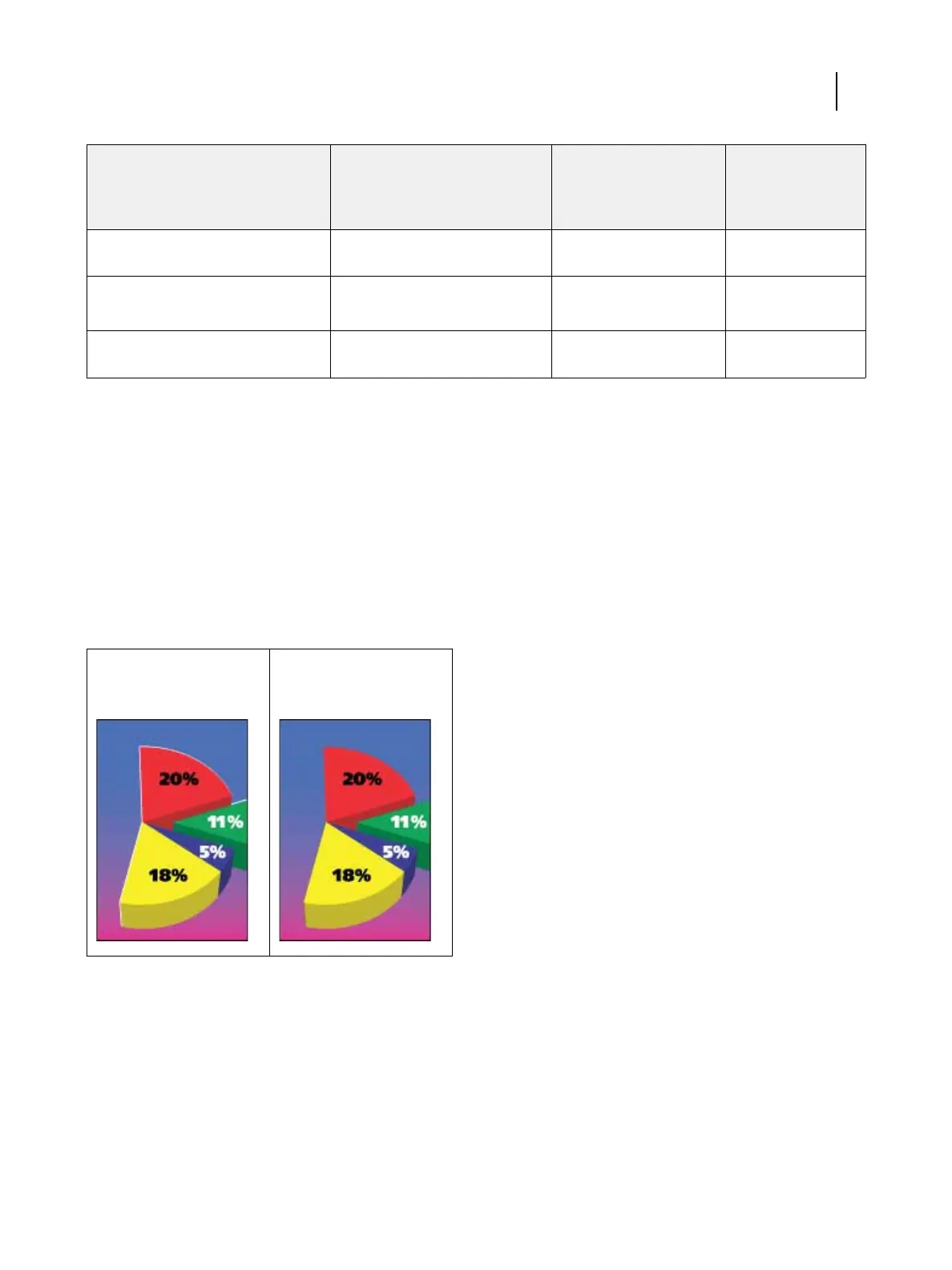
Trapping is a technique where the size of objects is modified so that colors printed next to each other overlap
slightly, to prevent white spaces between two colors. These white spaces can be caused by factors such as
misregistration, the physical properties of the ink or toner, and the stiffness of the media.
Figure 1: Auto trapping off Figure 2: Auto trapping on
If you turn on the Auto trapping option, trapping is applied to all of the objects in a job.
The Fiery ES has default trapping values that are optimized for a Fiery-driven print device using regular paper.
If the default trapping values do not provide the results necessary for the media that you use, you can modify the
values to meet your requirements in Command WorkStation with the configurable auto trapping feature.
Configurable auto trapping is part of Fiery Productivity Package. For more information about configurable auto
trapping, see Fiery Productivity Package.
Color Printing
Color print options
10



 To Next Page