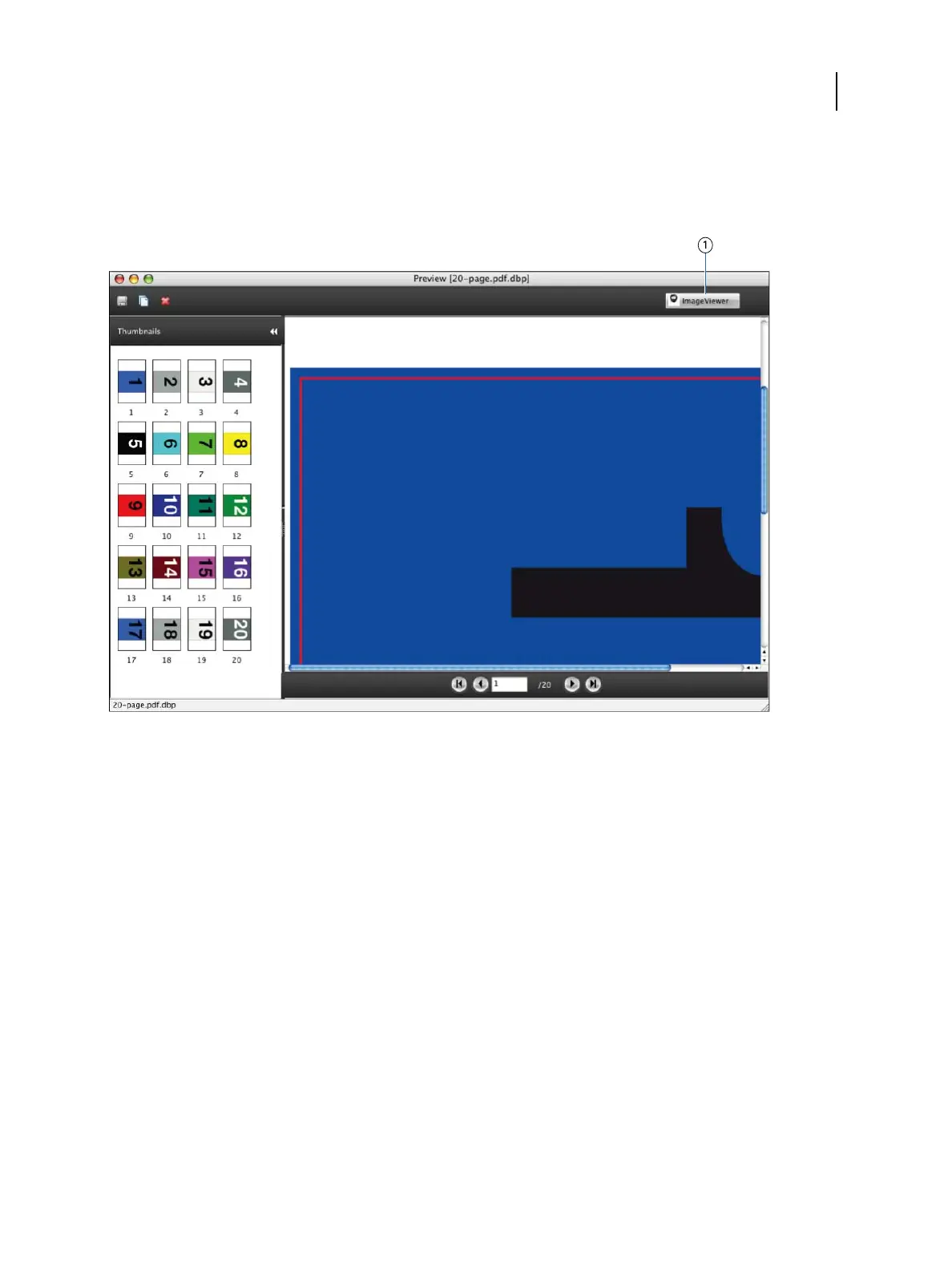
3 Select Actions > Preview or right-click the job and select Preview.
4
To start ImageViewer, select the thumbnail of the page that you want to soft proof, and then click the
ImageViewer button.
Callout Refers to
1 ImageViewer button
Monitor settings
This feature requires that a job be displayed with correct colors on your monitor. To display the colors correctly on
your monitor, you must set up the monitor according to the manufacturer’s recommendations, and specify the
correct monitor profile for your monitor.
Specify the following settings for the monitor:
•
On the monitor: Brightness, Contrast, and Color Temperature
•
In the operating system: Resolution, Refresh rate, and Number of colors
For more information about setting up the monitor and the monitor profile, see the documentation that
accompanies the monitor.
Fiery Productivity Package
ImageViewer
14



 To Next Page