Color and graphic arts features
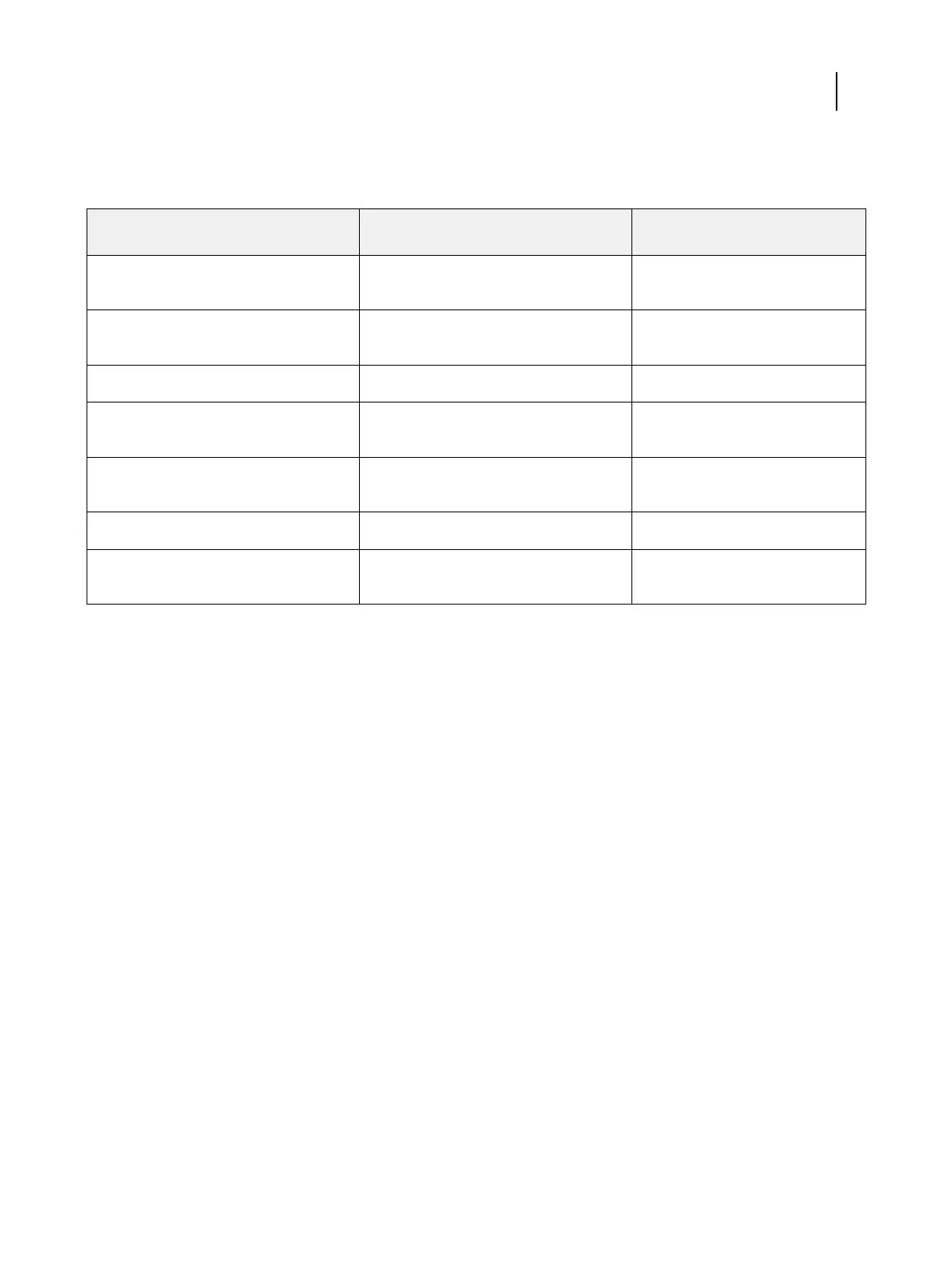
The color and graphic arts features include:
Feature Where to set values or access Print option name
Auto trapping (with customization and
rich black)
Command WorkStation: Device Center:
Color Setup: Trapping
Auto trapping
Control bar Command WorkStation: Device Center:
Color Setup: Control Bar
Control bar
Hot Folders file filters Hot Folders none
ImageViewer Command WorkStation: Job Center:
ImageViewer
none
Image Enhance Visual Editor Command WorkStation: Job Center:
Image Enhance Visual Editor
none
Postflight none
Postflight
Spot-On (spot color manager) Command WorkStation: Device Center:
Resources: Spot Colors
none
For information about Hot Folders file filters, see Hot Folders Help.
For information about Spot-On, see Color Printing.
Feature activation
The Fiery Productivity Package option must be activated at the Fiery ES before you can access its features from your
computer. An administrator activates the option at your site using the software licensing feature in Command
WorkStation or in WebTools.
Check activation status
•
To check if an optional feature is activated at the Fiery ES, do one of the following:
• Print the Configuration page (see Configuration and Setup).
• In Command WorkStation Device Center, check the General Info tab.
• In Command WorkStation Device Center, go to the Server Configuration tab and check the list of installed
options in the BIOS Setup section under RIP.
Fiery Productivity Package
Introduction
7



 To Next Page